







Question: I am doing a project on adobe animate, where I am inserting pictures with text, and having them fade in. I can't figure out how
I am doing a project on adobe animate, where I am inserting pictures with text, and having them fade in.
I can't figure out how to insert another picture after the first one.
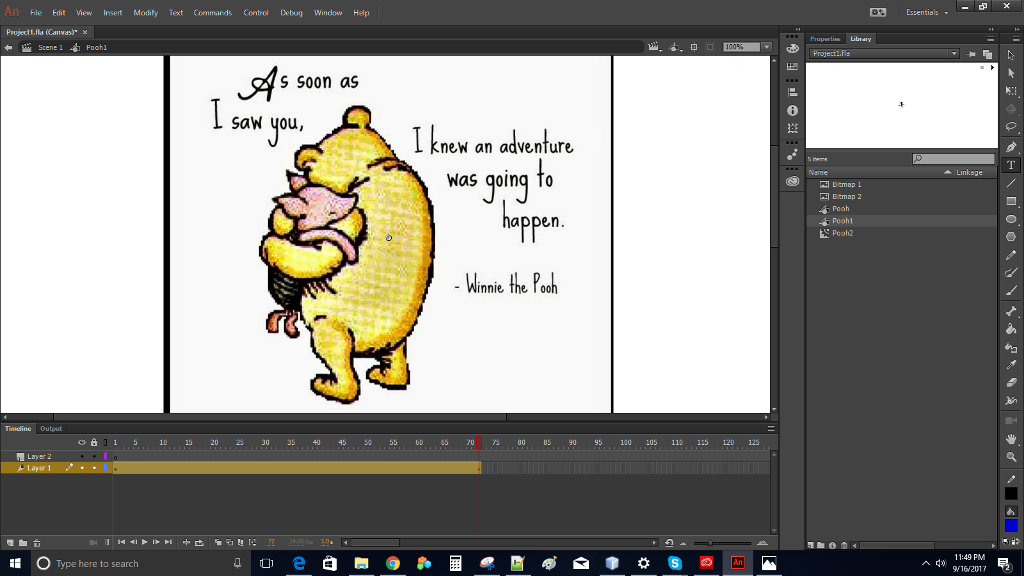
I zoomed in on my timeline at the bottom, and the files on the right-hand side, as it is hard to see in the first picture.:

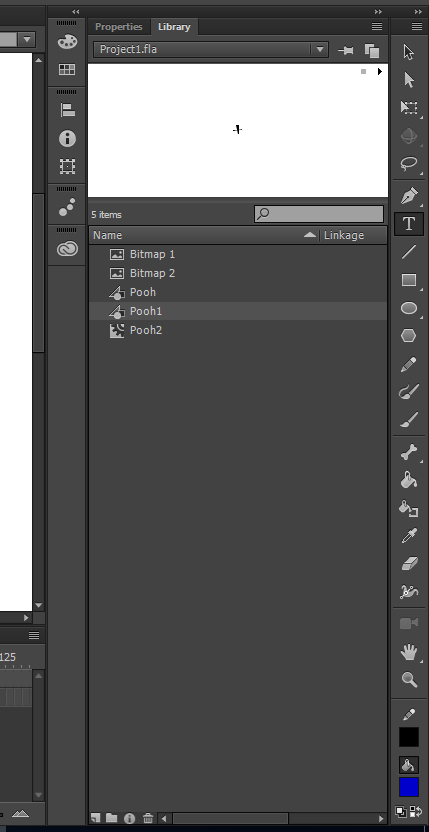
This is all I have right now. How do I put multiple pictures on here?
An File Edit iew Insert Modity Text Commands Control Debug Window Help Projectt.fla (Canvasx Scene 1 3 Essentials - Prupartis Library Foohl S Soon as SaW you, I kne an adventure Was qoing to Btmap 2 Pooh Pooh! Puoh2 appen - Winnie an Timdine Output 151015 202330 35 40 45 50 55 60 65 70 0 B5 90 95 100 105 110 115 120 Layer 2 11:49 PM Type here to search 9V16 2017
Step by Step Solution
There are 3 Steps involved in it

Get step-by-step solutions from verified subject matter experts
 Study Help