



Question: I am only looking for the MovingBall class. I have everything else. I've attached the BallMethods class for reference. Let me know if you need
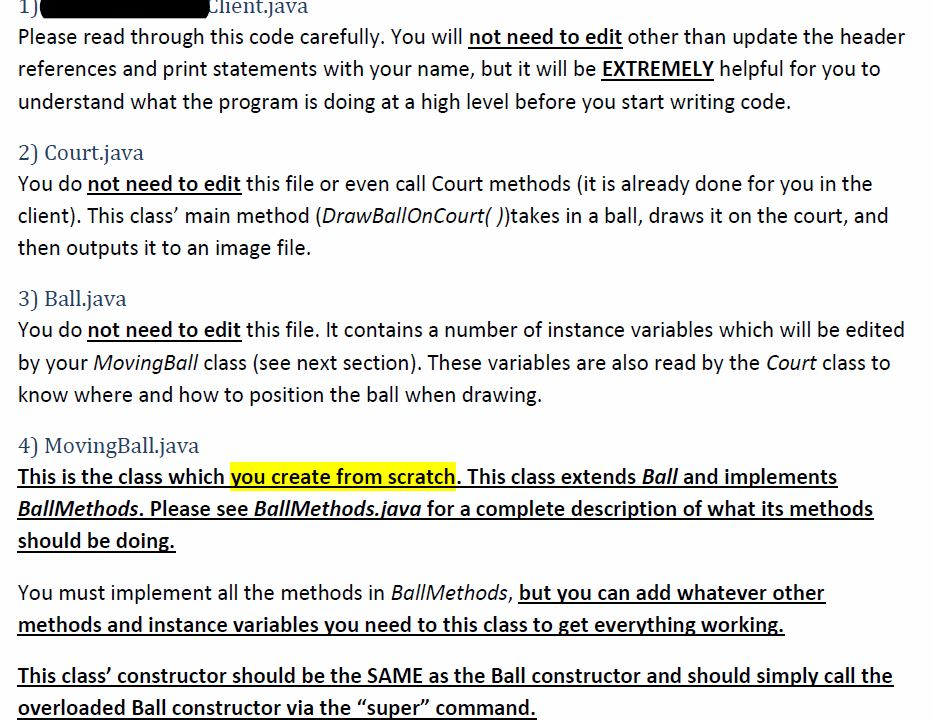
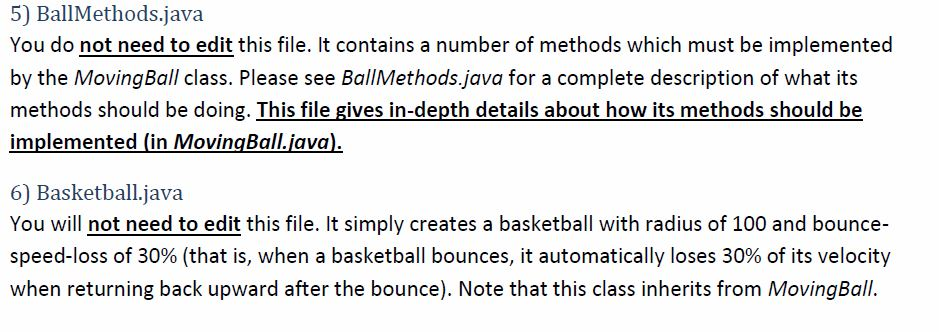
I am only looking for the MovingBall class. I have everything else. I've attached the BallMethods class for reference. Let me know if you need any addidtional info. Thanks in advance!
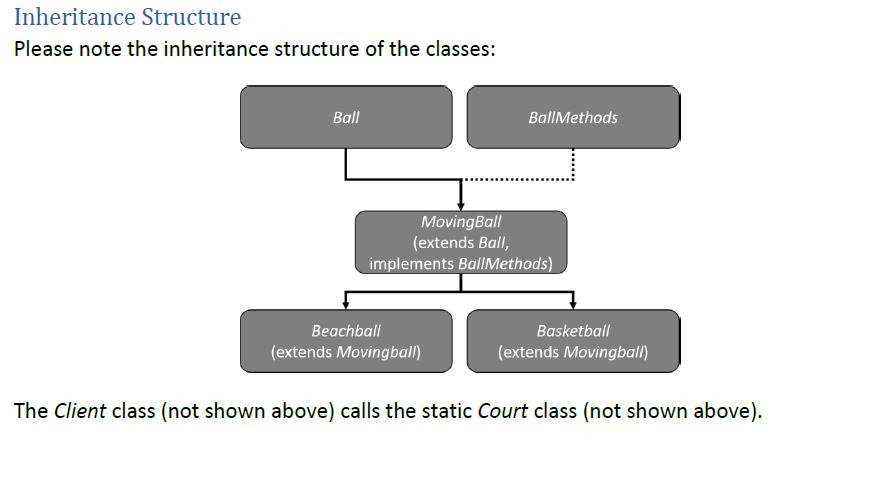
Here is the BallMethods class:
public interface BallMethods
{
/////////////////////////////////////////////////////////////////////////////
// Throw the ball. This method does not really move the ball, but just SETS
// it off on its throw. Thus, it merely sets the following internal params:
// - Ball's horizontal velocity (xVelocity) to the hVelocity passed
// in, which is in pixels-per-frame
// - Ball's vertical velocity (yVelocity) to 0 pixels-per-frame
// - Ball's height of it's center (ballCenterY) to the startingHeight,
// which is in pixels
// - Ball's x position (in pixels) of it's center (ballCenterX) to a
// point that places the ball just off the screen
void ThrowBall(double hVelocity, double startingHeight);
/////////////////////////////////////////////////////////////////////////////
// Roll the ball. This method does not really move the ball, but just SETS
// it off on its roll. Thus, it merely sets the following internal params:
// - Ball's horizontal velocity (xVelocity) to the hVelocity passed
// in, which is in pixels-per-frame
// - Ball's height of it's center (ballCenterY) to point so that the
// ball appears to be sitting on the ground
// - Ball's x position (in pixels) of it's center (ballCenterX) to a
// point that places the ball just off the screen
void RollBall(double hVelocity);
/////////////////////////////////////////////////////////////////////////////
// Move the ball to the right one frame. This is essentially moving the ball
// a number of pixels which is equal to the ball's xVelocity (which was set
// earlier by the RollBall method).
//
// The ball must also rotate at the CORRECT rate (e.g., if the circumference of
// a ball is 300 pixels (can compute from the ball's radius), then the ball
// must make one full rotation after moving 300 pixels.
void AdvanceRollingBallSingleFrame();
/////////////////////////////////////////////////////////////////////////////
// Move the ball to the right one frame. This is essentially moving the ball
// a number of pixels which is equal to the ball's xVelocity (which was set
// earlier by the ThrowBall method.
//
// The ball must also FALL with an acceleration of 9.8pixels/(frame*frame). That is,
// each time the ball is advanced, it's vertical velocity is also updated using the
// following velocity equation derived from physics:
// newVelocity = initialVelocity + 9.8 (we'll assume time always = 1 frame)
//
// When the ball hits the ground, it immediately loses some percent of it's speed,
// according to the bounceSpeedLoss (see below) variable in the Ball class, and then
// changes it's direction to start moving up. The ball will then begin to decelerate
// using the following equation:
// newVelocity = initialVelocity - 9.8 (we'll assume time always = 1 frame)
//
// NOTE: bounceSpeedLoss will be a number between 0-1. It should be applied as follows:
// vVelocity = vVelocity * (1 - bounceSpeedLoss);
// Thus, if your velocity was 10, and bounceSpeedLoss was .15, the new velocity will
// be 8.5.
//
// Once the ball's velocity reaches 0 on it's upward trajectory, it simply changes direction
// to start falling again.
//
// After a few bounces, the ball eventually bounces lower and lower. When you determine that the ball is
// not bouncing very high anymore, then the ball should set the internal variable ballStillBouncing to
// false. There are a number of ways to do this; for instance, you could examine the ball's vertical position
// at its peek to see if it is low, or you could examine the velocity at which the ball is bouncing back up
// as it hits the ground (for example, if the vertical velocity is very low when bouncing back up, it tells you
// the ball is essentially done bouncing.
void AdvanceThrownBallSingleFrame();
/////////////////////////////////////////////////////////////////////////////
// This method simply returns ballStillBouncing
boolean IsThrownBallStillBouncing();
}
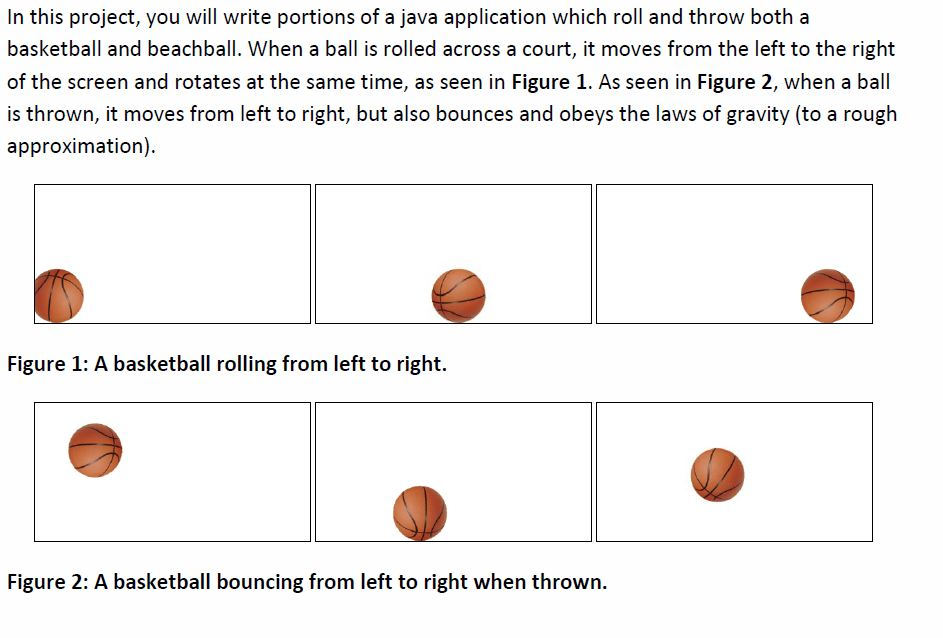
In this project, you will write portions of a java application which roll and throw both a basketball and beachball. When a ball is rolled across a court, it moves from the left to the right of the screen and rotates at the same time, as seen in Figure 1. As seen in Figure 2, when a ball is thrown, it moves from left to right, but also bounces and obeys the laws of gravity (to a rough approximation) Figure 1: A basketball rolling from left to right. Figure 2: A basketball bouncing from left to right when thrown
Step by Step Solution
There are 3 Steps involved in it

Get step-by-step solutions from verified subject matter experts