Question: I am required to solve this problem using MatLab. Problem Specification You are asked to write a program that generates a tongue twister by substituting
I am required to solve this problem using MatLab.
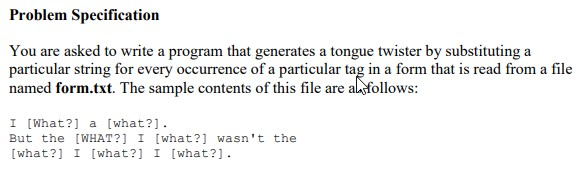
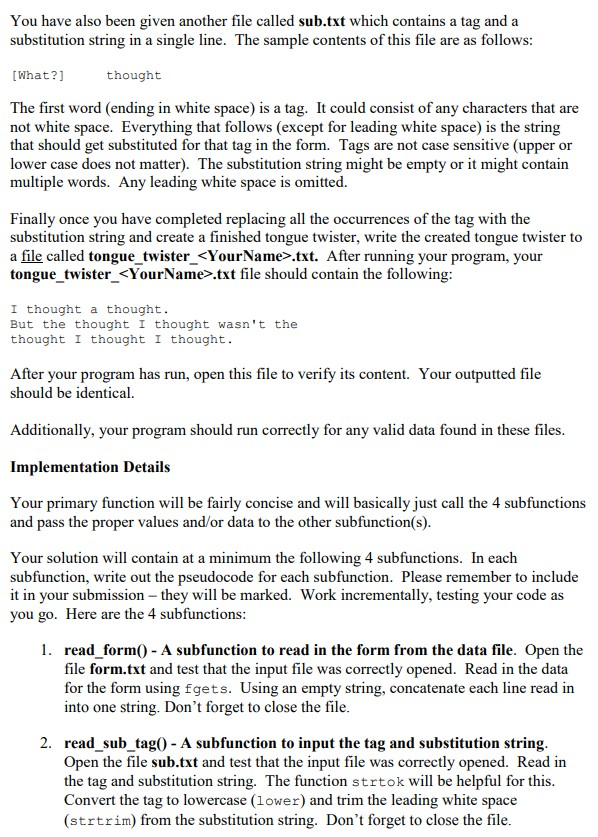
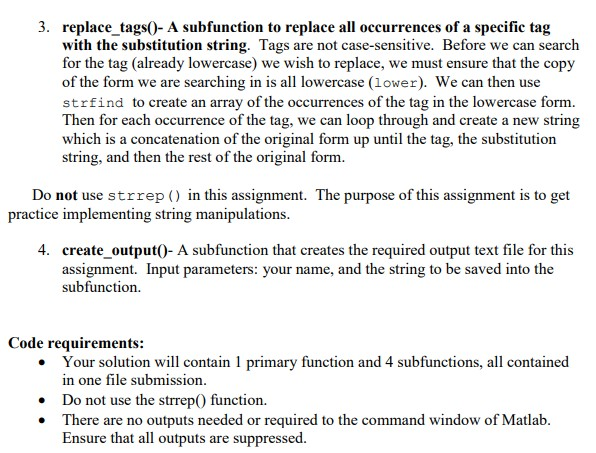
Problem Specification You are asked to write a program that generates a tongue twister by substituting a particular string for every occurrence of a particular tag in a form that is read from a file named form.txt. The sample contents of this file are alfollows I [What?] a [what?]. But the [WHAT?] I [what?] wasn't the what?] I [what?] I [what?] You have also been given another file called sub.txt which contains a tag and a substitution string in a single line. The sample contents of this file are as follows [What?] thought The first word (ending in white space) is a tag. It could consist of any characters that are not white space. Everything that follows (except for leading white space) is the string that should get substituted for that tag in the form. Tags are not case sensitive (upper or lower case does not matter). The substitution string might be empty or it might contain multiple words. Any leading white space is omitted. Finally once you have completed replacing all the occurrences of the tag with the substitution string and create a finished tongue twister, write the created tongue twister to a file called tongue twister_.txt. After running your program, your tongue-twister.txt file should contain the following: I thought a thought. But the thought I thought wasn't the thought I thought I thought. After your program has run, open this file to verify its content. Your outputted file should be identical. Additionally, your program should run correctly for any valid data found in these files Implementation Details Your primary function will be fairly concise and will basically just call the 4 subfunctions and pass the proper values and/or data to the other subfunction(s) Your solution will contain at a minimum the following 4 subfunctions. In each subfunction, write out the pseudocode for each subfunction. Please remember to include it in your submission - they will be marked. Work incrementally, testing your code as you go. Here are the 4 subfunctions 1. read form0 A subfunction to read in the form from the data file. Open the file form.txt and test that the input file was correctly opened. Read in the data for the form using fgets. Using an empty string, concatenate each line read in into one string. Don't forget to close the file 2. read sub_tag0 - A subfunction to input the tag and substitution string Open the file sub.txt and test that the input file was correctly opened. Read in the tag and substitution string. The function strtok will be helpful for this Convert the tag to lowercase (lower) and trim the leading white space (strtrim) from the substitution string. Don't forget to close the file 3. replace tags0- A subfunction to replace all occurrences of a specific tag with the substitution string. Tags are not case-sensitive. Before we can search for the tag (already lowercase) we wish to replace, we must ensure that the copy of the form we are searching in is all lowercase (lower). We can then use strfind to create an array of the occurrences of the tag in the lowercase form. Then for each occurrence of the tag, we can loop through and create a new string which is a concatenation of the original form up until the tag, the substitution string, and then the rest of the original form Do not use strrep () in this assignment. The purpose of this assignment is to get practice implementing string manipulations 4. create output0- A subfunction that creates the required output text file for thi:s assignment. Input parameters: your name, and the string to be saved into the subfunction. Code requirements: Your solution will contain 1 primary function and 4 subfunctions, all contained n one file submission . Do not use the strrep0 function. . There are no outputs needed or required to the command window of Matlab Ensure that all outputs are suppressed. Problem Specification You are asked to write a program that generates a tongue twister by substituting a particular string for every occurrence of a particular tag in a form that is read from a file named form.txt. The sample contents of this file are alfollows I [What?] a [what?]. But the [WHAT?] I [what?] wasn't the what?] I [what?] I [what?] You have also been given another file called sub.txt which contains a tag and a substitution string in a single line. The sample contents of this file are as follows [What?] thought The first word (ending in white space) is a tag. It could consist of any characters that are not white space. Everything that follows (except for leading white space) is the string that should get substituted for that tag in the form. Tags are not case sensitive (upper or lower case does not matter). The substitution string might be empty or it might contain multiple words. Any leading white space is omitted. Finally once you have completed replacing all the occurrences of the tag with the substitution string and create a finished tongue twister, write the created tongue twister to a file called tongue twister_.txt. After running your program, your tongue-twister.txt file should contain the following: I thought a thought. But the thought I thought wasn't the thought I thought I thought. After your program has run, open this file to verify its content. Your outputted file should be identical. Additionally, your program should run correctly for any valid data found in these files Implementation Details Your primary function will be fairly concise and will basically just call the 4 subfunctions and pass the proper values and/or data to the other subfunction(s) Your solution will contain at a minimum the following 4 subfunctions. In each subfunction, write out the pseudocode for each subfunction. Please remember to include it in your submission - they will be marked. Work incrementally, testing your code as you go. Here are the 4 subfunctions 1. read form0 A subfunction to read in the form from the data file. Open the file form.txt and test that the input file was correctly opened. Read in the data for the form using fgets. Using an empty string, concatenate each line read in into one string. Don't forget to close the file 2. read sub_tag0 - A subfunction to input the tag and substitution string Open the file sub.txt and test that the input file was correctly opened. Read in the tag and substitution string. The function strtok will be helpful for this Convert the tag to lowercase (lower) and trim the leading white space (strtrim) from the substitution string. Don't forget to close the file 3. replace tags0- A subfunction to replace all occurrences of a specific tag with the substitution string. Tags are not case-sensitive. Before we can search for the tag (already lowercase) we wish to replace, we must ensure that the copy of the form we are searching in is all lowercase (lower). We can then use strfind to create an array of the occurrences of the tag in the lowercase form. Then for each occurrence of the tag, we can loop through and create a new string which is a concatenation of the original form up until the tag, the substitution string, and then the rest of the original form Do not use strrep () in this assignment. The purpose of this assignment is to get practice implementing string manipulations 4. create output0- A subfunction that creates the required output text file for thi:s assignment. Input parameters: your name, and the string to be saved into the subfunction. Code requirements: Your solution will contain 1 primary function and 4 subfunctions, all contained n one file submission . Do not use the strrep0 function. . There are no outputs needed or required to the command window of Matlab Ensure that all outputs are suppressed









 Study Help