



Question: I am struggling on an excel project. Can someone do this and send me the file? There is many steps. Please let me know if
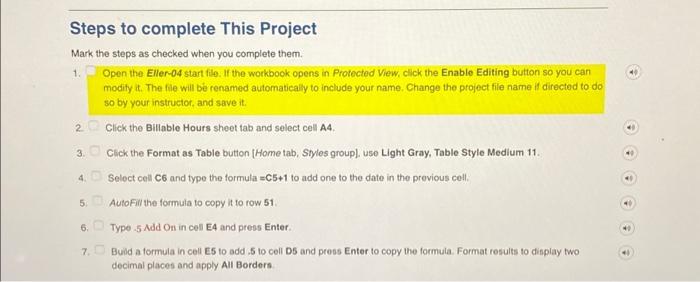
Steps to complete This Project Mark the steps as checked when you complete them. 1. Open the Eller-04 start file. If the workbook opens in Protected View, click the Enable Editing button so you can modity it. The file will b renamed automatically to include your name. Change the project file name if directed to do so by your instructor, and save it. 2. Click the Billable Hours sheet tab and select cell A4. 3. Click the Format as Table button [Home tab, Styles group], use Light Gray, Table Style Medium 11. 4. Select cell C6 and type the formula =C5+1 to add one to the date in the previous cell. 5. AutoFill the formula to copy it to row 51. 6. Typo 5MddOOn in cell E4 and press Enter. 7. Build a formula in cell E5 to add, 5 to cell D5 and press Enter to copy the formula. Format results to display two decimal places and apply All Borders
Step by Step Solution
There are 3 Steps involved in it

Get step-by-step solutions from verified subject matter experts