







Question: I am using Spyder to do a Computer vision project, and I and getting the following error: ModuleNotFoundError: No module named 'numpy.core.multiarray' I still get
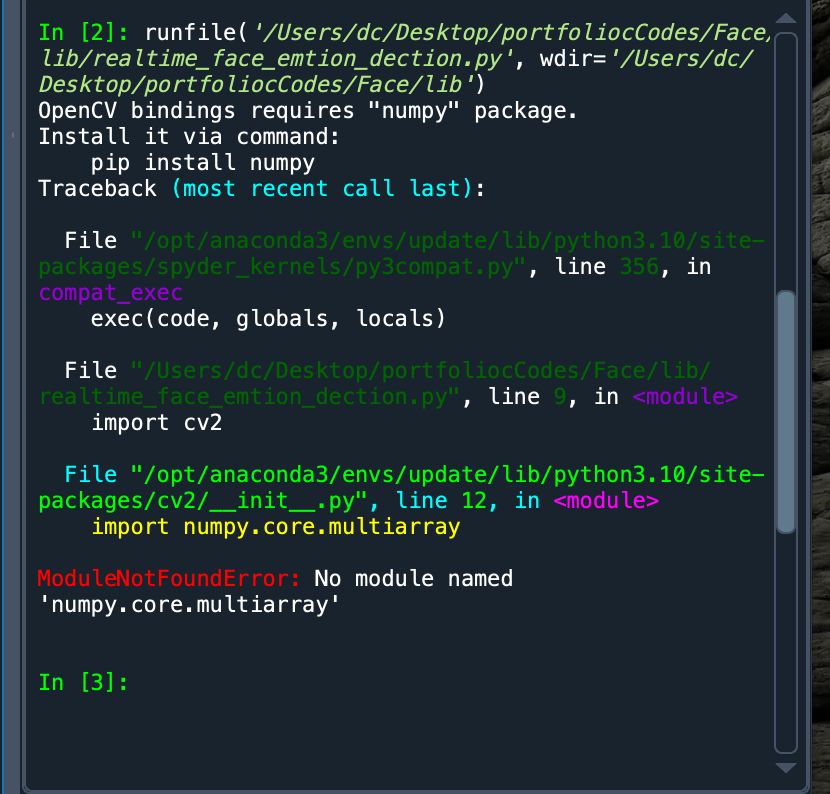
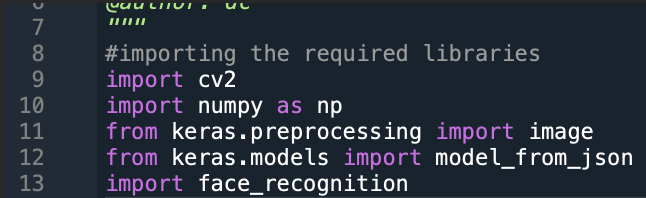
I am using Spyder to do a Computer vision project, and I and getting the following error: ModuleNotFoundError: No module named 'numpy.core.multiarray'
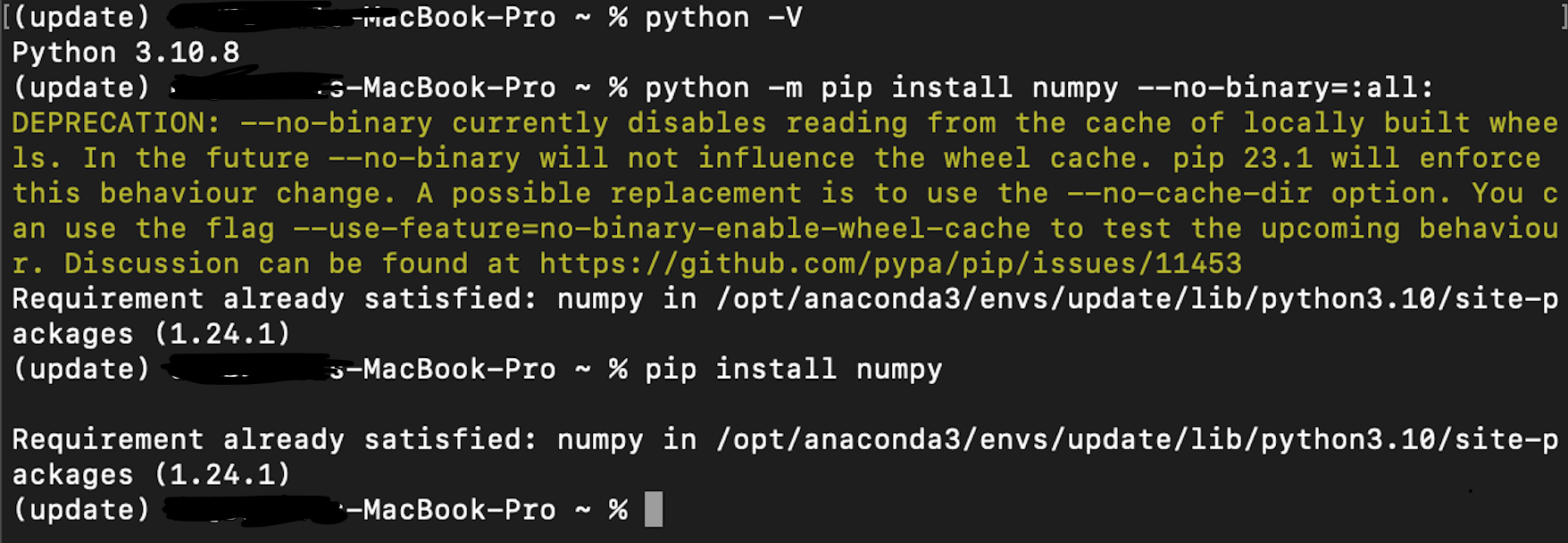
I still get this error, even after updating or checking the version or updating. Could someone please provide the steps to get this error to go away? (Using Mac only)
In [2]: runfile('/Users/dc/Desktop/portfoliocCodes/Face, lib/realtime_face_emtion_dection.py', wdir='/Users/dc/ Desktop/portfolioclodes/Face/lib') 0pencV bindings requires "numpy" package. Install it via command: pip install numpy Traceback (most recent call last): File "/opt/anaconda3/envs/update/lib/python3.10/sitepackages/spyder_kernels/py3compat.py", line 356, in compat_exec File "/Users/dc/Desktop/portfoliocCodes/Face/lib/ realtime_face_emtion_dection.py", line 9, in
Step by Step Solution
There are 3 Steps involved in it

Get step-by-step solutions from verified subject matter experts
 Study Help