







Question: I am using the on - object interaction preview.I am using the on - object interaction preview. The below visual, which is in
I am using the onobject interaction" preview.I am using the onobject interaction" preview.
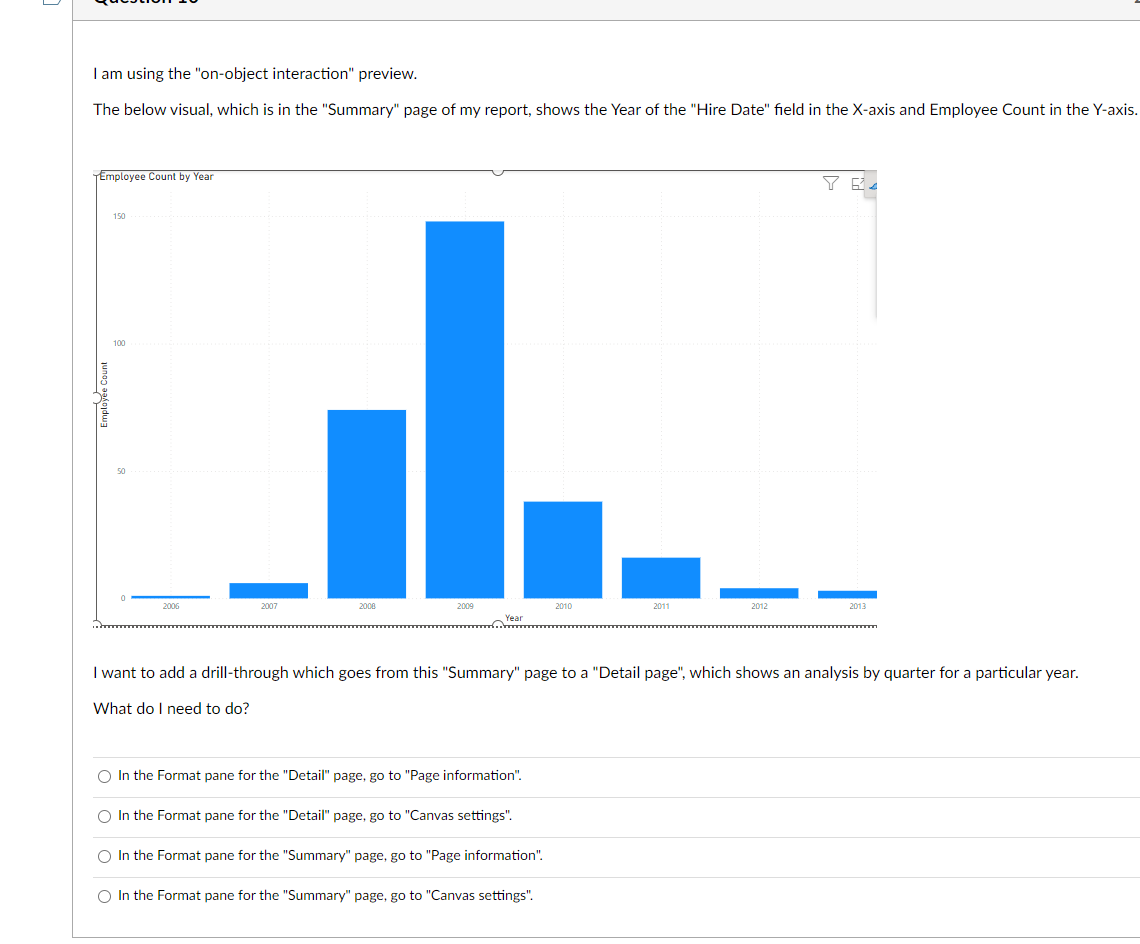
The below visual, which is in the "Summary" page of my report, shows the Year of the "Hire Date" field in the axis and Employee Count in the Yaxis.
I want to add a drillthrough which goes from this "Summary" page to a "Detail page", which shows an analysis by quarter for a particular year.
What do I need to do
In the Format pane for the "Detail" page, go to "Page information".
In the Format pane for the "Detail" page, go to "Canvas settings".
In the Format pane for the "Summary" page, go to "Page information".
In the Format pane for the "Summary" page, go to "Canvas settings".
The below visual, which is in the "Summary" page of my report, shows the Year of the "Hire Date" field in the axis and Employee Count in the Yaxis.
I want to add a drillthrough which goes from this "Summary" page to a "Detail page", which shows an analysis by quarter for a particular year.
What do I need to do
In the Format pane for the "Detail" page, go to "Page information".
In the Format pane for the "Detail" page, go to "Canvas settings".
In the Format pane for the "Summary" page, go to "Page information".
In the Format pane for the "Summary" page, go to "Canvas settings".
Step by Step Solution
There are 3 Steps involved in it
1 Expert Approved Answer
Step: 1 Unlock

Question Has Been Solved by an Expert!
Get step-by-step solutions from verified subject matter experts
Step: 2 Unlock
Step: 3 Unlock
 Study Help