



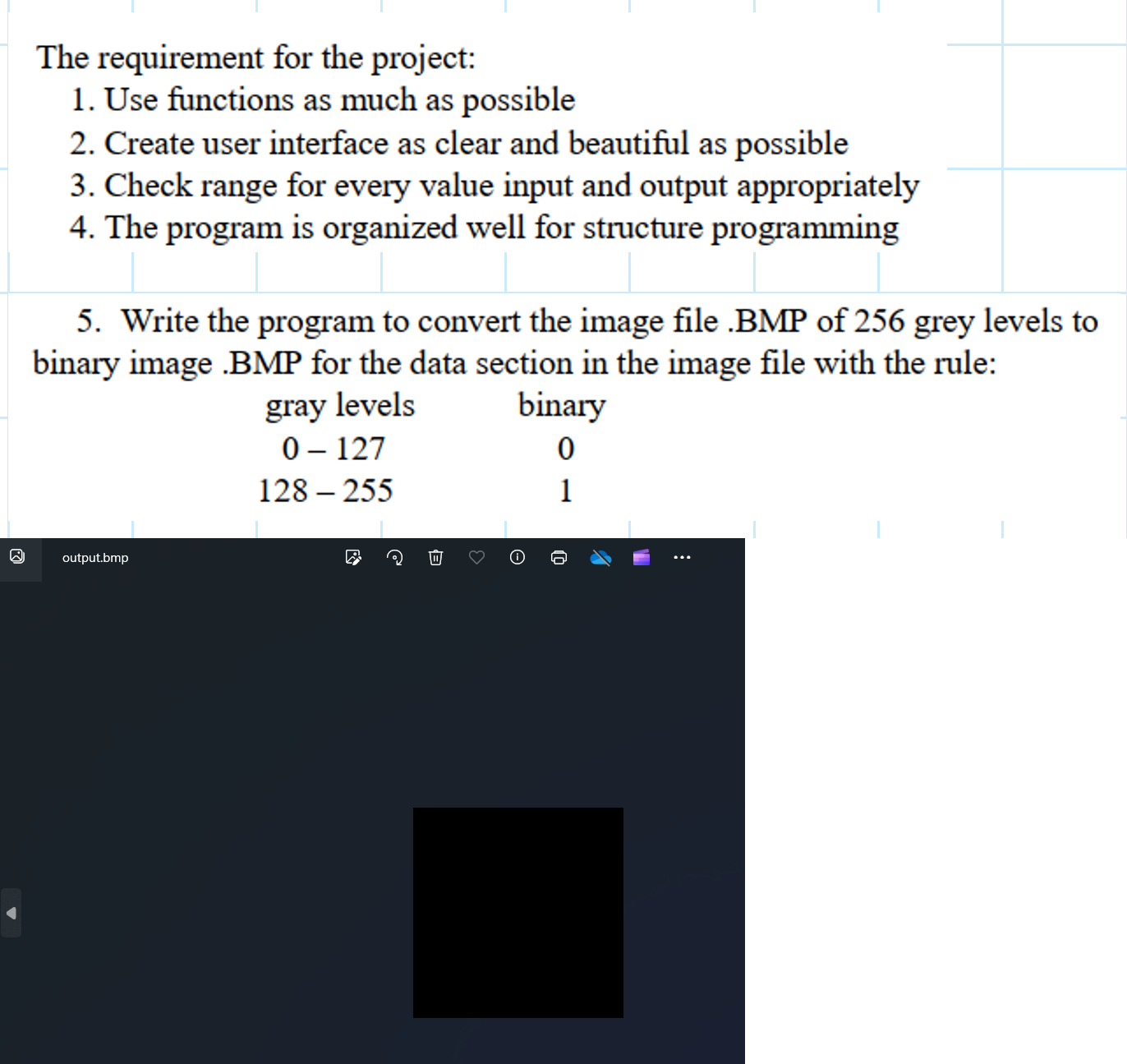
Question: I can't see the binary output in output.BMP the output is just black image, please help me fix below C code to see the binary
I can't see the binary output in output.BMP the output is just black image, please help me fix below C code to see the binary output:
#include
#include
#include
Function to read BMP file header
void readBMPHeaderFILE file uintt width uintt height
fseekfile SEEKSET;
freadwidth sizeofuintt file;
freadheight sizeofuintt file;
Function to convert grey level to binary
int greyToBinaryint greyLevel
return greyLevel : ;
Function to convert BMP image to binary
void convertToBinaryconst char inputFile const char outputFile
FILE input fopeninputFilerb;
FILE output fopenoutputFilewb;
if input NULL output NULL
printfError: Unable to open files.
;
exitEXITFAILURE;
uintt width, height;
readBMPHeaderinput &width, &height;
Write BMP header
fseekinput SEEKSET;
fseekoutput SEEKSET;
uintt header;
freadheader sizeofuintt input;
fwriteheader sizeofuintt output;
Iterate through each pixel
for int i ; i height; i
for int j ; j width; j
uintt pixel;
fread&pixel, sizeofuintt input;
int binaryPixel greyToBinaryintpixel;
fwrite&binaryPixel, sizeofuintt output;
fcloseinput;
fcloseoutput;
int main
const char inputFile "bird.bmp;
const char outputFile "output.bmp;
Convert BMP image to binary
convertToBinaryinputFile outputFile;
printfConversion completed successfully.
;
return ;
Step by Step Solution
There are 3 Steps involved in it
1 Expert Approved Answer
Step: 1 Unlock

Question Has Been Solved by an Expert!
Get step-by-step solutions from verified subject matter experts
Step: 2 Unlock
Step: 3 Unlock