







Question: I have the following java program. I want the track to count the number of moves and update the count by each move. As it
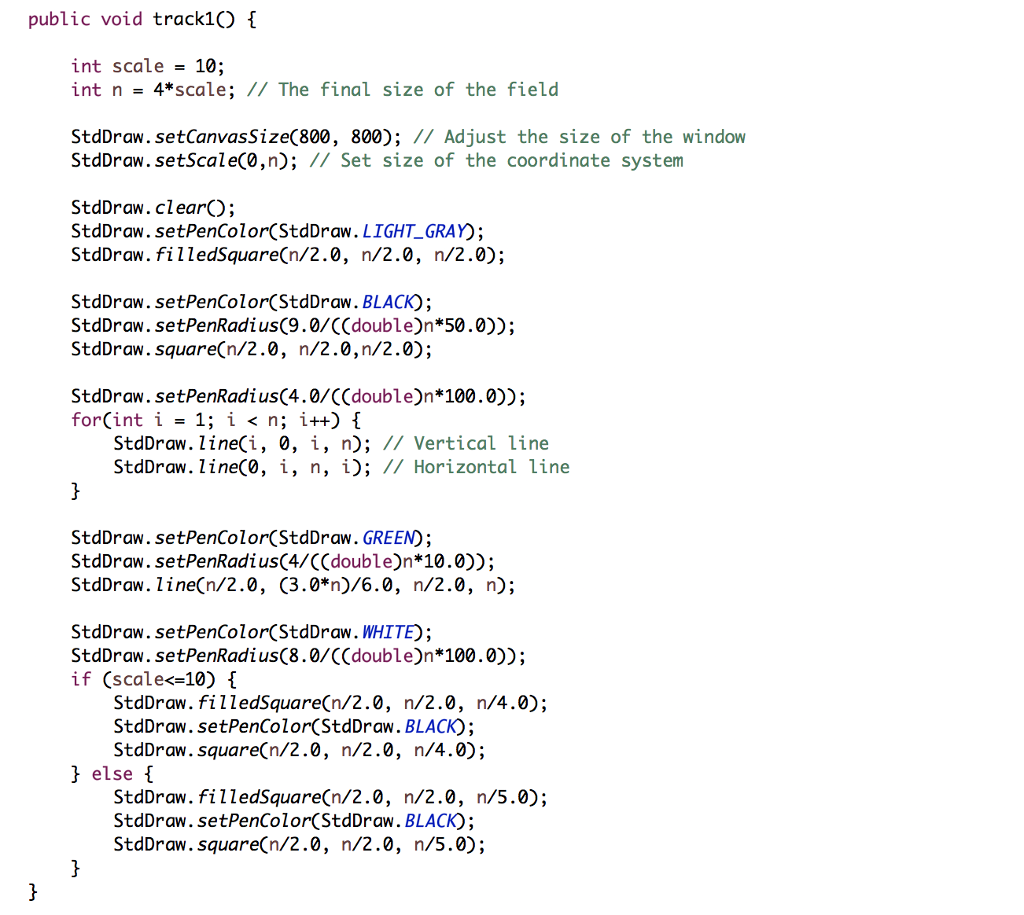
I have the following java program. I want the track to count the number of moves and update the count by each move. As it is now, it doesn't update the answer, it just writes over the old count.
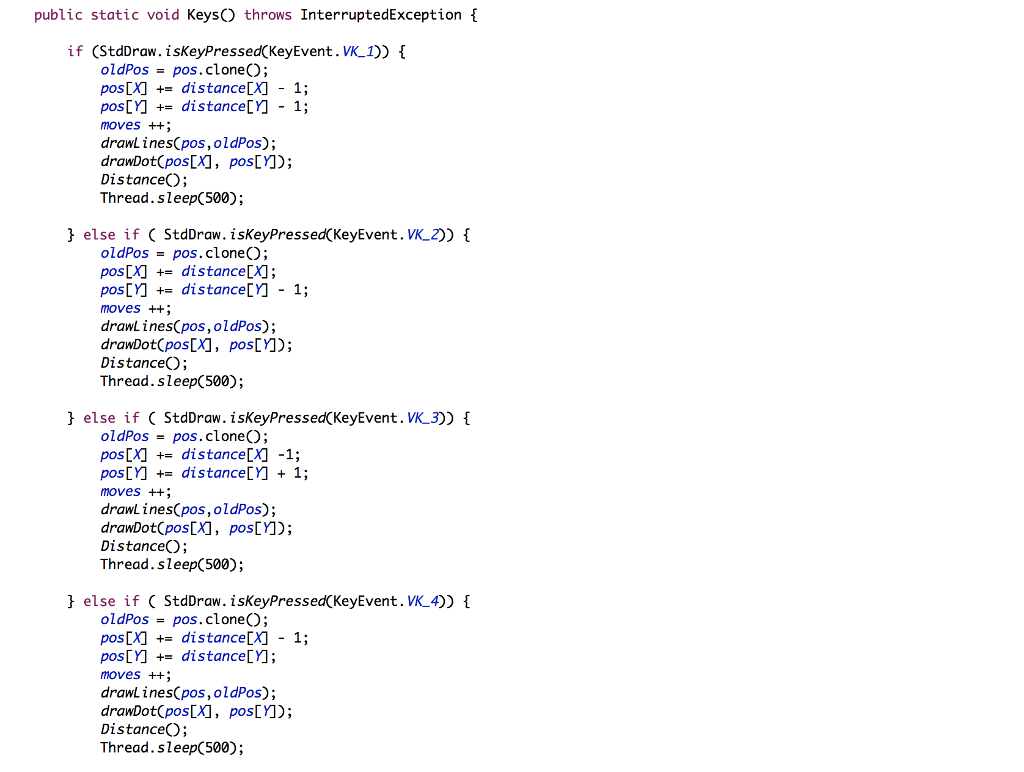
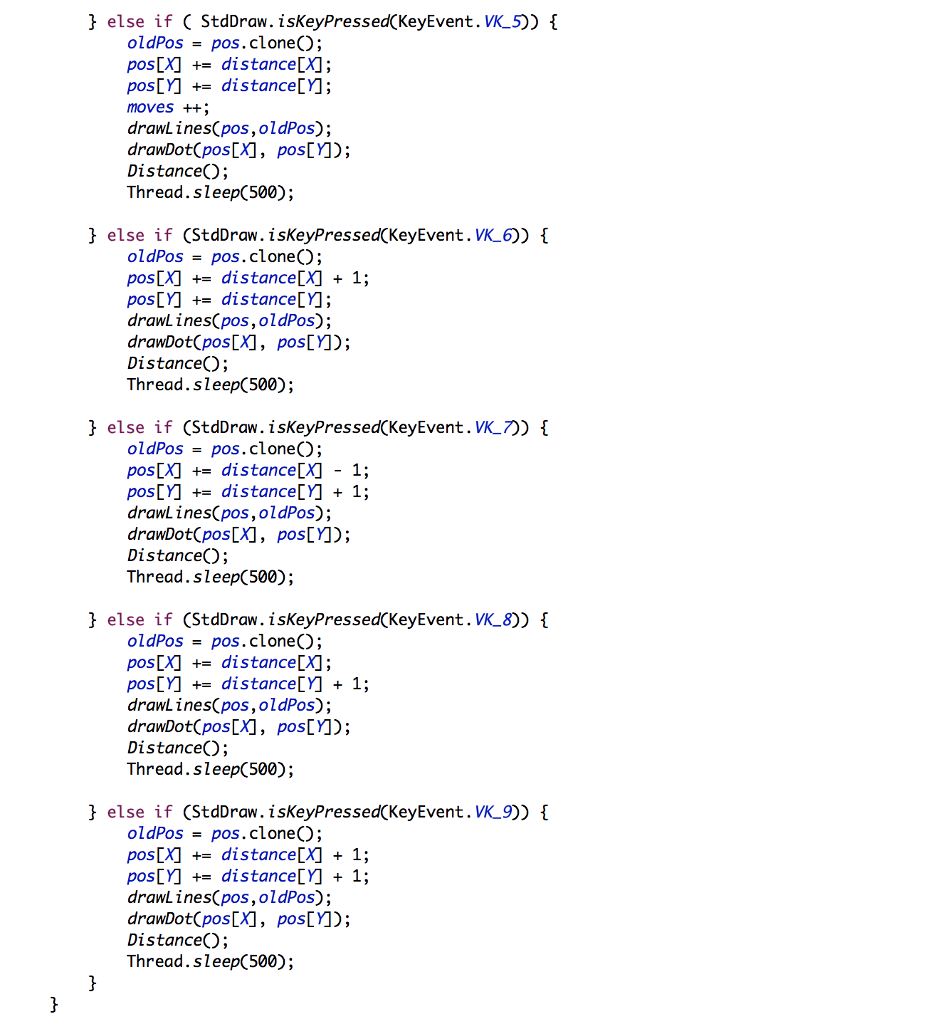

public static void KeysO throws InterruptedException if (StdDraw. isKeyPressed(KeyEvent. VK_1)) I oldPos pos.clone) pos[A] += distance[X)-1; pos[] += distance[]- 1; moves ++ drawL ines(pos,oldPos); drawDot(pos[X], pos[YM); Distance; Thread.sleep(500); j else if ( StdDraw. isKeyPressedCKeyEvent. VK_2)) oldPos = pos.clone(); pos[X) += distance[X); pos[distance[]- 1; moves ++ drawL ines(pos,oldPos); drawDot(pos[X, pos[YM); DistanceO; Thread. sleep(500); I else if ( StdDraw. isKeyPressed(KeyEvent.VK_3)) oldPos- pos. clone(); pos[X) +-distance[X) -1; posM += distance[Y] + 1; moves ++ drawLines(pos,oldPos); drawDot(pos[X1, pos[YM) DistanceO; Thread.sleep(500); t else if ( StdDraw. isKeyPressed(KeyEvent.VK_4)) oldPos = pos.clone(); pos[X) += distance[X) -1; posDYM +distanceLYA moves ++ drawLinesCpos,oldPos); drawDot(posDX], posLYM); Distance(O; Thread.sleep(500); public static void KeysO throws InterruptedException if (StdDraw. isKeyPressed(KeyEvent. VK_1)) I oldPos pos.clone) pos[A] += distance[X)-1; pos[] += distance[]- 1; moves ++ drawL ines(pos,oldPos); drawDot(pos[X], pos[YM); Distance; Thread.sleep(500); j else if ( StdDraw. isKeyPressedCKeyEvent. VK_2)) oldPos = pos.clone(); pos[X) += distance[X); pos[distance[]- 1; moves ++ drawL ines(pos,oldPos); drawDot(pos[X, pos[YM); DistanceO; Thread. sleep(500); I else if ( StdDraw. isKeyPressed(KeyEvent.VK_3)) oldPos- pos. clone(); pos[X) +-distance[X) -1; posM += distance[Y] + 1; moves ++ drawLines(pos,oldPos); drawDot(pos[X1, pos[YM) DistanceO; Thread.sleep(500); t else if ( StdDraw. isKeyPressed(KeyEvent.VK_4)) oldPos = pos.clone(); pos[X) += distance[X) -1; posDYM +distanceLYA moves ++ drawLinesCpos,oldPos); drawDot(posDX], posLYM); Distance(O; Thread.sleep(500)
Step by Step Solution
There are 3 Steps involved in it

Get step-by-step solutions from verified subject matter experts
 Study Help