







Question: i need a code in MIPS (u need tonuse this software Mars4_5 version) .. i need output that ask user to enter string, the show
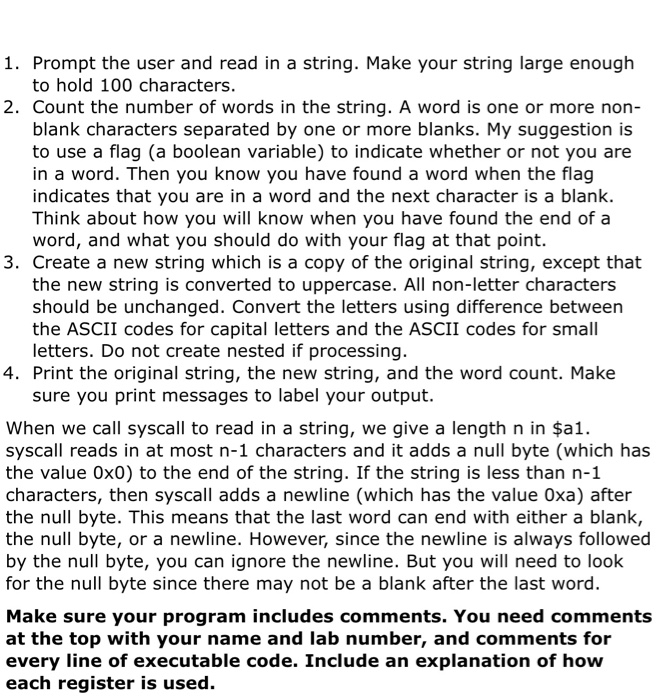
1. Prompt the user and read in a string. Make your string large enough to hold 100 characters. 2. Count the number of words in the string. A word is one or more non- blank characters separated by one or more blanks. My suggestion is to use a flag (a boolean variable) to indicate whether or not you are in a word. Then you know you have found a word when the flag indicates that you are in a word and the next character is a blank. Think about how you will know when you have found the end of a word, and what you should do with your flag at that point. 3. Create a new string which is a copy of the original string, except that the new string is converted to uppercase. All non-letter characters should be unchanged. Convert the letters using difference between the ASCII codes for capital letters and the ASCII codes for small letters. Do not create nested if processing. 4. Print the original string, the new string, and the word count. Make sure you print messages to label your output. When we call syscall to read in a string, we give a length n in $a1. syscall reads in at most n-1 characters and it adds a null byte (which has the value Ox0) to the end of the string. If the string is less than n-1 characters, then syscall adds a newline (which has the value Oxa) after the null byte. This means that the last word can end with either a blank, the null byte, or a newline. However, since the newline is always followed by the null byte, you can ignore the newline. But you will need to look for the null byte since there may not be a blank after the last word. Make sure your program includes comments. You need comments at the top with your name and lab number, and comments for every line of executable code. Include an explanation of how each register is used
Step by Step Solution
There are 3 Steps involved in it

Get step-by-step solutions from verified subject matter experts
 Study Help