







Question: I need a help to write this program please. and Show me this program run in linux server with ss. write this code with more
I need a help to write this program please. and Show me this program run in linux server with ss.
write this code with more comment. ( */ comment /* ) write this code with in C program.
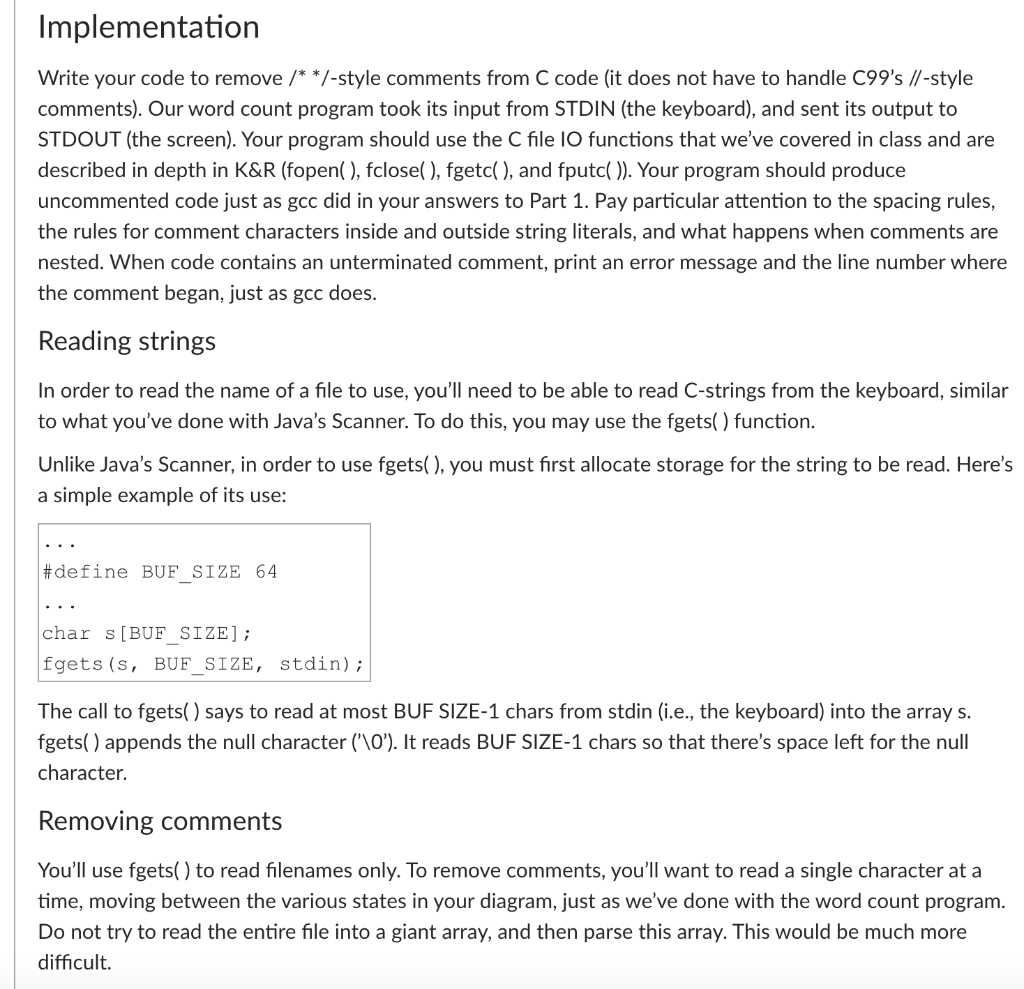
Implementation Write your code to remove /**/-style comments from C code (it does not have to handle C99's //-style comments). Our word count program took its input from STDIN (the keyboard), and sent its output to STDOUT (the screen). Your program should use the C file IO functions that we've covered in class and are described in depth in K&R (fopen( ), fclose(), fgetc(), and fputc()). Your program should produce uncommented code just as gcc did in your answers to Part 1. Pay particular attention to the spacing rules, the rules for comment characters inside and outside string literals, and what happens when comments are nested. When code contains an unterminated comment, print an error message and the line number where the comment began, just as gcc does. Reading strings In order to read the name of a file to use, you'll need to be able to read C-strings from the keyboard, similar to what you've done with Java's Scanner. To do this, you may use the fgets( ) function. Unlike Java's Scanner, in order to use fgets( ), you must first allocate storage for the string to be read. Here's a simple example of its use: #define BUF_SIZE 64 char [BUF SIZE); fgets (s, BUF_SIZE, stdin); The call to fgets() says to read at most BUF SIZE-1 chars from stdin (i.e., the keyboard) into the array s. fgets() appends the null character ('\0'). It reads BUF SIZE-1 chars so that there's space left for the null character. Removing comments You'll use fgets() to read filenames only. To remove comments, you'll want to read a single character at a time, moving between the various states in your diagram, just as we've done with the word count program. Do not try to read the entire file into a giant array, and then parse this array. This would be much more difficult
Step by Step Solution
There are 3 Steps involved in it

Get step-by-step solutions from verified subject matter experts
 Study Help