







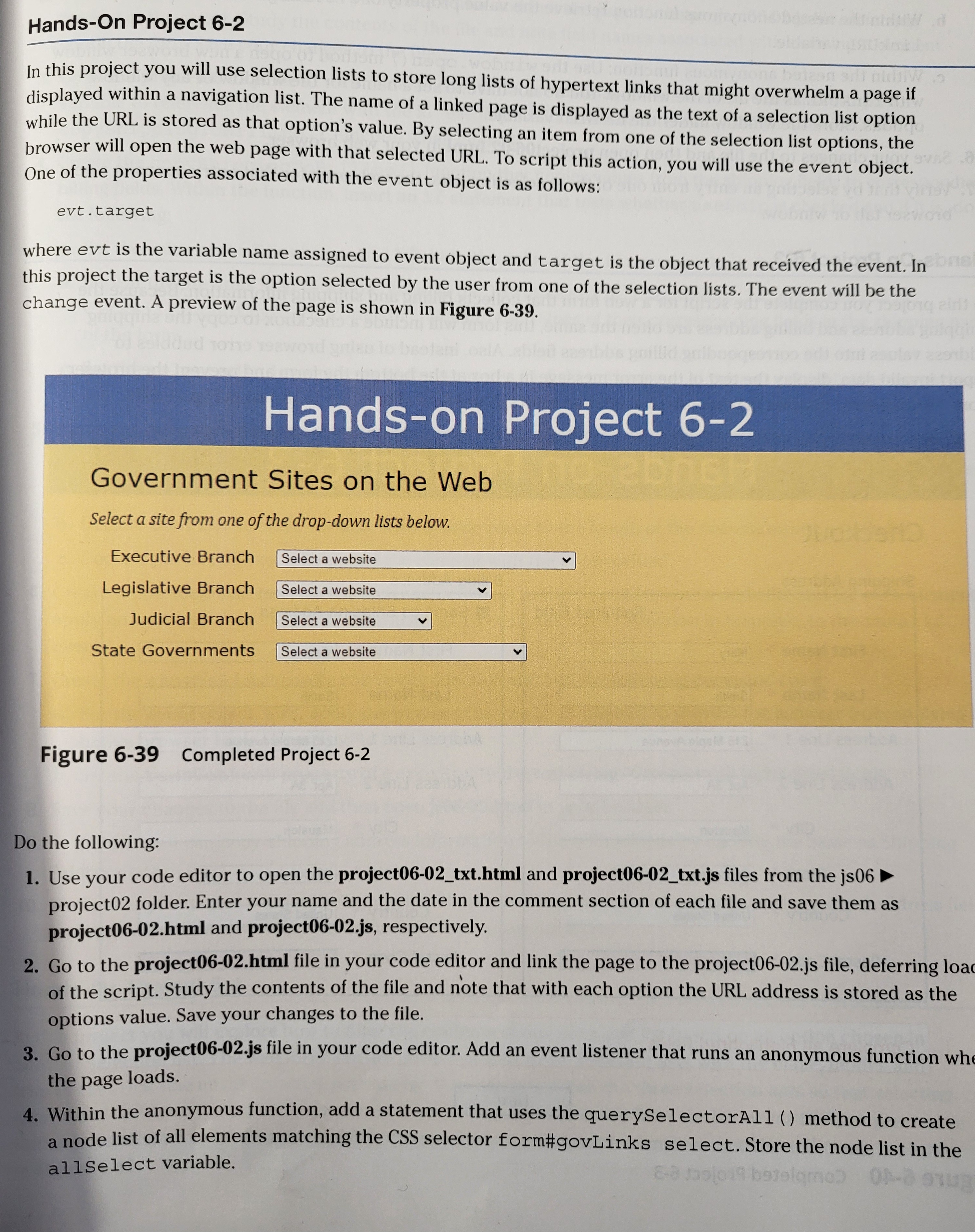
Question: I need assistance with Hands - On Project 6 - 2 in Javascript Web Warriors. Figure 6 - 3 9 Completed Project 6 - 2
I need assistance with HandsOn Project in Javascript Web Warriors.
Figure Completed Project
Do the following:
Use your code editor to open the projecttxthtml and projecttxtjs files from the js project folder. Enter your name and the date in the comment section of each file and save them as
projecthtml and projectjs respectively.
Go to the projecthtml file in your code editor and link the page to the projectjs file, deferring load of the script. Study the contents of the file and note that with each option the URL address is stored as the options value. Save your changes to the file.
Go to the projectjs file in your code editor. Add an event listener that runs an anonymous function when the page loads.
Within the anonymous function, add a statement that uses the querySelectorAll method to create a node list of all elements matching the CSS selector form#govLinks select. Store the node list in the
allselect variable. Also, within the anonymous function: Insert a for loop that iterates through all of the contents of the allselect node list. At each iteration of the allselect node list do the following:
a Apply the onchange event handler to allselect i to run an anonymous function when the selection list option is changed. Add the parameter evt to the anonymous function.
b Within the nested anonymous function retrieve the value property of evt. target and store it in the
linkURL variable.
c Within the nested anonymous function: Use the window. open method to open a new browser window with linkURL as the url of the window. You do not have to set a name for the window or any windowoptions. Store the window under the newWin variable. Save your changes to the file and then open projecthtml in your web browser.
Verify that by selecting an entry from one of three selection lists, the web page for that entry opens in a new browser tab or window.
Step by Step Solution
There are 3 Steps involved in it
1 Expert Approved Answer
Step: 1 Unlock

Question Has Been Solved by an Expert!
Get step-by-step solutions from verified subject matter experts
Step: 2 Unlock
Step: 3 Unlock
 Study Help