







Question: i need full solution please .. 1. For having current directory, write command line: 2. For go to Desktop as root directory, write command line:
i need full solution please ..
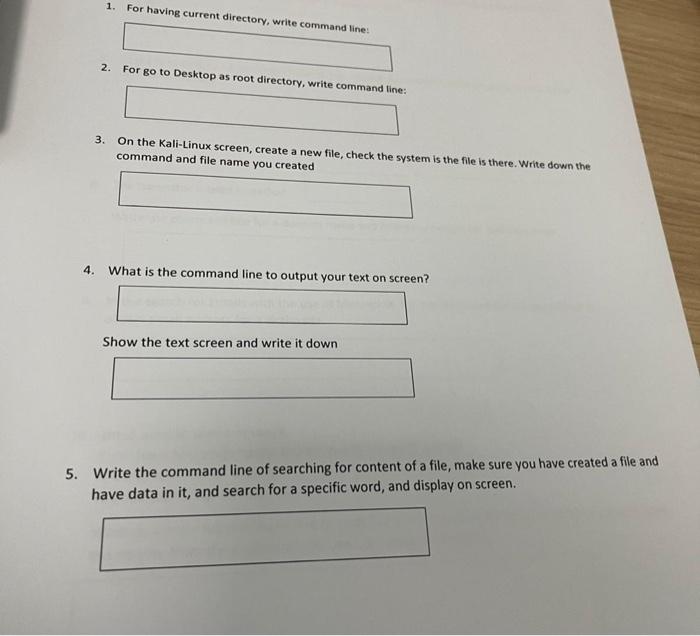
1. For having current directory, write command line: 2. For go to Desktop as root directory, write command line: 3. On the Kali Linux screen, create a new file, check the system is the file is there. Write down the command and file name you created 4. What is the command line to output your text on screen? Show the text screen and write it down 5. Write the command line of searching for content of a file, make sure you have created a file and have data in it, and search for a specific word, and display on screen
Step by Step Solution
There are 3 Steps involved in it
1 Expert Approved Answer
Step: 1 Unlock

Question Has Been Solved by an Expert!
Get step-by-step solutions from verified subject matter experts
Step: 2 Unlock
Step: 3 Unlock
 Study Help