







Question: I need help completing this java program. CODE IN ACTION To see a step-by-stepillsration showing how to use the Arroylist class, onk for the Flash
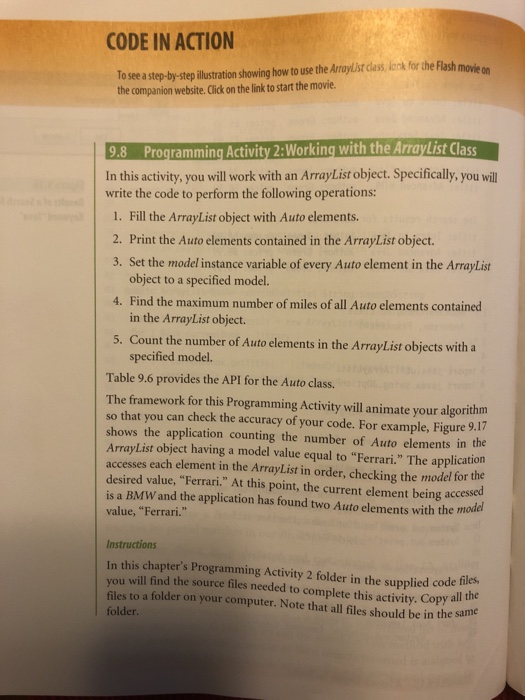
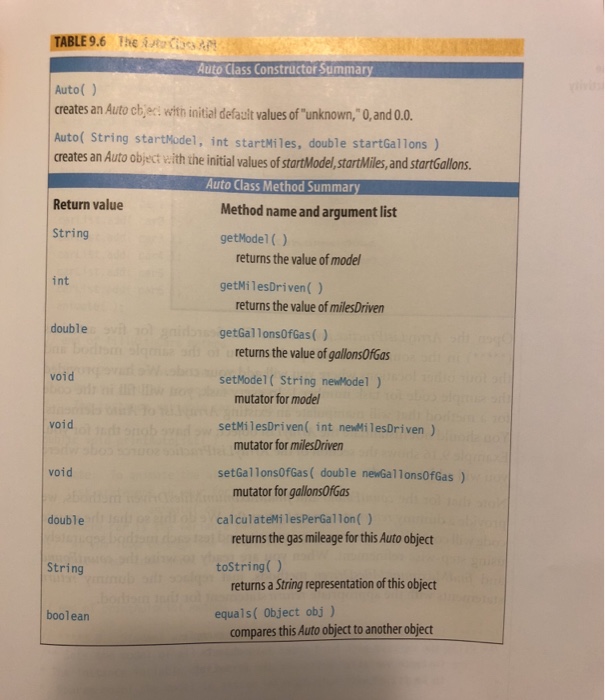
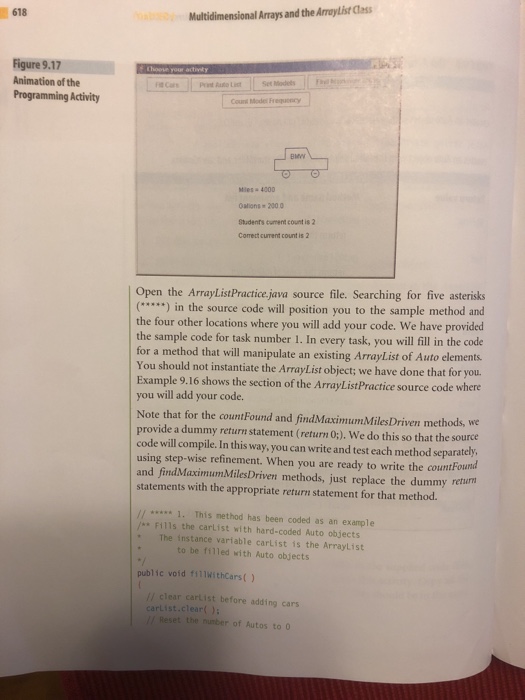
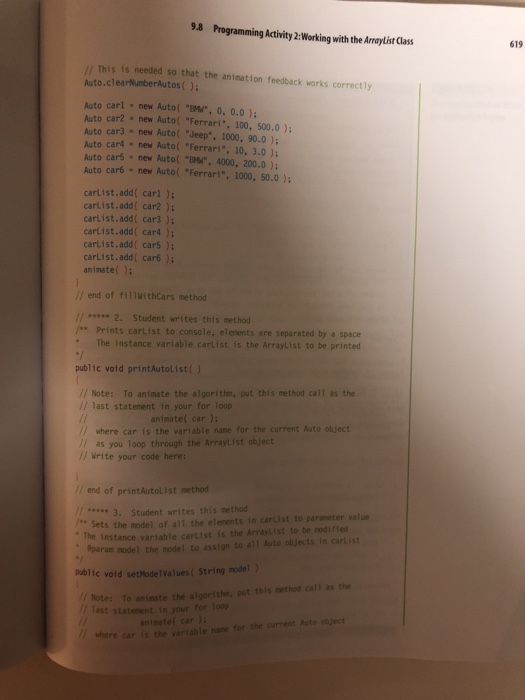
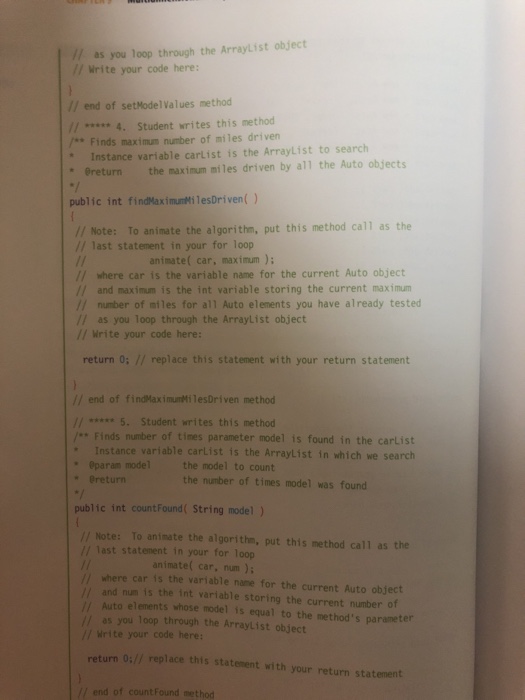
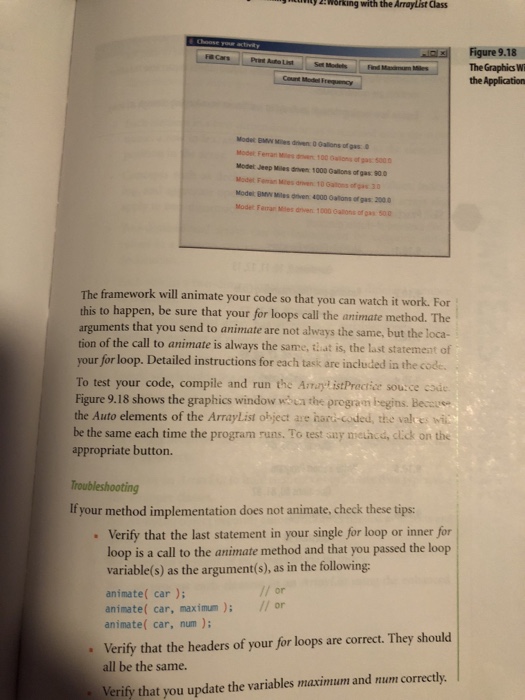
CODE IN ACTION To see a step-by-stepillsration showing how to use the Arroylist class, onk for the Flash movi on the companion website. Click on the link to start the movie 9.8 Programming Activity 2:Working with the ArrayList Class In this activity, you will work with an Array List object. Specifically, you will write the code to perform the following operations: 1. Fill the ArrayList object with Auto elements 2. Print the Auto elements contained in the ArrayList object. 3. Set the model instance variable of every Auto element in the ArrayList object to a specified model. 4. Find th e maximum number of miles of all Auto elements contained in the ArrayList object. 5. Count the number of Auto elements in the ArrayList objects with a specified model. Table 9.6 provides the API for the Auto class. The framework for this Programming Activity will animate your algorithm so that you can check the accuracy of your code. For example, Figure 9.17 shows the application counting the number of Auto elements in the ArrayList object having a model value equal to "Ferrari." The application accesses each element in the ArrayList in order, checking the model for the desired value, "Ferrari." At this point, the current element being accessed is a BMW and the application has found two Auto elements with the model value, "Ferrari." Instructions In this chapter's Programming Activity 2 folder in the supplied code u will find the source files needed to complete this activity. Copy al files to a folder on your computer. Note that all files should be in the sa folder the me
Step by Step Solution
There are 3 Steps involved in it

Get step-by-step solutions from verified subject matter experts
 Study Help