







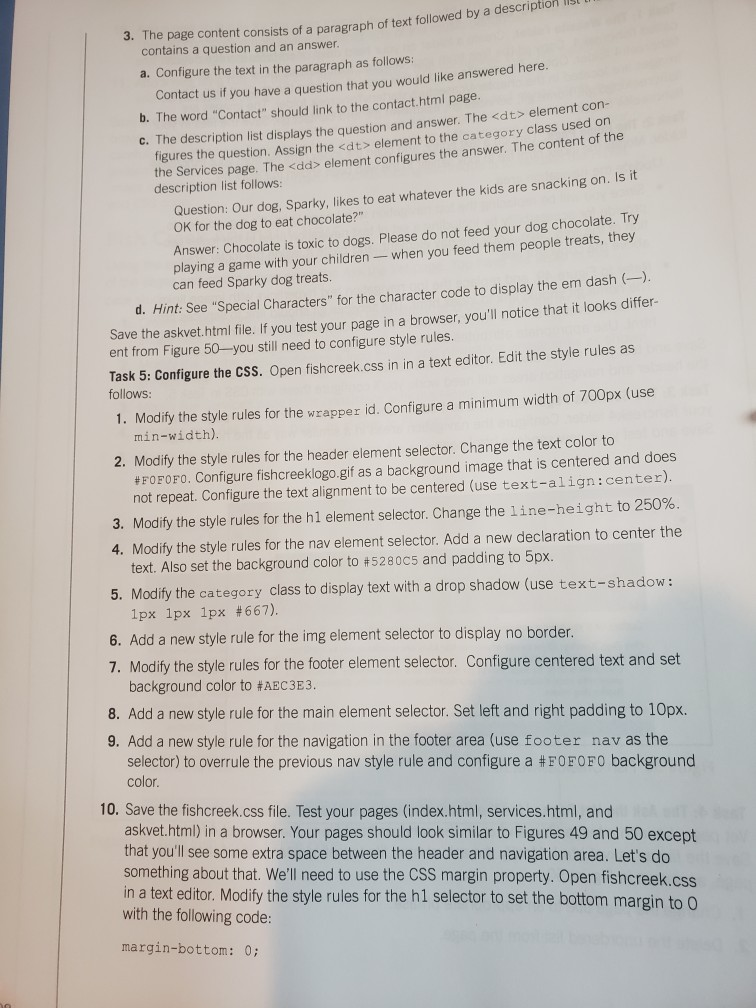
Question: I need help I did understand this chapter need help 48 4. Create a new Music page, as shown in Figure 5. Modity the style
I need help I did understand this chapter
need help
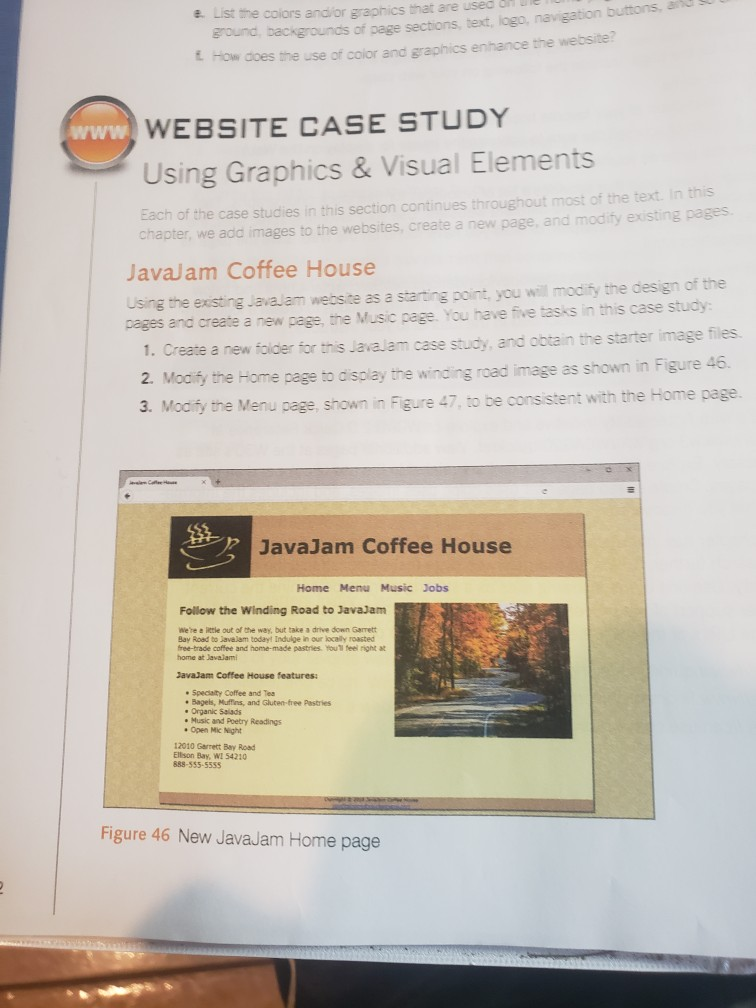
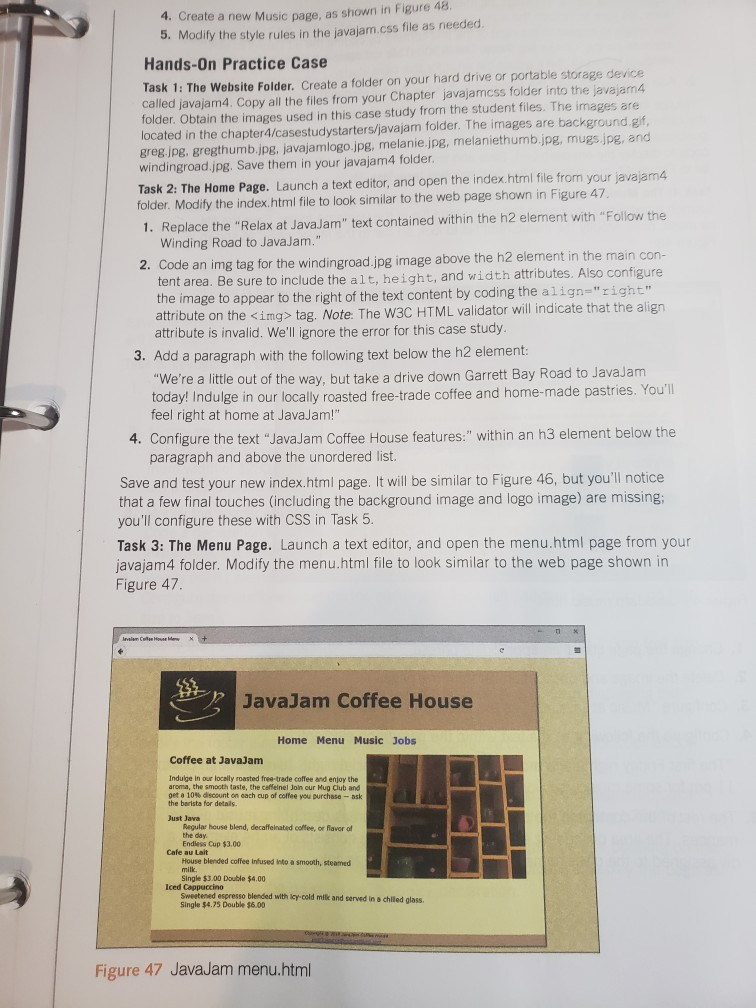
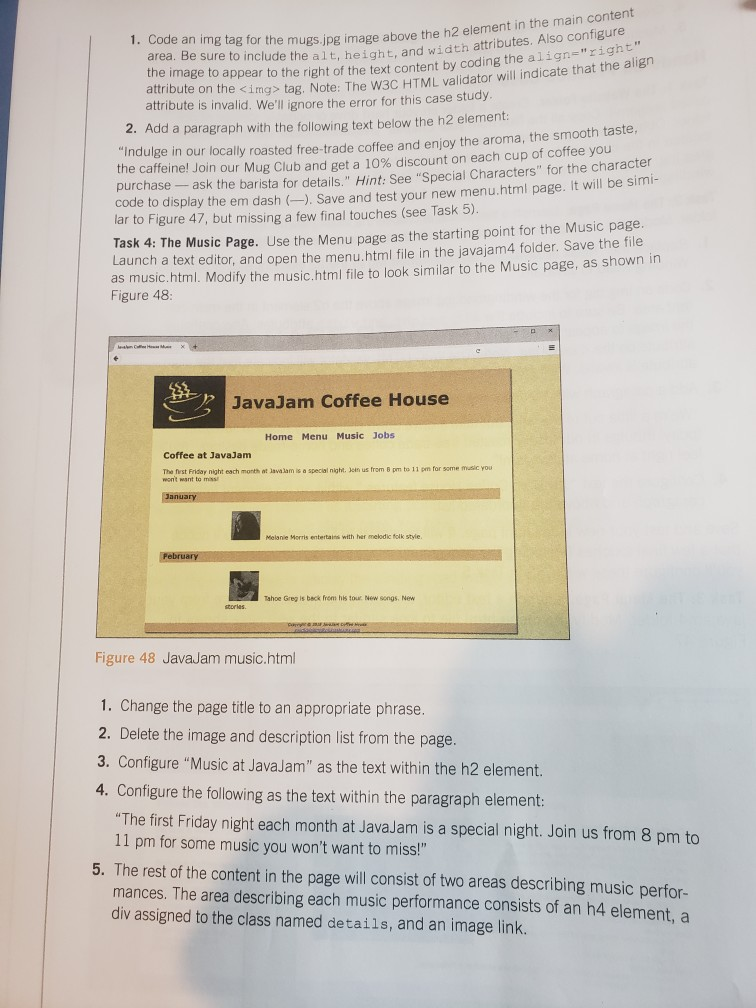
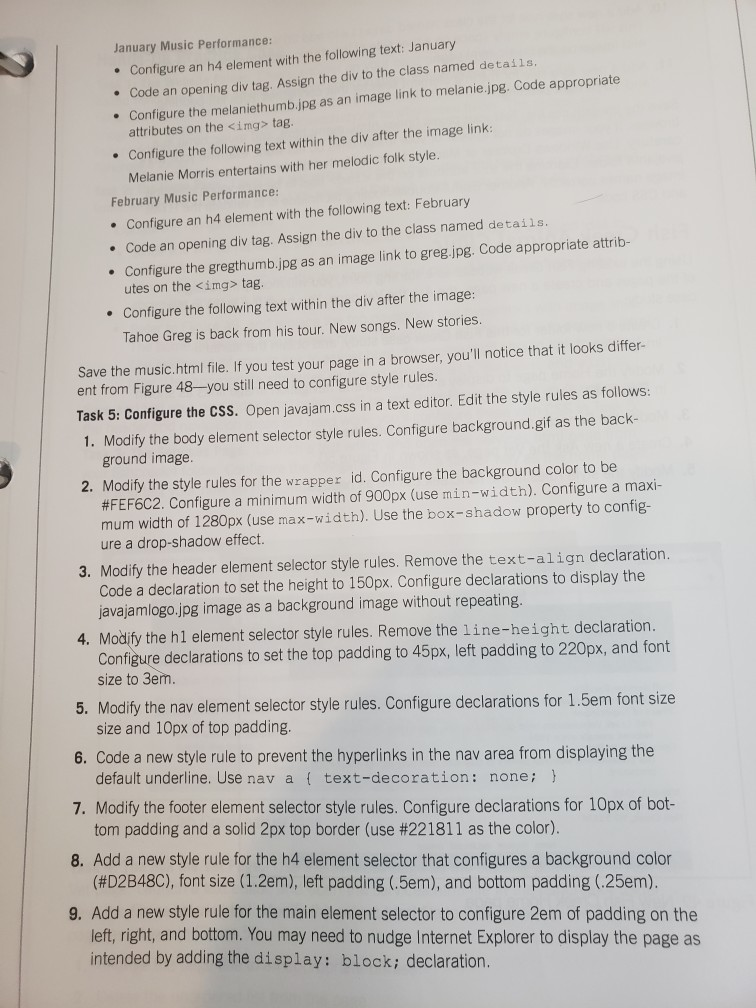
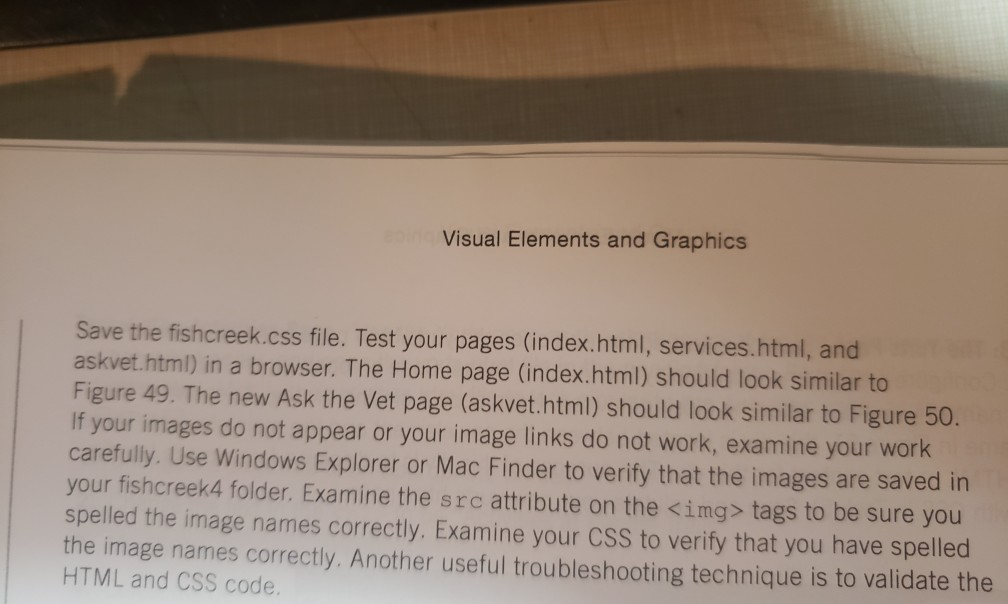
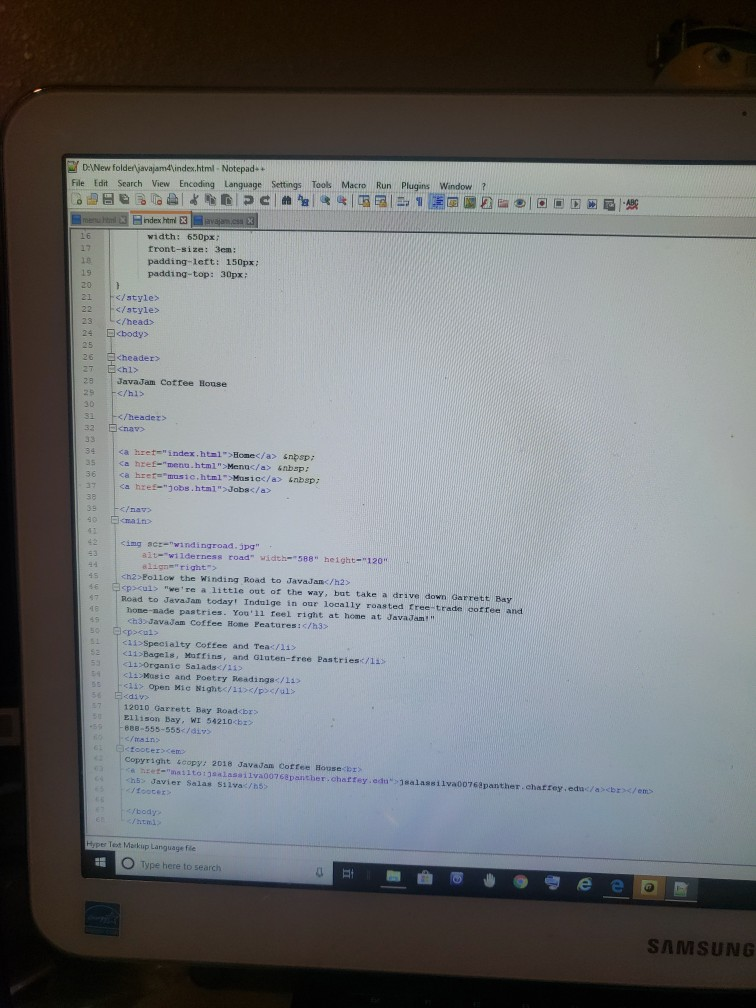
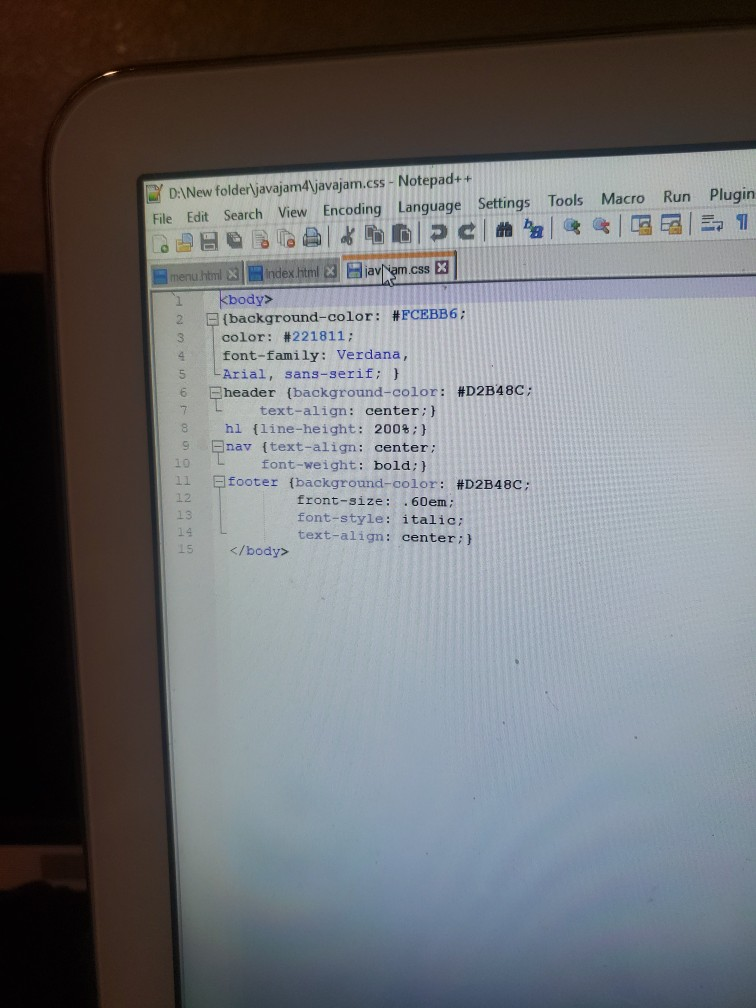
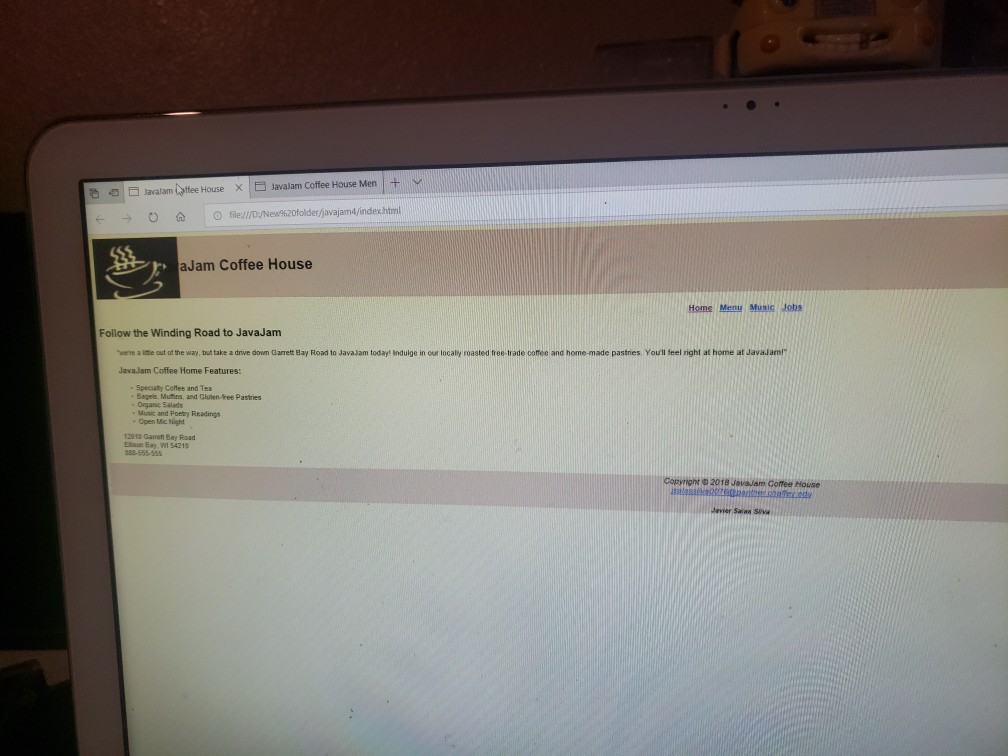
48 4. Create a new Music page, as shown in Figure 5. Modity the style rules in the javajam.css file as needed Hands-On Practice Case Task 1: The Website Folder. Create a folder on your hard drive or portable storage device called javajam4. Copy all the files from your Chapter javajamcss folder into the javajam4 folder. Obtain the images used in this case study from the student files. The images are located in the chapter4/casestudystarters/javajam folder. The images are background.gif greg.jpg. gregthumb.jpg, javajamlogo.jpg, melanie,jpg, melaniethumb.jpg, mugs jpg, and windingroad.jpg. Save them in your javajam4 folder Task 2: The Home Page. Launch a text editor, and open the index.html file from your javajam4 folder. Modify the index.html file to look similar to the web page shown in Figure 47 1. Replace the "Relax at JavaJam" text contained within the h2 element with "Follow the Winding Road to JavaJam. 2. Cod e an img tag for the windingroad.jpg image above the h2 element in the main con- tent area. Be sure to include the alt, height, and width attributes. Also configure the image to appear to the right of the text content by coding the align-"right" attrib ute on the tag. Note: The W3C HTML validator will indicate that the align attribute is invalid. We'll ignore the error for this case study. 3. Add a paragraph with the following text below the h2 element: "We're a little out of the way, but take a drive down Garrett Bay Road to JavaJam today! Indulge in our locally roasted free-trade coffee and home-made pastries. You'll feel right at home at JavaJam!" 4. Configure the text "JavaJam Coffee House features." within an h3 element below the paragraph and above the unordered list. Save and test your new index.html page. It will be similar to Figure 46, but you'll notice that a few final touches (including the background image and logo image) are missing; you'll configure these with CSS in Task 5 Task 3: The Menu Page. Launch a text editor, and open the menu.html page from your javajam4 folder. Modify the menu.html file to look similar to the web page shown in Figure 47 JavaJam Coffee House Home Menu Music Jobs Coffee at JavaJam Induge in our locelly roasted free-trade coffee and enjoy the aroma, the smocth taste, the caffelnel Join cur Mug Club and get a 10% discount on each cup of coree you purchase-ask the berista for details Just Java Regular house blend, decaffelnated coffee, or flaver o the day Endless Cup $3.00 Cafe au Lait House blended coffee infused into a smooth, steamed Single $3.00 Double $4.00 Iced Cappuccino Sweetened espresso blended with Icy-cold milic and served in a chilied glass. Single $4.75 Double $6.00 Figure 47 JavaJam menu.html Code an img tag f or the mugs.jpg image above the h2 element in the main content area. Be sure to include t he alt, height, and width attributes. Also configure ight" the image to appear to the right of the text content by coding the align attribute on the img> tag. Note: The w3C HTML validator will indicate that the align tag attribute is invalid. We'll ignore the error for this case study 2. Add a paragraph with the following text below the h2 element Indulge in our locally roasted free-trade coffee and enjoy the aroma, the smooth taste, the caffeine! Join our Mug Club and get a 10% discount on each cup of coffee you purchase ask the barista for details." Hint: See "Special Characters" for the character code to display the em dash (). Save and test your new menu.html page. It will be simi lar to Figure 47, but missing a few final touches (see Task 5). Task 4: The Music Page. Use the Menu page as the starting point for the Music page. Launch a text editor, and open the menu.html file in the javajam4 folder. Save the file as music.html. Modify the music.html file to look similar to the Music page, as shown in Figure 48 JavaJam Coffee House Home Menu Music Jobs Coffee at JavaJam The frst Friday night each month ot lava lam is a special night. Jkn us from 8 pm to 11 pm for some music you wont want to Melanie Morris entertains with her melodic folk style Tshoe Greg is back from his tour New songs. New Figure 48 JavaJam music.html 1. Change the page title to an appropriate phrase. 2. Delete the image and description list from the page 3. Configure "Music at JavaJam" as the text within the h2 element. 4. Configure the following as the text within the paragraph element: "The first Friday night each month at JavaJam is a special night. Join us from 8 pm to 11 pm for some music you won't want to miss!" 5. The rest of the content in the page will consist of two areas describing music perfor- mances. The area describing each music performance consists of an h4 element,a div assigned to the class named details, and an image link. January Music Performance e Configure an h4 element with the following text: January Code an opening div tag. Assign the div to the class named details Configure the melaniethumb.jpg as an image link to melanie.jpg. Code appropriate attributes on the tag e Configure the following text within the div after the image link: Melanie Morris entertains with her melodic folk style February Music Performance Configure an h4 element with the following text: February . Code an opening div tag. Assign the div to the class named detai Configure the gregthumb.jpg as an image link to greg.jpg. Code appropriate attrib- utes on the tag Configure the following text within the div after the image Tahoe Greg is back from his tour. New songs. New stories Save the music.html file. If you test your page in a browser, you'll notice that it looks differ- ent from Figure 48-you still need to configure style rules Task 5: Configure the CSS. Open javajam.css in a text editor. Edit the style rules as follows 1. Modify the body element selector style rules. Configure background.gif as the back ground image. 2. Modify the style rules for the wrapper id. Configure the background color to be #FEF6C2. Configure a minimum width of 900px (use min-width). Configure a maxi mum width of 1280px (use max-width). Use the box-shadow property to config- ure a drop-shadow effect. 3. Modify the header element selector style rules. Remove the text-align declaration Code a declaration to set the height to 150px. Configure declarations to display the javajamlogo.jpg image as a background image without repeating 4. Modify the h1 element selector style rules. Remove the line-height declaration Configure declarations to set the top padding to 45px, left padding to 220px, and font size to 3em 5. Modify the nav element selector style rules. Configure declarations for 1.5em font size 6. Code a new style rule to prevent the hyperlinks in the nav area from displaying the 7. Modify the footer element selector style rules. Configure declarations for 10px of bot size and 10px of top padding. default underline. Use nav a f text-decoration: none; tom padding and a solid 2px top border (use #221811 as the color) 8. Add a new style rule for the h4 element selector that configures a background color (#D2B4SC), font size (1.2em), left padding (.5em), and bottom padding (.25em) 9. Add a new style rule for the main element selector to configure 2em of padding on the left, right, and bottom. You may need to nudge Internet Explorer to display the page as intended by adding the display: block; declaration 3. The page content consists of a paragraph of text followed by a description contains a question and an answer a. Configure the text in the paragraph as follows: Con itact us if you have a question that you would like answered here b. The word Contact" should link to the contact.html page C. The description list displays the question and answer. The
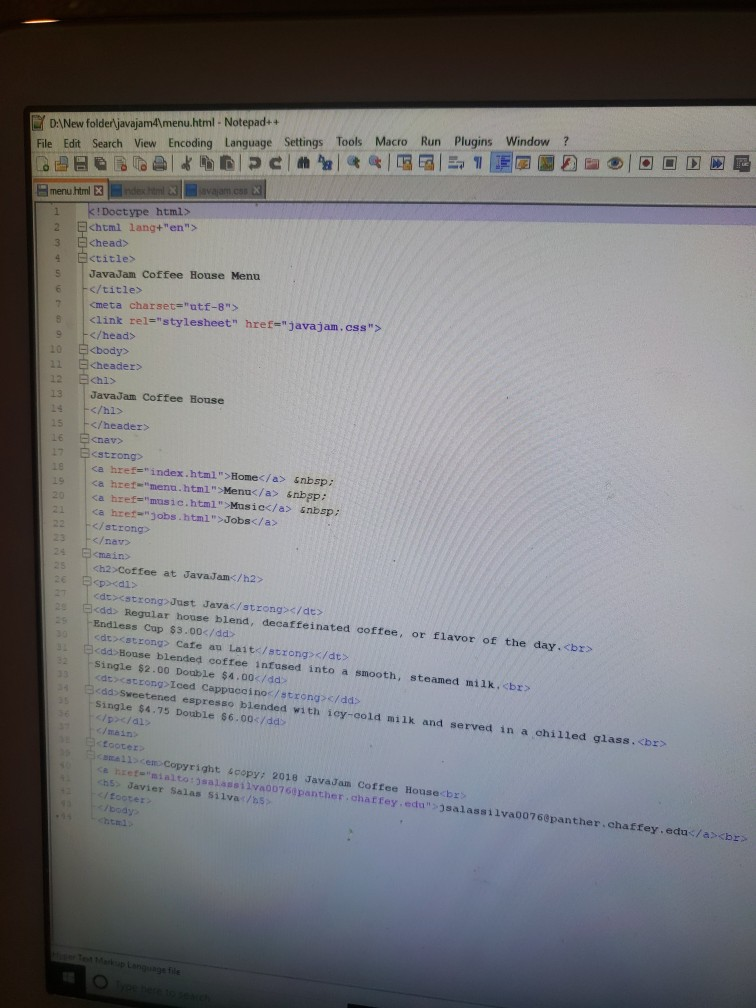
P>dl> cdtxstrong Just Javac/strong s/dt>
cstrong>Iced Cappuccinoc/strongc/dd> kdd Sweetened espresso biended with iey-cold milk and served in a chilled glass. single $4.75 Double $6.00/dd /dl> /main? tooter anallcem Copyright 4copy; 2018 JavaJan Coffee Housecbr chs> Javier Salas silva/b5 c/footer ealas ssilya00760panther chatfey eda" 3salassilva00760panther.chaffey.educ/a>
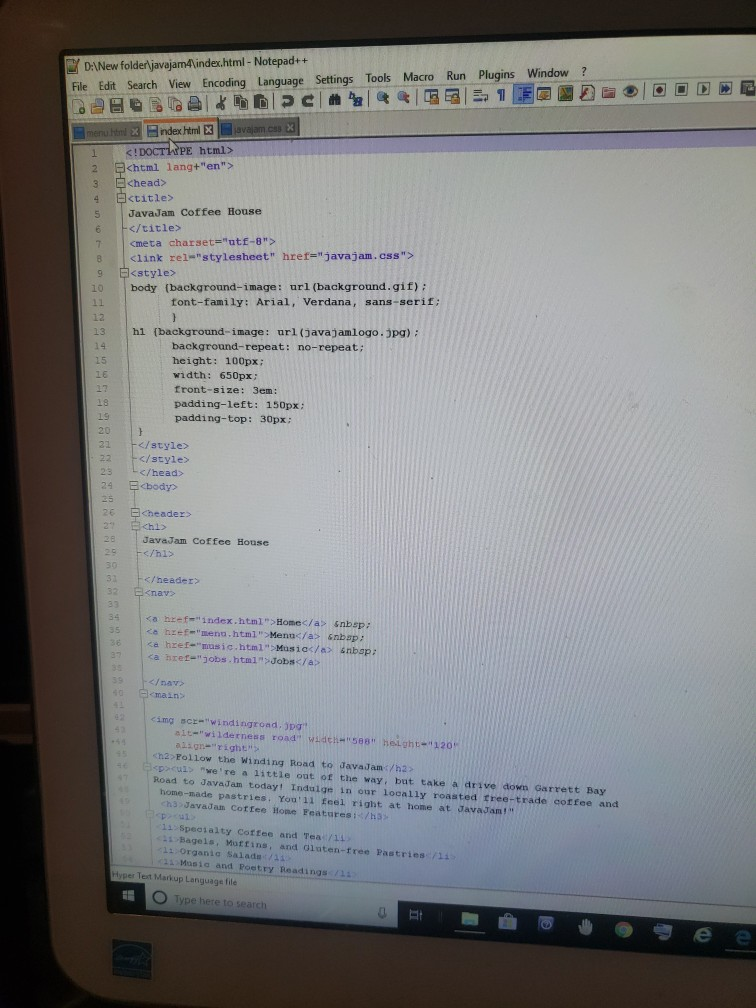
chtn file D:New folderjavajam4index.html- Notepad++ File Edit Search View Encoding Language Settings Tools Macro Run Plugins Window ? ndex html 3 Chtml lang+"en"> 3 Ekhead> 4 Ektitle> 5 JavaJam Coffee House 7 9 23 24 chi> JavaJam Coffee House a href-index.html" Homec/a> snbsp: ca hzef-masic.html" Musiac/a inbapa ca hret-"jobs html Jobsg/a html" Menu/a nbap main
Step by Step Solution
There are 3 Steps involved in it

Get step-by-step solutions from verified subject matter experts
 Study Help