







Question: i need help in a code for my assignment JAVA SWING GRAPHICS AND ANIMATION: Dodgeball You are in the biggest game of your life. Unfortunately,
i need help in a code for my assignment
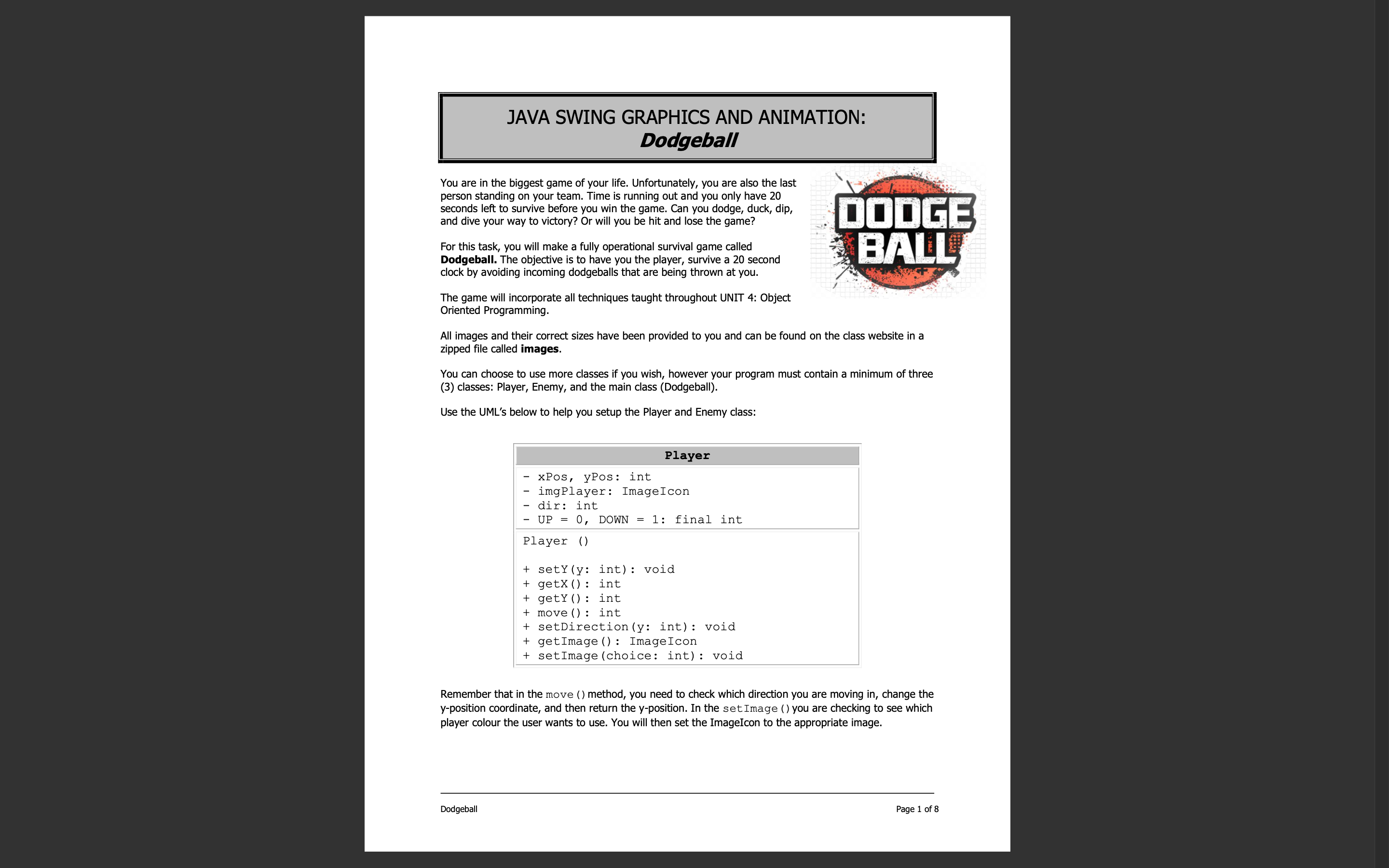
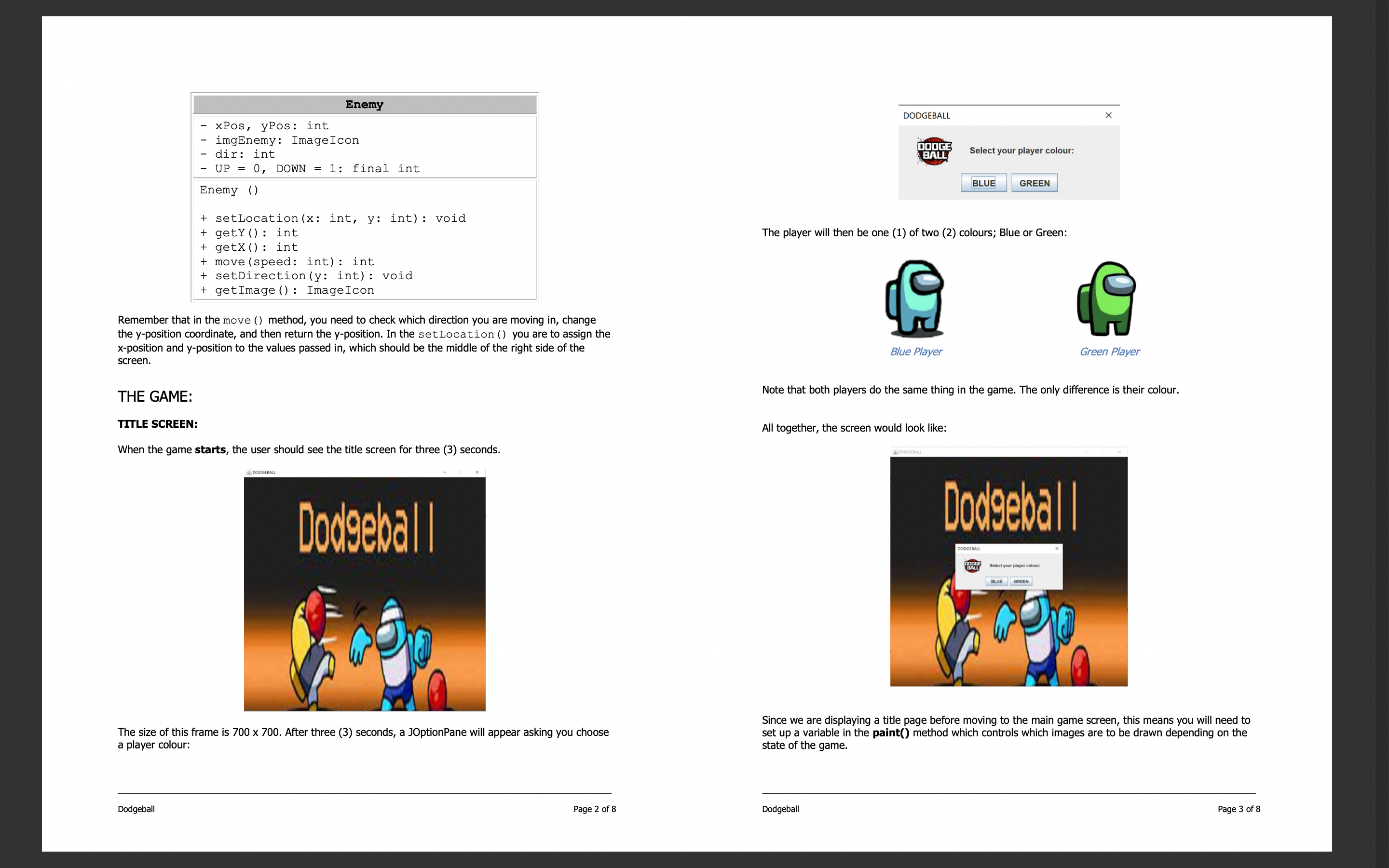
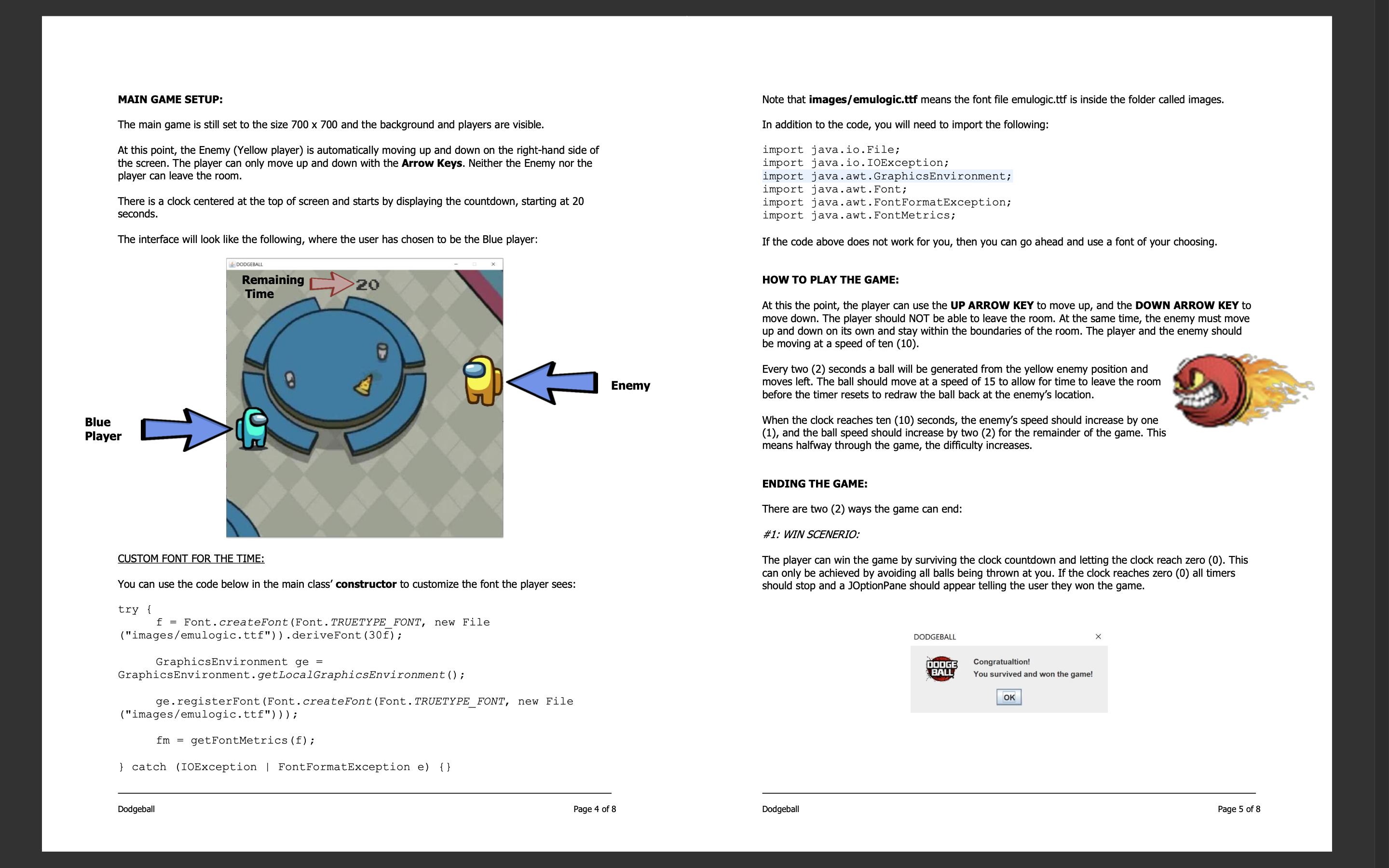
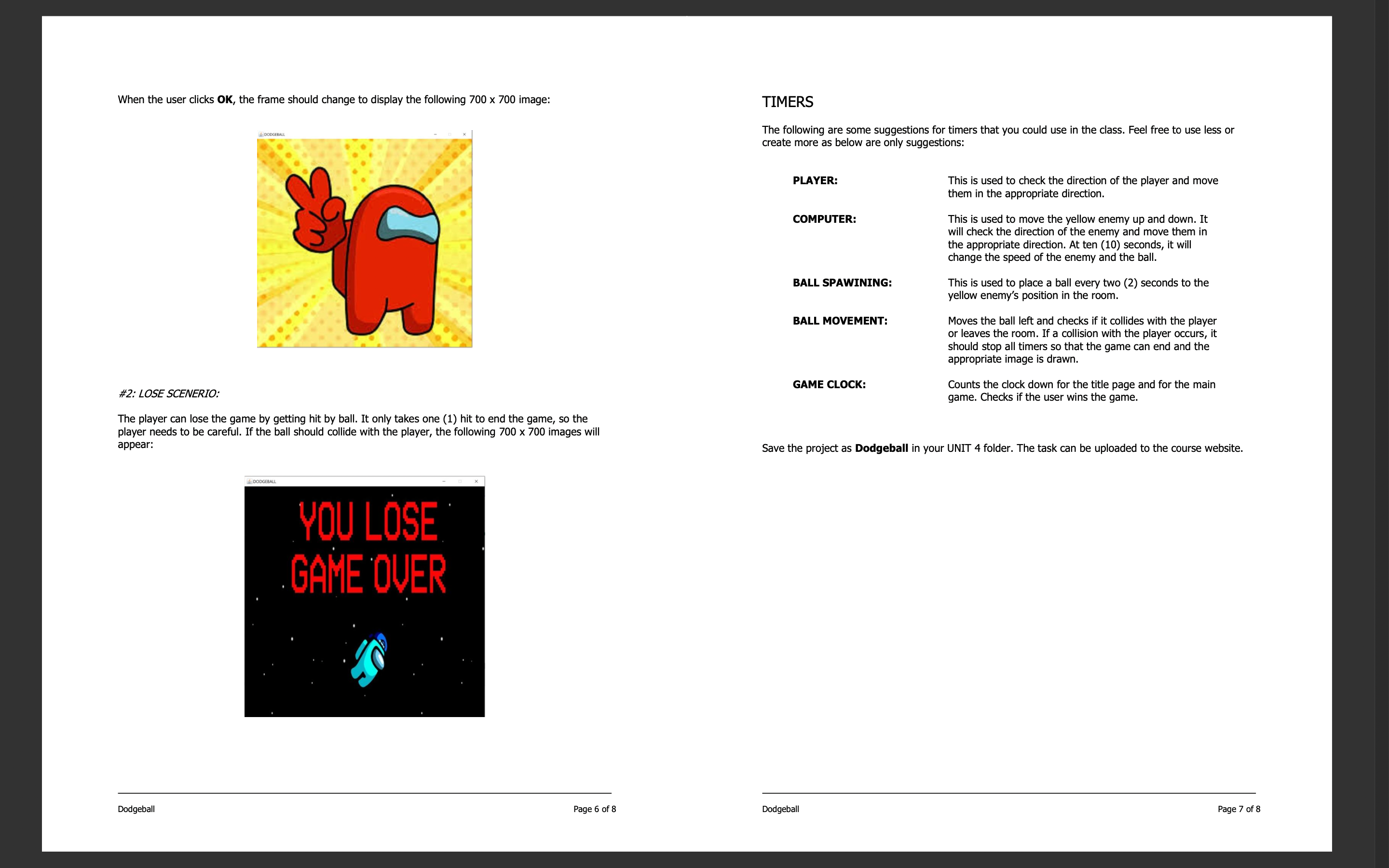
JAVA SWING GRAPHICS AND ANIMATION: Dodgeball You are in the biggest game of your life. Unfortunately, you are also the last person standing on your team. Time is running out and you only have 20 seconds left to survive before you win the game. Can you dodge, duck, dip, and dive your way to victory? Or will you be hit and lose the game? For this task, you will make a fully operational survival game called Dodgeball. The objective is to have you the player, survive a 20 second clock by avoiding incoming dodgeballs that are being thrown at you. The game will incorporate all techniques taught throughout UNIT 4: Object Oriented Programming. DODGE BALL All images and their correct sizes have been provided to you and can be found on the class website in a zipped file called images. You can choose to use more classes if you wish, however your program must contain a minimum of three (3) classes: Player, Enemy, and the main class (Dodgeball). Use the UML's below to help you setup the Player and Enemy class: Pos, y Pos: int Player img Player: ImageIcon - dir: int - UP = 0, DOWN = 1: final int Player ( ) + sety(y: int): void + getX(): int + getY(): int + move () : int + setDirection(y: int): void + getImage(): ImageIcon + setImage (choice: int): void Remember that in the move () method, you need to check which direction you are moving in, change the y-position coordinate, and then return the y-position. In the set Image () you are checking to see which player colour the user wants to use. You will then set the ImageIcon to the appropriate image. Dodgeball Page 1 of 8
Step by Step Solution
There are 3 Steps involved in it
To create the Dodgeball game you need to implement the Player and Enemy classes along with the main Dodgeball class Heres a brief outline of each class 1 Player Class Attributes xPos yPos int imgPlaye... View full answer

Get step-by-step solutions from verified subject matter experts
 Study Help