







Question: i need help making this step by step just as the in lnstructions say the functions are in the outline this is the outline: #define
#include #include #define MAXGUESSES 5 //paste all the function prototypes here //with the comments //this function runs one game. //input: character from the file, void return type void PlayOneGame(char solution); int main() { //declare additional variables //declare FILE pointer int numGames = 3, i = 0; char solution;//letter from file //display game rules //Ask and get number of games to play (GameCount function) //connect to the file HINT: use fopen //this for loop will allow the player to play more than one game //without recompiling for (i = 0; i 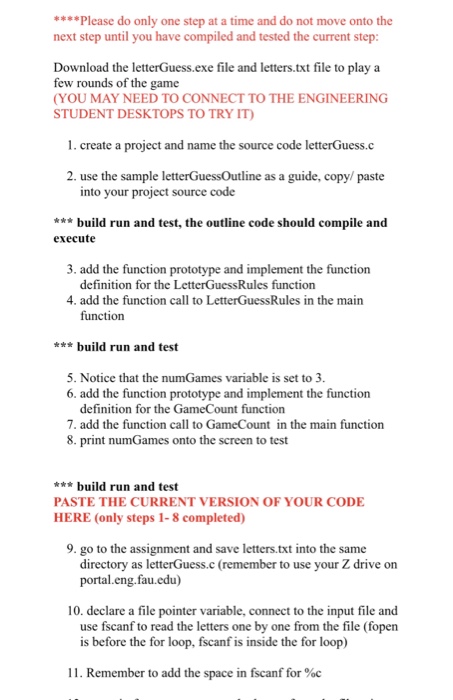
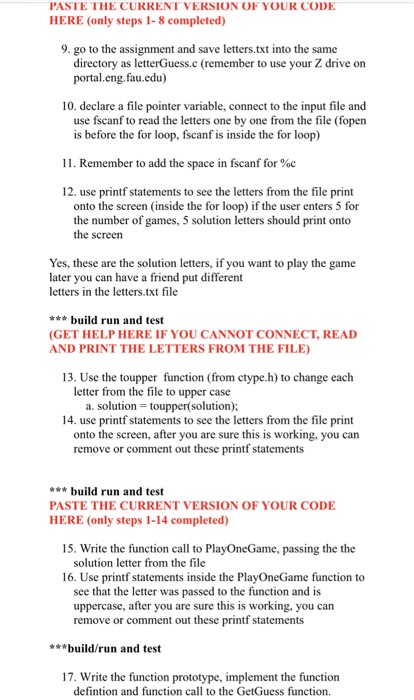
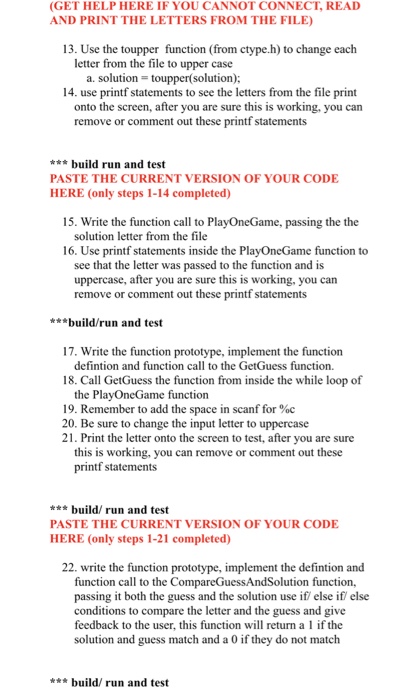
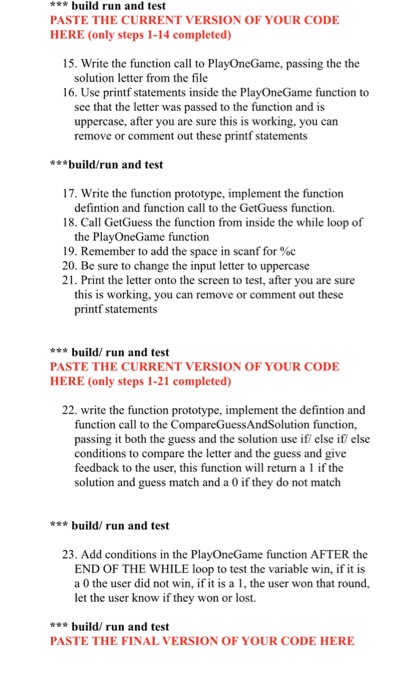
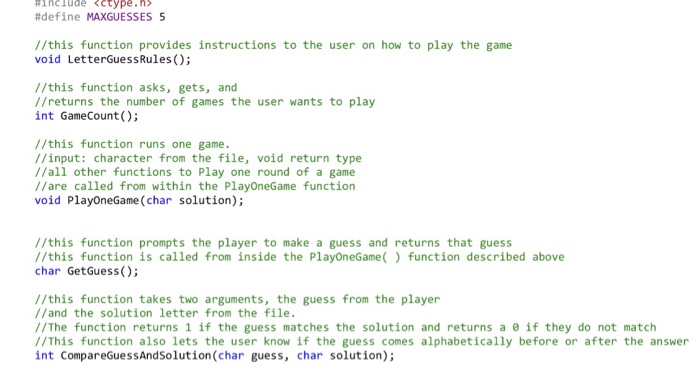
*Please do only one step at a time and do not move onto the next step until you have compiled and tested the current step Download the letterGuess.exe file and letters.txt file to play a few rounds of the game (YOU MAY NEED TO CONNECT TO THE ENGINEERING STUDENT DESKTOPS TO TRY IT 1. create a project and name the source code letterGuess.c 2. use the sample letterGuessOutline as a guide, copy/ paste into your project source code build run and test, the outline code should compile and execute 3. add the function prototype and implement the function definition for the LetterGuessRules function 4. add the function call to LetterGuessRules in the main function build run and test 5. Notice that the numGames variable is set to 3. 6. add the function prototype and implement the function definition for the GameCount function 7. add the function call to GameCount in the main function 8. print numGames onto the screen to test build run and test PASTE THE CURRENT VERSION OF YOUR CODE HERE (only steps 1-8 completed) 9. go to the assignment and save letters.txt into the same directory as letterGuess.c (remember to use your Z drive on portal.eng.fau.edu) 10. declare a file pointer variable, connect to the input file and use fscanf to read the letters one by one from the file (fopen is before the for loop, fscanf is inside the for loop) 11 . Remember to add the space in fscanf for %C
Step by Step Solution
There are 3 Steps involved in it

Get step-by-step solutions from verified subject matter experts
 Study Help