







Question: i need help trying to do this Week 6 Assignment- Laravel Setup Install Laravel and Create a new Laravel Project 1. Create a new Laravel
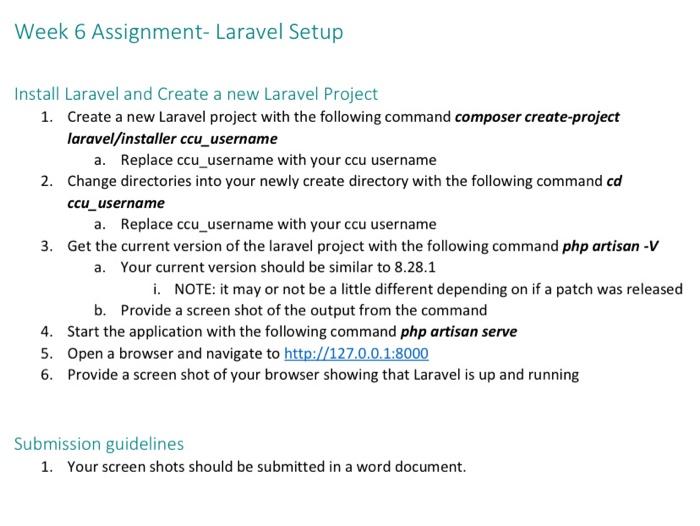
Week 6 Assignment- Laravel Setup Install Laravel and Create a new Laravel Project 1. Create a new Laravel project with the following command composer create-project laravel/installer ccu_username a. Replace ccu_username with your ccu username 2. Change directories into your newly create directory with the following command cd ccu_username a. Replace ccu_username with your ccu username 3. Get the current version of the laravel project with the following command php artisan -V a. Your current version should be similar to 8.28.1 i. NOTE: it may or not be a little different depending on if a patch was released b. Provide a screen shot of the output from the command 4. Start the application with the following command php artisan serve 5. Open a browser and navigate to http://127.0.0.1:8000 6. Provide a screen shot of your browser showing that Laravel is up and running Submission guidelines 1. Your screen shots should be submitted in a word document
Step by Step Solution
There are 3 Steps involved in it

Get step-by-step solutions from verified subject matter experts
 Study Help