







Question: I need help with Linux class for Programming Tools Part II: Using gdb. Lab Writeup Stepping through code For this part of the lab, you
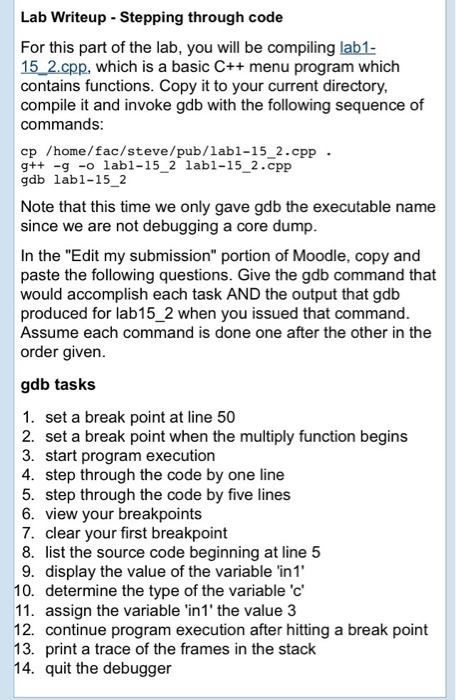
Lab Writeup Stepping through code For this part of the lab, you will be compiling lab1- 15 2.cpp, which is a basic C+ menu program which contains functions. Copy it to your current directory compile it and invoke gdb with the following sequence of commands cp /home/fac/steve/pub/labl-15_2.cpp - g++ -g - labl-15 2 labl-15_2.cpp gdb labl-152 Note that this time we only gave gdb the executable name since we are not debugging a core dump In the "Edit my submission" portion of Moodle, copy and paste the following questions. Give the gdb command that would accomplish each task AND the output that gdb produced for lab15_2 when you issued that command Assume each command is done one after the other in the order given gdb tasks 1. set a break point at line 50 2. set a break point when the multiply function begins 3. start program execution 4. step through the code by one line 5. step through the code by five lines 6. view your breakpoints 7. clear your first breakpoint 8. list the source code beginning at line 5 9. display the value of the variable in1 10. determine the type of the variable 'c' 11. assign the variable 'in1' the value 3 12. continue program execution after hitting a break point 13. print a trace of the frames in the stack 14. quit the debugger
Step by Step Solution
There are 3 Steps involved in it

Get step-by-step solutions from verified subject matter experts
 Study Help