







Question: I need help with my final assignments Here's my API below :https://api.citybik.es/v2/ Final Project Assignment: Integrating REST API with HTML, Bootstrap, and Vanilla JavaScript Overview:
I need help with my final assignments Here's my API below :https://api.citybik.es/v2/
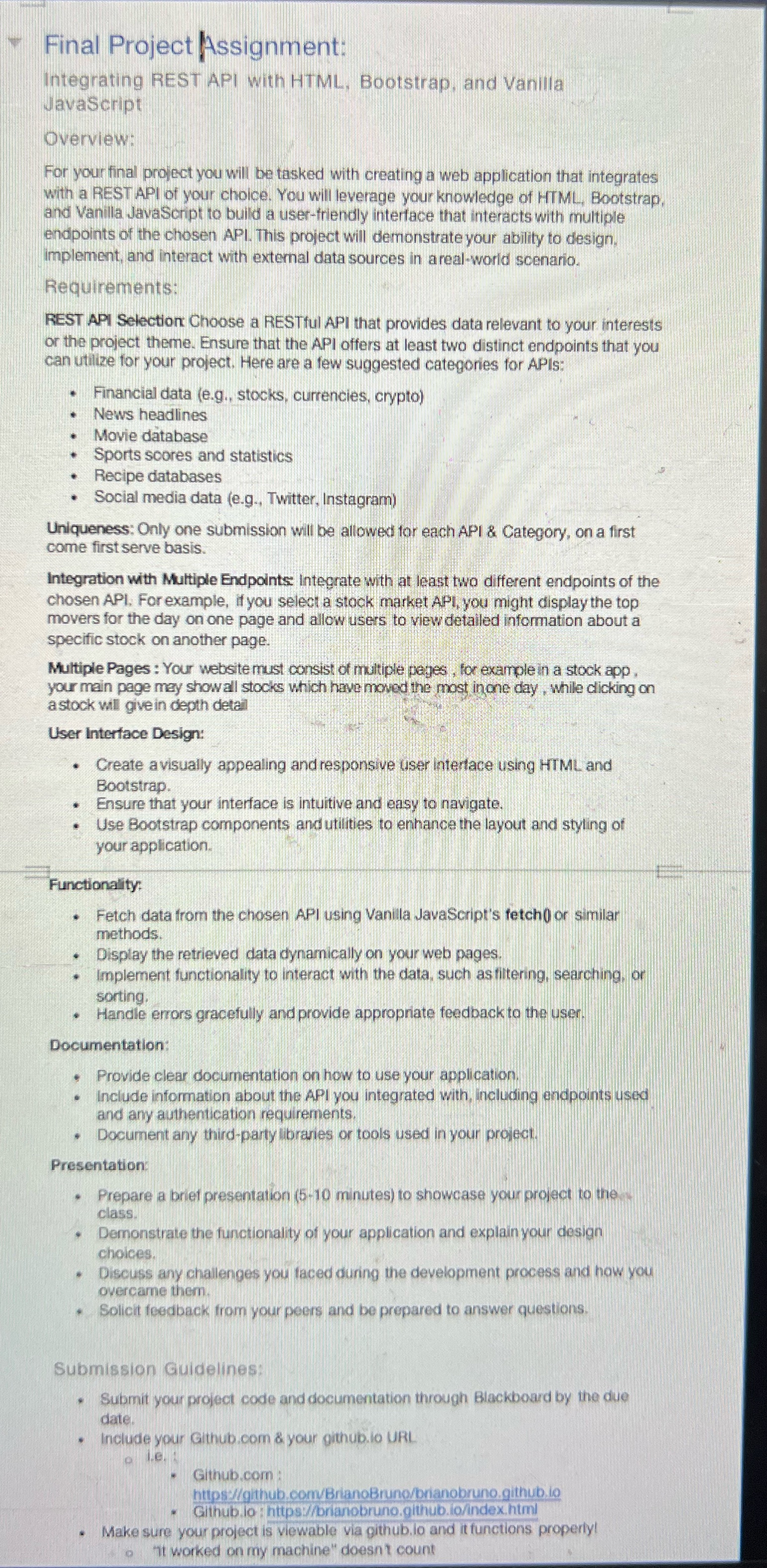
Final Project Assignment: Integrating REST API with HTML, Bootstrap, and Vanilla JavaScript Overview: For your final project you will be tasked with creating a web application that integrates with a REST API of your choice. You will leverage your knowledge of HTML, Bootstrap and Vanilla JavaScript to build a user-friendly interface that interacts with multiple endpoints of the chosen API. This project will demonstrate your ability to design. implement, and interact with external data sources in a real-world scenario. Requirements: REST API Selection Choose a RESTful API that provides data relevant to your interests or the project theme. Ensure that the API offers at least two distinct endpoints that you can utilize for your project. Here are a few suggested categories for APIs: Financial data (e.g., stocks, currencies, crypto) News headlines Movie database Sports scores and statistics Recipe databases Social media data (e.g., Twitter, Instagram) Uniqueness: Only one submission will be allowed for each API & Category, on a first come first serve basis. Integration with Multiple Endpoints Integrate with at least two different endpoints of the chosen API, For example, if you select a stock market API, you might display the top movers for the day on one page and allow users to view detailed information about a specific stock on another page. Multiple Pages : Your website must consist of multiple pages , for example in a stock app , your main page may show all stocks which have moved the most in one day , while clicking on a stock will give in depth detail User Interface Design: Create a visually appealing and responsive user Interface using HTML and Bootstrap. Ensure that your interface is intuitive and easy to navigate. . Use Bootstrap components and utilities to enhance the layout and styling of your application. Functionality: Fetch data from the chosen API using Vanilla JavaScript's fetch( or similar methods. Display the retrieved data dynamically on your web pages. Implement functionality to interact with the data, such as filtering, searching, or sorting. Handle errors gracefully and provide appropriate feedback to the user Documentation: Provide clear documentation on how to use your application. Include information about the API you integrated with, including endpoints used and any authentication requirements. Document any third-party libraries or tools used in your project Presentation Prepare a brief presentation (5-10 minutes) to showcase your project to the class Demonstrate the functionality of your application and explain your design choices. Discuss any challenges you faced during the development process and how you overcame them. Solicit feedback from your peers and be prepared to answer questions. Submission Guidelines: Submit your project code and documentation through Blackboard by the due date. Include your Github.com & your github.lo URL Github.com https://github.com/BrianoBruno/brianobruno.github,lo Github.lo : https://brianobruno.github.lo/index.html . Make sure your project is viewable via github.lo and it functions properly! o it worked on my machine" doesn't count
Step by Step Solution
There are 3 Steps involved in it

Get step-by-step solutions from verified subject matter experts
 Study Help