







Question: I need help with my HTML webpage. I need help making the FILTER BY: section fixed to the left side of the screen while the
I need help with my HTML webpage. I need help making the "FILTER BY:" section fixed to the left side of the screen while the main section with the smartphones and the images are in the middle or to the right of the fitler section. Please help.
body {
font-family: Arial, sans-serif;
margin: 0;
padding: 0;
height: 100vh;
display: flex;
flex-direction: column;
}
header {
background-color: #333;
color: #fff;
padding: 10px;
text-align: center;
border-radius: 10px;
align-items: center; /* new */
}
section {
flex: 1; /* new */
border: 5px solid #ddd;
padding: 20px;
margin-left: 250px;
}
h1 {
font-size: 2.5rem;
margin: 0;
}
nav {
display: flex;
justify-content: space-around;
padding: 10px;
}
nav a {
background-color: #8BC34A;
color: #fff;
font-size: 1.2rem;
margin-right: 10px;
text-decoration: none;
padding: 10px 20px;
border-radius: 20px;
transition: background-color 0.3s ease;
}
nav a:hover {
background-color: #558B2F;
}
main {
display: flex;
flex-wrap: wrap;
padding: 20px;
}
.product {
background-color: #fff;
border-radius: 10px;
box-shadow: 0 5px 10px rgba(0, 0, 0, 0.2);
margin: 10px;
max-width: 300px;
padding: 20px;
text-align: center;
}
.product img {
max-width: 100%;
margin-bottom: 10px;
}
.product h2 {
font-size: 1.5rem;
margin: 0;
}
.product p {
margin: 0;
}
.filter {
position: fixed;
left: 0;
top: 50%;
transform: translateY(-50%);
width: 200px;
background-color: #f2f2f2;
padding: 10px;
border-radius: 10px;
box-shadow: 0 5px 10px rgba(0, 0, 0, 0.2);
overflow-y: scroll;
height: 80%;
}
.filter label {
display: block;
font-size: 1rem;
font-weight: bold;
margin-bottom: 5px;
}
.filter input[type="checkbox"] {
display: block;
margin-bottom: 10px;
padding: 5px;
width: 100%;
border: none;
border-radius: 5px;
}
.section p {
margin: 0;
}
Smartphone Shop
Home
Phones
Tablets
Accessories
Welcome to our smartphone shop!.

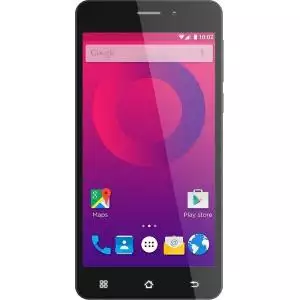
Neo G4
Fast, reliable
Buy
alt="..." />
Omega 7
Derived from the greatest smartphone builders
Buy
class="card-img-top" alt="..." />
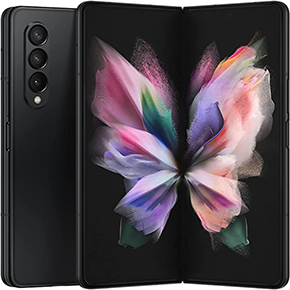
Fold X4
Two screens. Double the power. Made by XTier.
Buy
FILTER BY:
Size
checked />
Step by Step Solution
There are 3 Steps involved in it

Get step-by-step solutions from verified subject matter experts
 Study Help