







Question: I need help with my python code, I ' m a beginner and I don't know what I ' m doing wrong. The assignment instructions
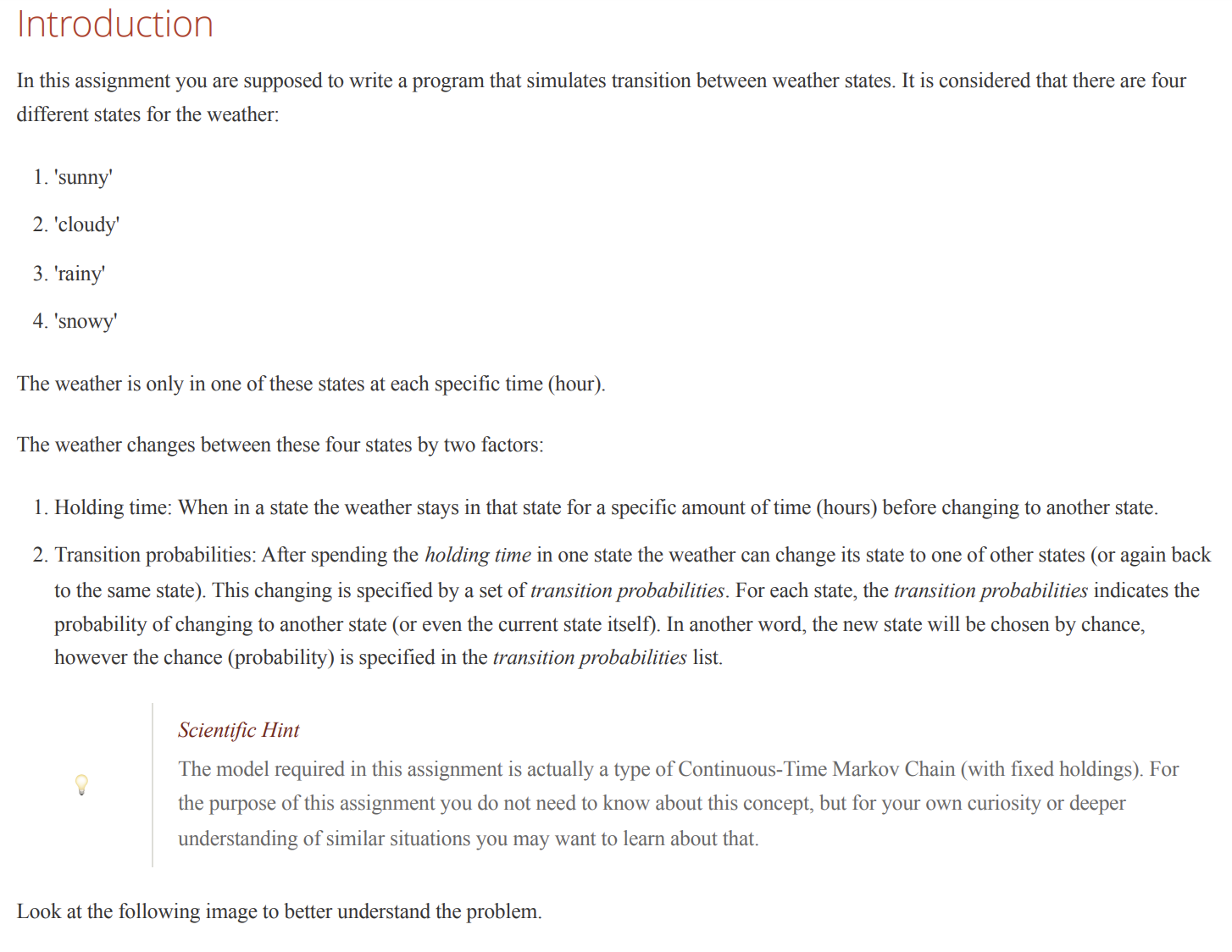
I need help with my python code, Im a beginner and I don't know what Im doing wrong. The assignment instructions is in the screenshots. The test.py file runs my code which was written by the teacher. I can't fully add it here since there's not enough characters available. Is it also possible to compress my code without getting rid of the methods used? This is my code Assignmentpy:
import numpy as np
class WeatherSimulation:
def initself transitionprobabilities, holdingtimes:
self.transitionprobabilities transitionprobabilities
self.holdingtimes holdingtimes
# Validate transition probabilities
for state, transitions in self.transitionprobabilities.items:
if not npisclosesumtransitionsvalues:
raise RuntimeErrorfTransition probabilities for state state do not sum to
self.currentstate 'sunny' # Start with 'sunny' state
self.remaininghours holdingtimesselfcurrentstate
def getstatesself:
return listselftransitionprobabilities.keys
def setstateself state:
# Set the weather state manually and reset remaining hours for that state
if state in self.transitionprobabilities:
self.currentstate state
self.remaininghours self.holdingtimesstate
else:
raise ValueErrorfState state is not a valid weather state."
def currentstateself:
# Return the current weather state
return self.currentstate
def currentstateremaininghoursself:
# Return the remaining hours for the current state
return self.remaininghours
def nextstateself:
# Transition to the next weather state based on probabilities and reset remaining hours
nextstate nprandom.choice
listselftransitionprobabilitiesselfcurrentstatekeys
plistselftransitionprobabilitiesselfcurrentstatevalues
printfTransitioning from selfcurrentstate to nextstate
self.currentstate nextstate
self.remaininghours self.holdingtimesnextstate
def setholdingtimeinstateself state, hours:
# Set holding time for a specific weather state
if state in self.holdingtimes:
self.holdingtimesstate hours
else:
raise ValueErrorfState state does not exist."
def iterableself:
# This method returns an iterable generator that simulates the weather state transitions
while True:
yield self.currentstate, self.remaininghours
self.remaininghours
printfIterating: State: selfcurrentstate Remaining Hours: selfremaininghours
if self.remaininghours :
self.nextstate
def simulateself hours:
occurrences state: for state in self.getstates
totalhours
while totalhours hours:
occurrencesselfcurrentstate
self.remaininghours
totalhours
if self.remaininghours :
self.nextstate
self.remaininghours self.holdingtimesselfcurrentstate # Reset after transition
total sumoccurrencesvalues
return occurrencesstate total for state in self.getstates
# Example data for transition probabilities and holding times
mytransitions
'sunny': sunny: 'cloudy': 'rainy': 'snowy':
'cloudy': sunny: 'cloudy': 'rainy': 'snowy':
'rainy': sunny: 'cloudy': 'rainy': 'snowy':
'snowy': sunny: 'cloudy': 'rainy': 'snowy':
myholdingtimes sunny: 'cloudy': 'rainy': 'snowy':
# Create the simulation object
simulation WeatherSimulationmytransitions, myholdingtimes
# Run the simulation for hours
result simulation.simulate
printPercentage of time each state occurred: result
END of my code. When running it through the test file it gets stuck on NOK! which means not ok:
if not checkholdingtimestransitions holdingtime:
printProbably a problem with holding times"
sysexitNOK
else:
printCorrect holding times"
Step by Step Solution
There are 3 Steps involved in it
1 Expert Approved Answer
Step: 1 Unlock

Question Has Been Solved by an Expert!
Get step-by-step solutions from verified subject matter experts
Step: 2 Unlock
Step: 3 Unlock
 Study Help