







Question: I need help with this code, It reads my input file but all it outputs is program ended Many computer applications, such as Microsoft Excel,
I need help with this code, It reads my input file but all it outputs is "program ended"
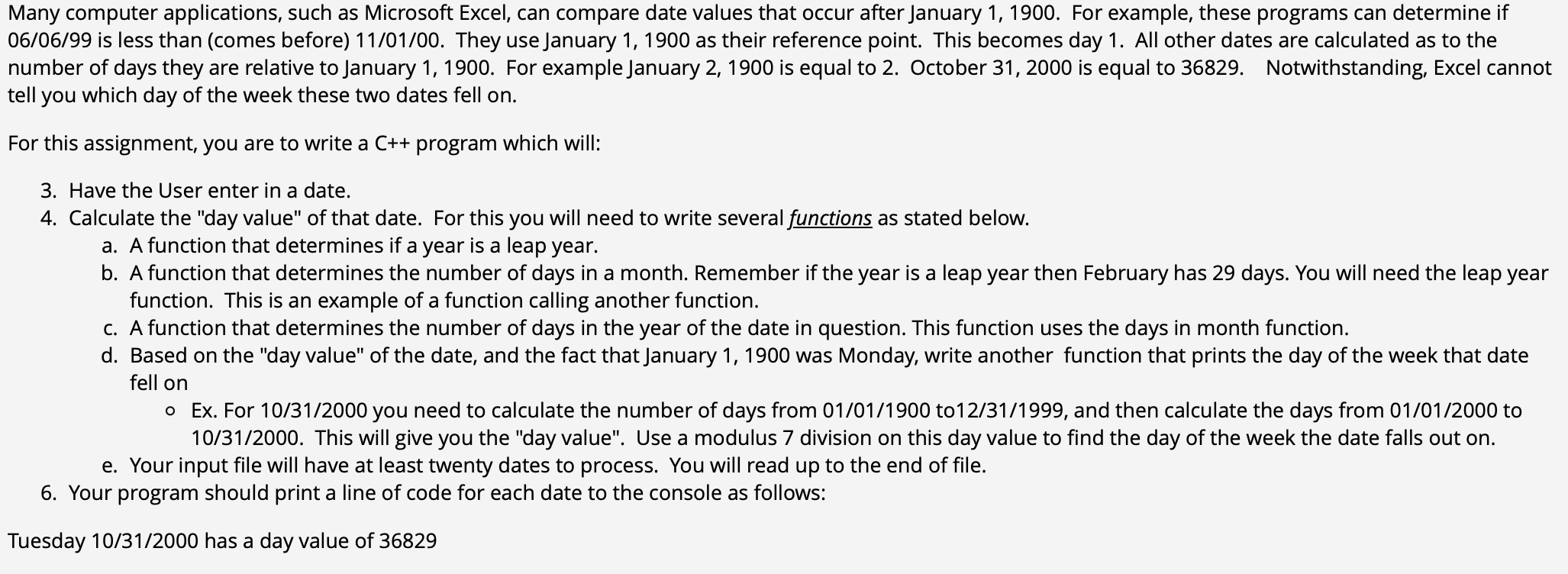
Many computer applications, such as Microsoft Excel, can compare date values that occur after January For example, these programs can determine if is less than comes before They use January as their reference point. This becomes day All other dates are calculated as to the number of days they are relative to January For example January is equal to October is equal to Notwithstanding, Excel cannot tell you which day of the week these two dates fell on
For this assignment, you are to write a C program which will:
Have the User enter in a date.
Calculate the "day value" of that date. For this you will need to write several functions as stated below.
a A function that determines if a year is a leap year.
b A function that determines the number of days in a month. Remember if the year is a leap year then February has days. You will need the leap year function. This is an example of a function calling another function.
c A function that determines the number of days in the year of the date in question. This function uses the days in month function.
d Based on the "day value" of the date, and the fact that January was Monday, write another function that prints the day of the week that date fell on
Ex For you need to calculate the number of days from to and then calculate the days from to This will give you the "day value". Use a modulus division on this day value to find the day of the week the date falls out on
e Your input file will have at least twenty dates to process. You will read up to the end of file.
Your program should print a line of code for each date to the console as follows:
Tuesday has a day value of
Step by Step Solution
There are 3 Steps involved in it
1 Expert Approved Answer
Step: 1 Unlock

Question Has Been Solved by an Expert!
Get step-by-step solutions from verified subject matter experts
Step: 2 Unlock
Step: 3 Unlock
 Study Help