







Question: I need help with this in C CpSc 1111 Lab 13 Command-Line Arguments, sscanf ) and File Pointers Overview For this week's lab, you will
I need help with this in C
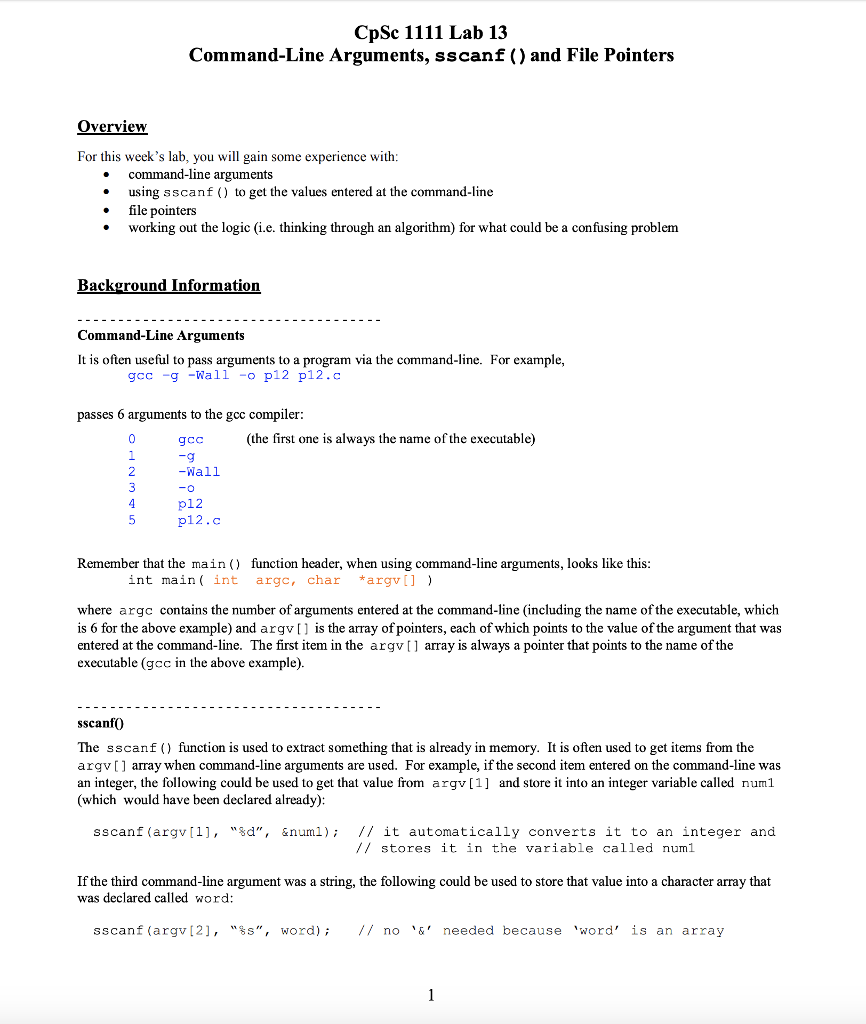
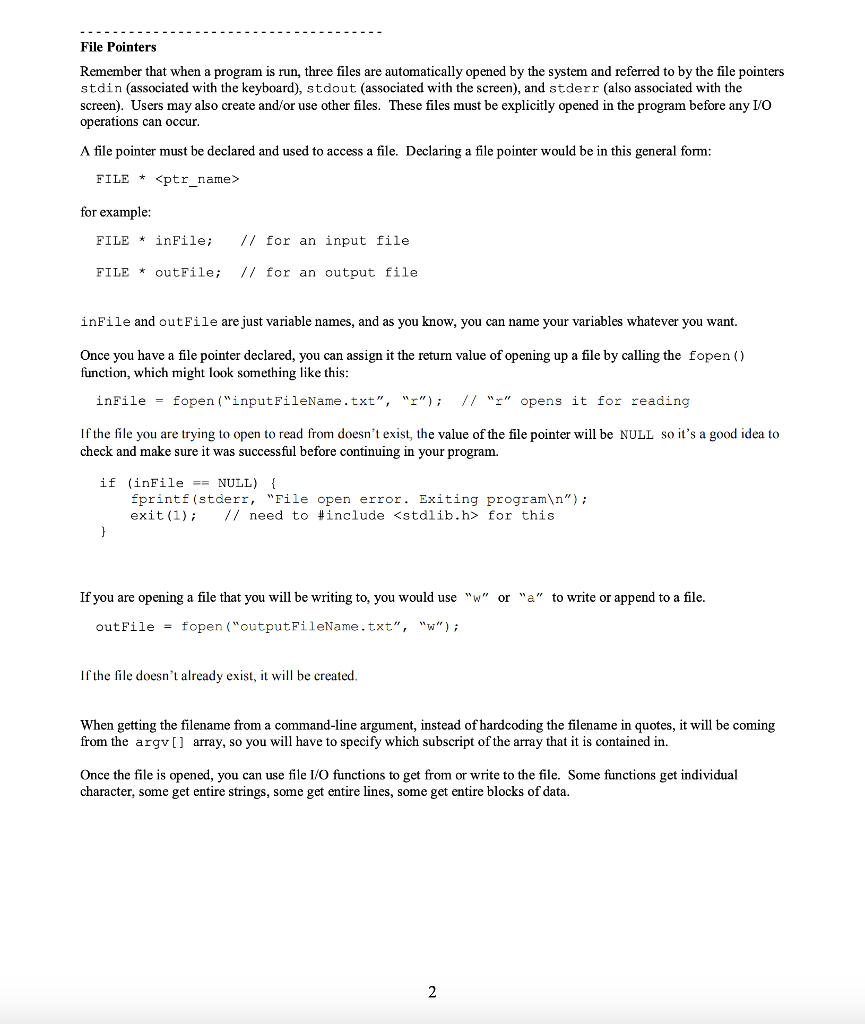
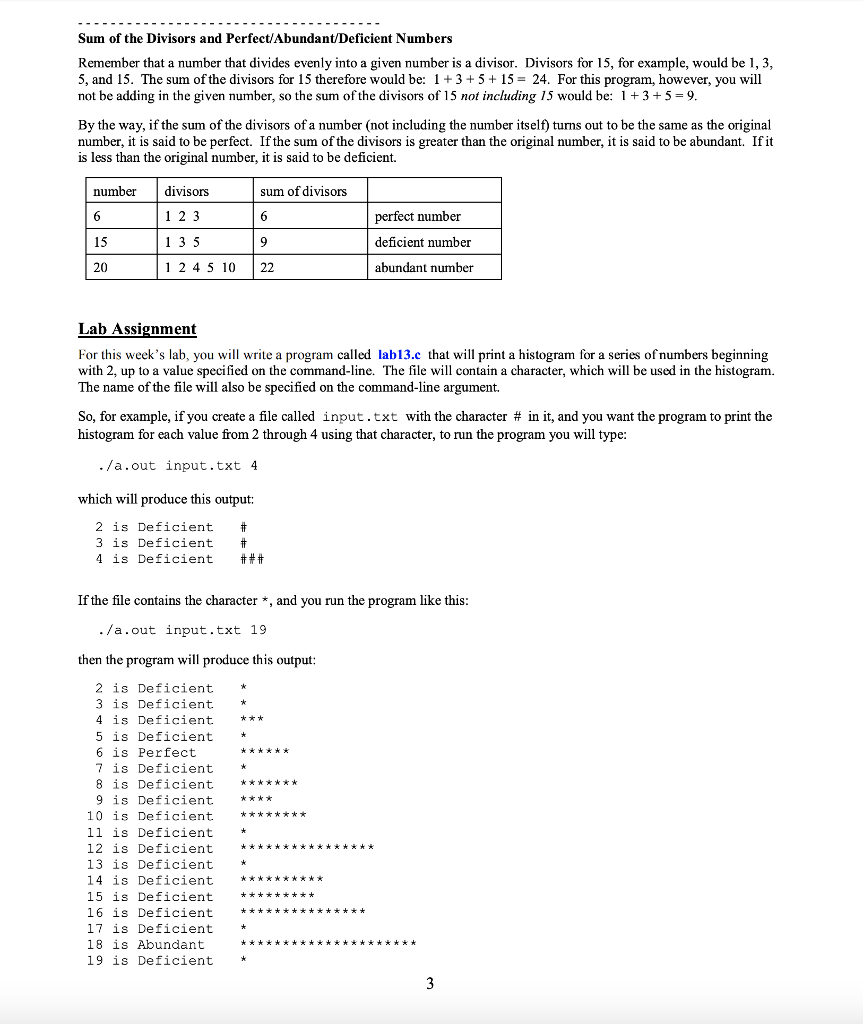
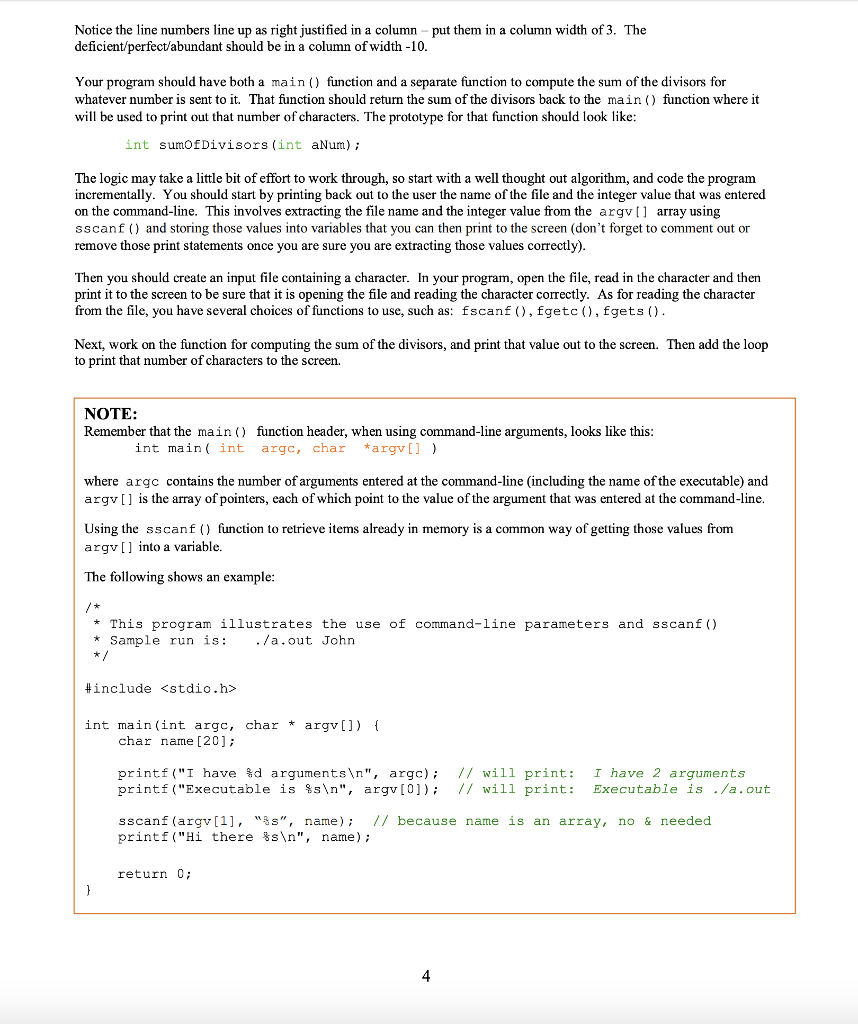
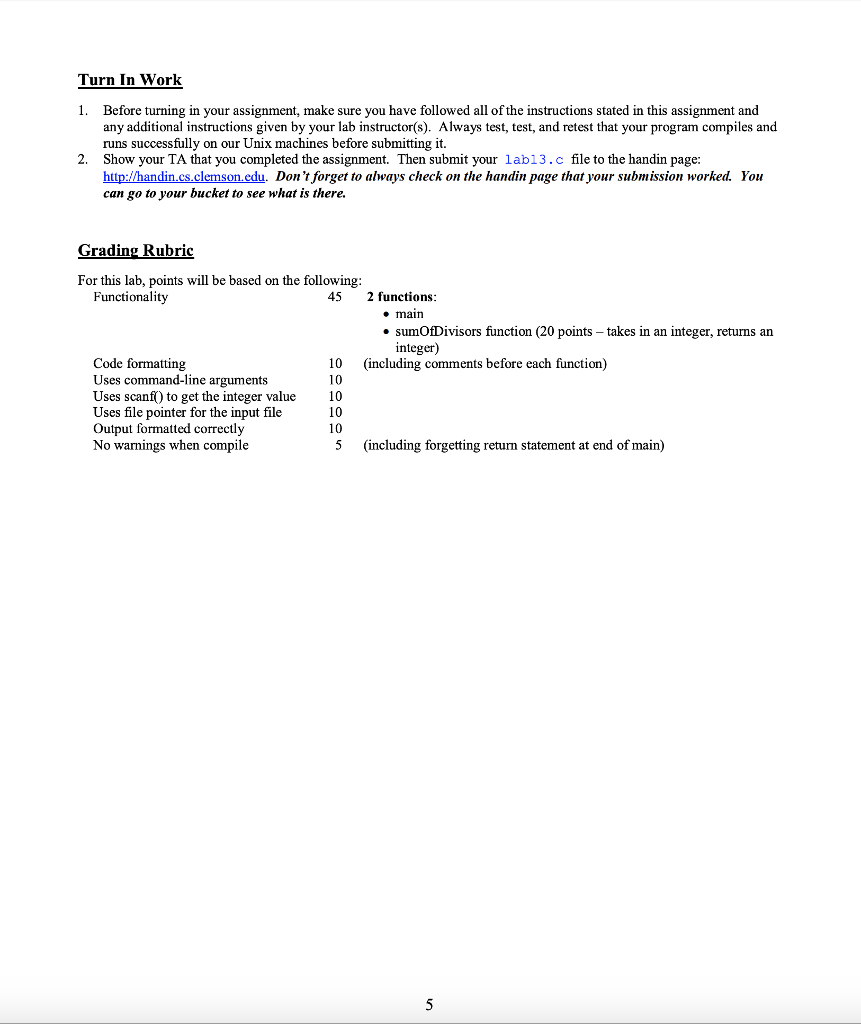
CpSc 1111 Lab 13 Command-Line Arguments, sscanf ) and File Pointers Overview For this week's lab, you will gain some experience with * command-line arguments using sscanf () to get the values entered at the command-line * file pointers * working out the logic (i.e. thinking through an algorithm) for what could be a confusing problem Background Information Command-Line Arguments It is often useful to pass arguments to a program via the command-line. For example, gcc-g -Wall-o p12 p12.c passes 6 arguments to the gcc compiler: (the first one is always the name of the executable) gcc -Wall p12 2 p12.c Remember that the main) function header, when using command-line arguments, looks like this int main( int argc, char argv where argc contains the number of arguments entered at the command-line (including the name of the executable, which is 6 for the above example) and argv[1 is the array of pointers, each of which points to the value of the argument that was entered at the command-line. The first item in the argv[] array is always a pointer that points to the name of the executable (gcc in the above example) sscanf0 The sscanf () function is used to extract something that is already in memory. It is often used to get items from the argv] array when command-line arguments are used. For example, if the second item entered on the command-line was an integer, the following could be used to get that value from argv[1] and store it into an integer variable called numl (which would have been declared already) // it automatically converts it to an integer and // stores it in the variable called numl sscanf (argv [1], "%d", &num1 ); If the third command-line argument was a string, the following could be used to store that value into a character array that was declared called word: sscanf (argv [2], "%s", word); // no 6' needed because 'word' is an array CpSc 1111 Lab 13 Command-Line Arguments, sscanf ) and File Pointers Overview For this week's lab, you will gain some experience with * command-line arguments using sscanf () to get the values entered at the command-line * file pointers * working out the logic (i.e. thinking through an algorithm) for what could be a confusing problem Background Information Command-Line Arguments It is often useful to pass arguments to a program via the command-line. For example, gcc-g -Wall-o p12 p12.c passes 6 arguments to the gcc compiler: (the first one is always the name of the executable) gcc -Wall p12 2 p12.c Remember that the main) function header, when using command-line arguments, looks like this int main( int argc, char argv where argc contains the number of arguments entered at the command-line (including the name of the executable, which is 6 for the above example) and argv[1 is the array of pointers, each of which points to the value of the argument that was entered at the command-line. The first item in the argv[] array is always a pointer that points to the name of the executable (gcc in the above example) sscanf0 The sscanf () function is used to extract something that is already in memory. It is often used to get items from the argv] array when command-line arguments are used. For example, if the second item entered on the command-line was an integer, the following could be used to get that value from argv[1] and store it into an integer variable called numl (which would have been declared already) // it automatically converts it to an integer and // stores it in the variable called numl sscanf (argv [1], "%d", &num1 ); If the third command-line argument was a string, the following could be used to store that value into a character array that was declared called word: sscanf (argv [2], "%s", word); // no 6' needed because 'word' is an array
Step by Step Solution
There are 3 Steps involved in it

Get step-by-step solutions from verified subject matter experts
 Study Help