







Question: I need help with this program, I do understand I am allowed to use the lc-3 simulator but I'm not sure how can I use
I need help with this program, I do understand I am allowed to use the lc-3 simulator but I'm not sure how can I use the binary to find the rest of the binary program
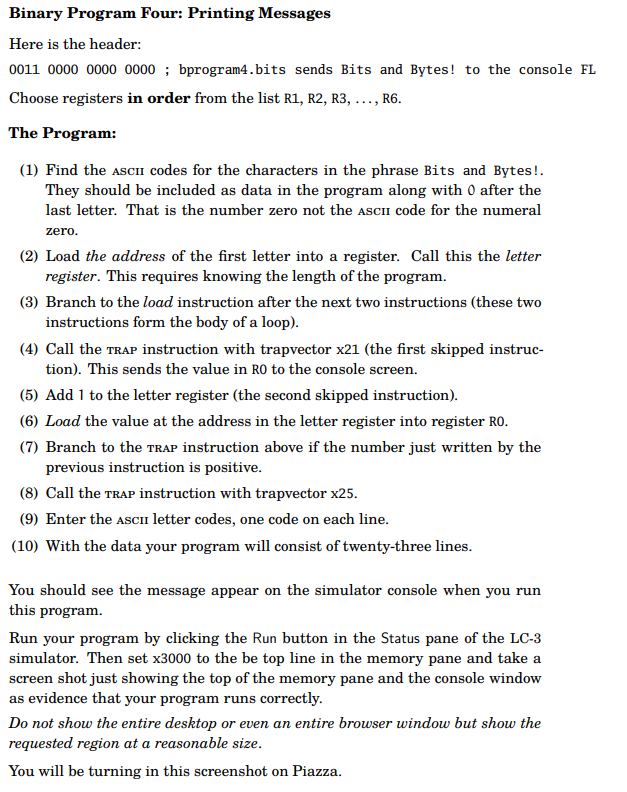
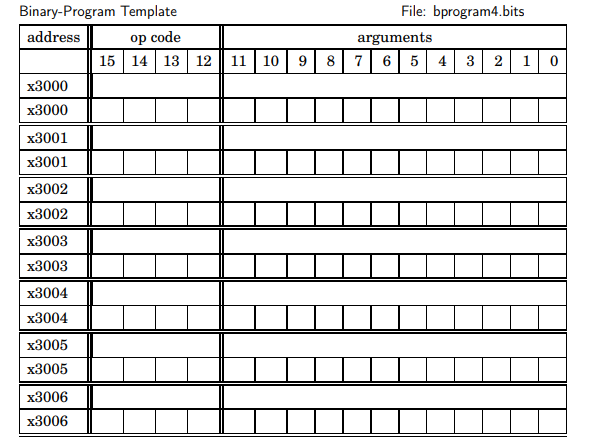
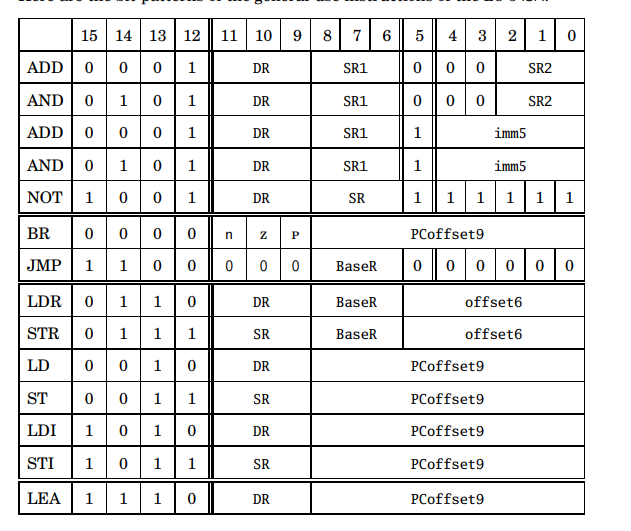
Here is the header: 0011000000000000 ; bprogram4.bits sends Bits and Bytes! to the console Choose registers in order from the list R1, R2, R3, .., R6. The Program: (1) Find the ASCII codes for the characters in the phrase Bits and Bytes!. They should be included as data in the program along with 0 after the last letter. That is the number zero not the ascir code for the numeral zero. (2) Load the address of the first letter into a register. Call this the letter register. This requires knowing the length of the program. (3) Branch to the load instruction after the next two instructions (these two instructions form the body of a loop). (4) Call the TRAP instruction with trapvector x21 (the first skipped instruction). This sends the value in R0 to the console screen. (5) Add 1 to the letter register (the second skipped instruction). (6) Load the value at the address in the letter register into register R0. (7) Branch to the TRAP instruction above if the number just written by the previous instruction is positive. (8) Call the TRAP instruction with trapvector x25. (9) Enter the AScI letter codes, one code on each line. (10) With the data your program will consist of twenty-three lines. You should see the message appear on the simulator console when you run this program. Run your program by clicking the Run button in the Status pane of the LC-3 simulator. Then set x3000 to the be top line in the memory pane and take a screen shot just showing the top of the memory pane and the console window as evidence that your program runs correctly. Do not show the entire desktop or even an entire browser window but show the requested region at a reasonable size. You will be turning in this screenshot on Piazza. Binary-Program Template File: bprogram4.bits
Step by Step Solution
There are 3 Steps involved in it

Get step-by-step solutions from verified subject matter experts
 Study Help