







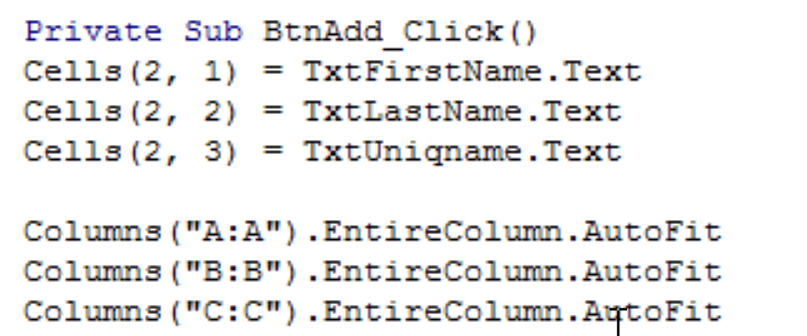
Question: I need help writing the VBA code to make it so that every time the ADD button is hit, the new student is entered into
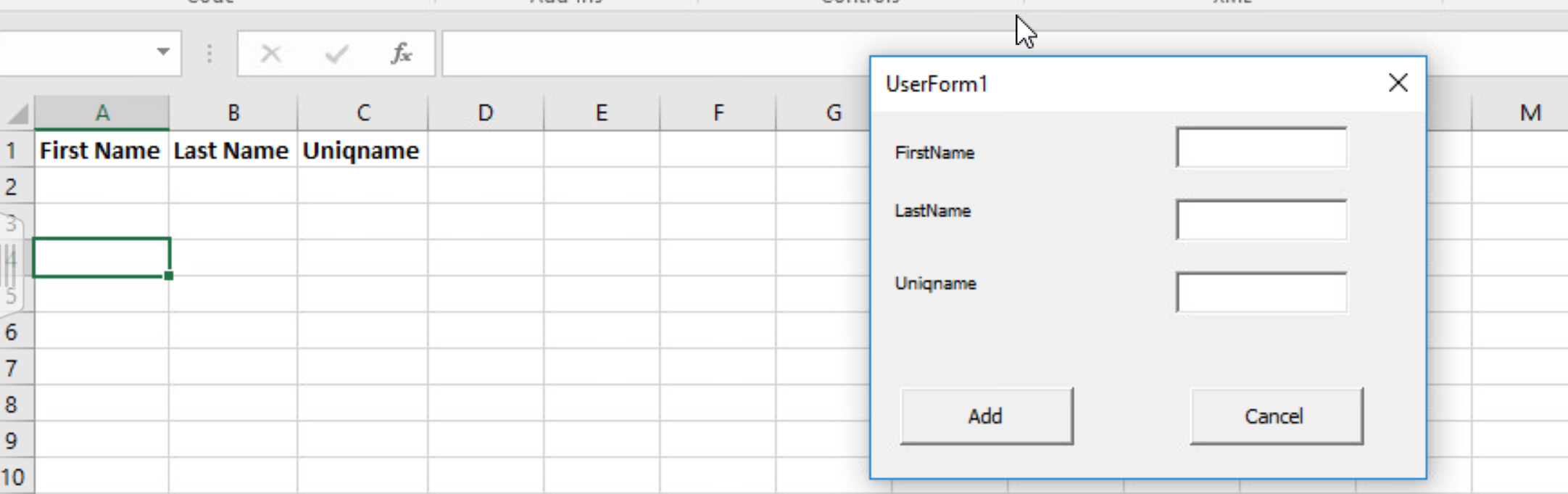
I need help writing the VBA code to make it so that every time the ADD button is hit, the new student is entered into the following row. For better context, I have posted below the format of the spreadsheet (note that there are three elements of information needed -- i.e. firstname, lastname, uniqname). Basically, I need the information stored sequentially, so after the first student's information is stored, then the next student's information is stored on the following row.
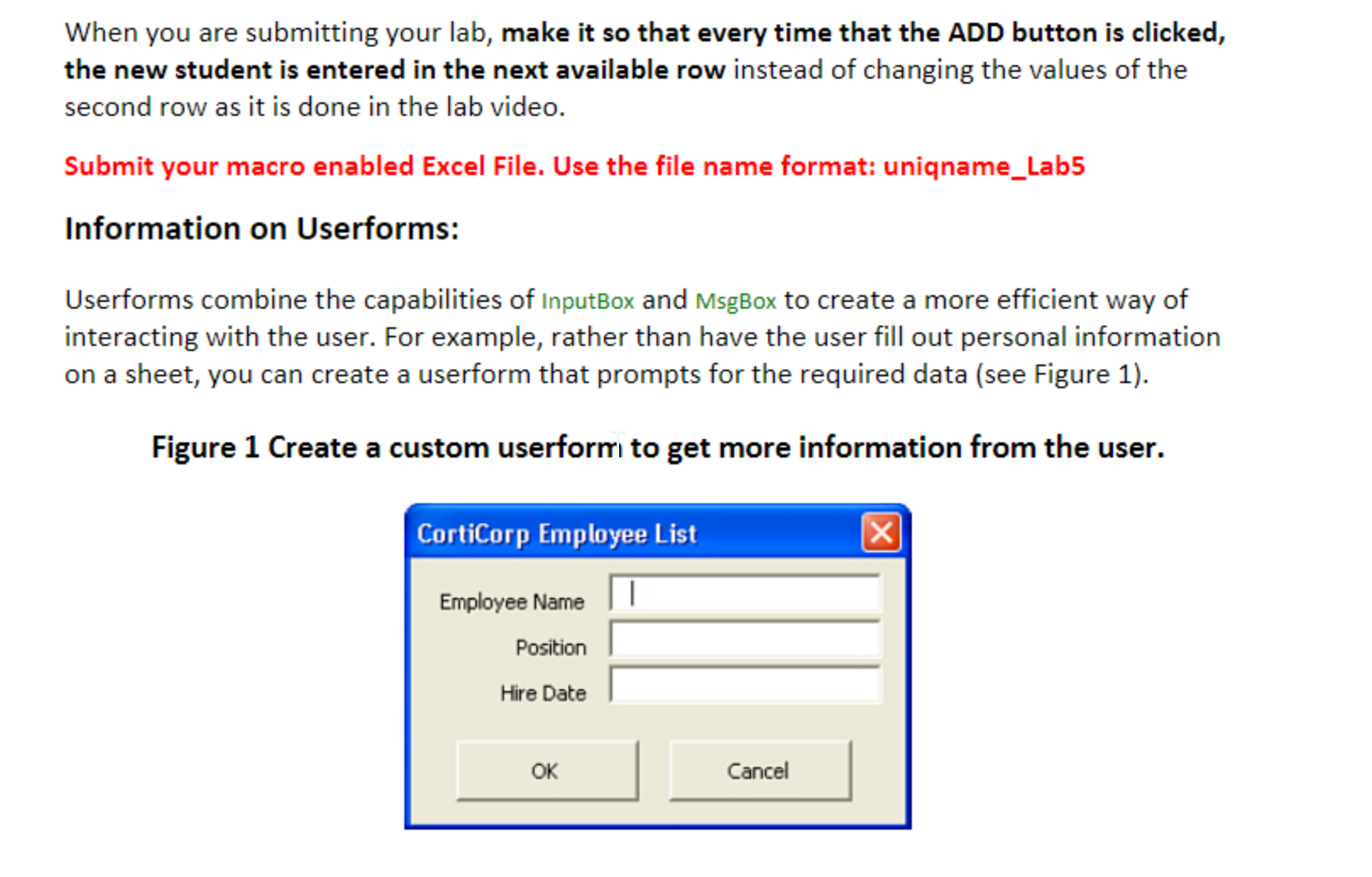
When you are submitting your lab, make it so that every time that the ADD button is clicked, the new student is entered in the next available row instead of changing the values of the second row as it is done in the lab video Submit your macro enabled Excel File. Use the file name format: uniqname Lab5 Information on Userforms: Userforms combine the capabilities of InputBox and MsgBox to create a more efficient way of interacting with the user. For example, rather than have the user fill out personal information on a sheet, you can create a userform that prompts for the required data (see Figure 1) Figure 1 Create a custom userform to get more information from the user. CortiCorp Employee List Employee Name|1 Position Hire Date OK Cancel
Step by Step Solution
There are 3 Steps involved in it

Get step-by-step solutions from verified subject matter experts
 Study Help