







Question: I NEED THE MACBOOK VERSION!!! ASAP PROJECT STEPS Lucia Campos and three friends own a small business called Corvallis Group Restore, an upcycling business in
I NEED THE MACBOOK VERSION!!! ASAP PROJECT STEPS
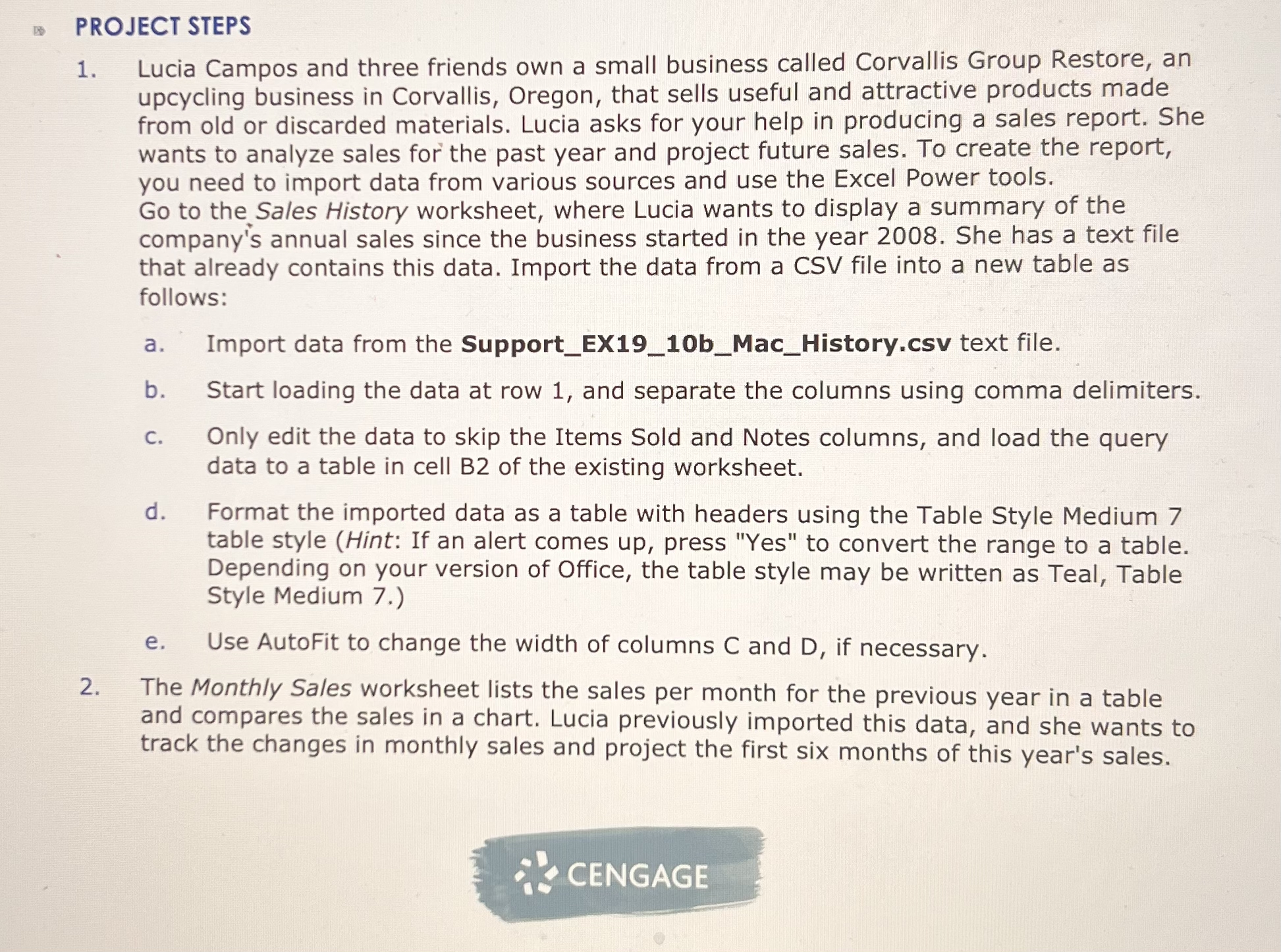
Lucia Campos and three friends own a small business called Corvallis Group Restore, an upcycling business in Corvallis, Oregon, that sells useful and attractive products made from old or discarded materials. Lucia asks for your help in producing a sales report. She wants to analyze sales for the past year and project future sales. To create the report, you need to import data from various sources and use the Excel Power tools. Go to the Sales History worksheet, where Lucia wants to display a summary of the company's annual sales since the business started in the year She has a text file that already contains this data. Import the data from a CSV file into a new table as follows:
a Import data from the SupportEXbMacHistory.csv text file.
b Start loading the data at row and separate the columns using comma delimiters.
c Only edit the data to skip the Items Sold and Notes columns, and load the query data to a table in cell B of the existing worksheet.
d Format the imported data as a table with headers using the Table Style Medium table style Hint: If an alert comes up press "Yes" to convert the range to a table. Depending on your version of Office, the table style may be written as Teal, Table Style Medium
e Use AutoFit to change the width of columns C and D if necessary.
The Monthly Sales worksheet lists the sales per month for the previous year in a table and compares the sales in a chart. Lucia previously imported this data, and she wants to track the changes in monthly sales and project the first six months of this year's sales.
Step by Step Solution
There are 3 Steps involved in it
1 Expert Approved Answer
Step: 1 Unlock

Question Has Been Solved by an Expert!
Get step-by-step solutions from verified subject matter experts
Step: 2 Unlock
Step: 3 Unlock
 Study Help