







Question: I need the SQL code for each part with a screen shot Writing Queries against XML and JSON Data. This is the example Part 1
I need the SQL code for each part with a screen shot
Writing Queries against XML and JSON Data. This is the example
Part 1
Using the WideWorldImporters database and the Warehouse schema write a query that returns
the result set transformed to XML data. The query will return StockItemID, StockItemName,
Brand, Size, TaxRate, UnitPrice, ValidFrom and ValidTo from the table StockItems. The XML
file will have the following structure: root name will be InventoryInfo, the path name will be
Product. StockItemId will be an attribute of the path name. StockItemName and UnitPrice will
be elements of the path name. Brand and Size will be attributes of an element named
Descriptioin in the path name. TaxRate will be an attribute of an element named TaxInfo in the
path name. ValidFrom and ValidTo will be child elements of an element named ValidDates in
the path name. Take a screen shot of the SQL windows and results and paste it here.
Part 2
Double click on the resulting XML column from the above query to fully display the XML
structure. Take a screen shot of the SQL windows and results and paste it here.
Part 3
Using the WideWorldImporters database and the Warehouse schema write a query that returns
the result set transformed to JSON data. The query will return StockItemID, StockItemName,
Brand, Size, TaxRate, UnitPrice, ValidFrom and ValidTo from the table StockItems. Take a
screen shot of the SQL windows and results and paste it here.
Part 4
Using the WideWorldImporters database and the Warehouse schema write a query that returns
the StockItemName, Brand, Size, and CountryOfManufacture from the JSON column
CustomFields from the table StockItems. Only return rows where the CountryOfManufacture is
not USA..Take a screen shot of the SQL windows and results and paste it here.
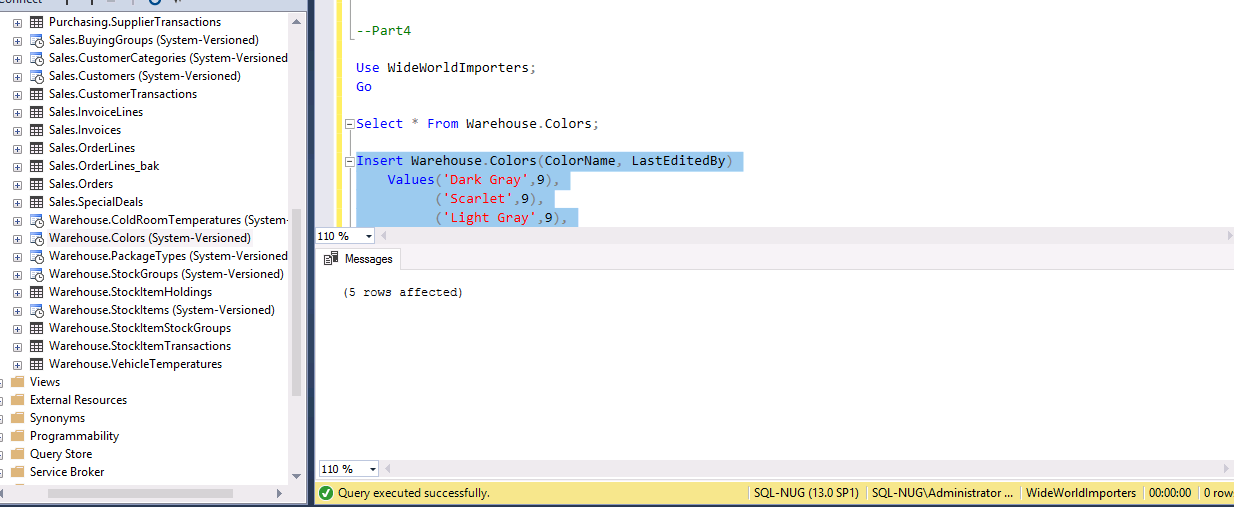
-Part4 Use WideWorldImporters; Go Select * From Warehouse. Colors; # Purchasing SupplierTransactions # Sales.Buying Groups (System-Versioned) Sales. CustomerCategories (System-Versioned # Sales Customers (System-Versioned) # Sales. Customer Transactions Sales.InvoiceLines # E Sales.Invoices # Sales. OrderLines # Sales. OrderLines_bak # Sales. Orders # Sales.SpecialDeals # Warehouse.Cold Room Temperatures (System # Warehouse.Colors (System-Versioned) Warehouse.PackageTypes (System-Versioned # Warehouse StockGroups (System-Versioned) Warehouse StockItem Holdings # Warehouse StockItems (System-Versioned) # Warehouse StockItemStockGroups # B Warehouse StockItem Transactions Warehouse.VehicleTemperatures Views External Resources Synonyms Programmability Query Store Service Broker Insert Warehouse. Colors (ColorName, LastEditedBy) Values('Dark Gray',9) ('Scarlet',9). ('Light Gray',9) 110 % al Messages (5 rows affected) 110 % Query executed successfully. SQL-NUG (13.0 SP1) SQL-NUG\Administrator ... WideWorldImporters 00:00:00 Orow. -Part4 Use WideWorldImporters; Go Select * From Warehouse. Colors; # Purchasing SupplierTransactions # Sales.Buying Groups (System-Versioned) Sales. CustomerCategories (System-Versioned # Sales Customers (System-Versioned) # Sales. Customer Transactions Sales.InvoiceLines # E Sales.Invoices # Sales. OrderLines # Sales. OrderLines_bak # Sales. Orders # Sales.SpecialDeals # Warehouse.Cold Room Temperatures (System # Warehouse.Colors (System-Versioned) Warehouse.PackageTypes (System-Versioned # Warehouse StockGroups (System-Versioned) Warehouse StockItem Holdings # Warehouse StockItems (System-Versioned) # Warehouse StockItemStockGroups # B Warehouse StockItem Transactions Warehouse.VehicleTemperatures Views External Resources Synonyms Programmability Query Store Service Broker Insert Warehouse. Colors (ColorName, LastEditedBy) Values('Dark Gray',9) ('Scarlet',9). ('Light Gray',9) 110 % al Messages (5 rows affected) 110 % Query executed successfully. SQL-NUG (13.0 SP1) SQL-NUG\Administrator ... WideWorldImporters 00:00:00 Orow
Step by Step Solution
There are 3 Steps involved in it

Get step-by-step solutions from verified subject matter experts
 Study Help