







Question: I need the step by step code to input into the command windows for the router and the switches, please. ITNW - 1 4 2
I need the step by step code to input into the command windows for the router and the switches, please.
ITNW Fundamentals of Networking Technologies
Final Project
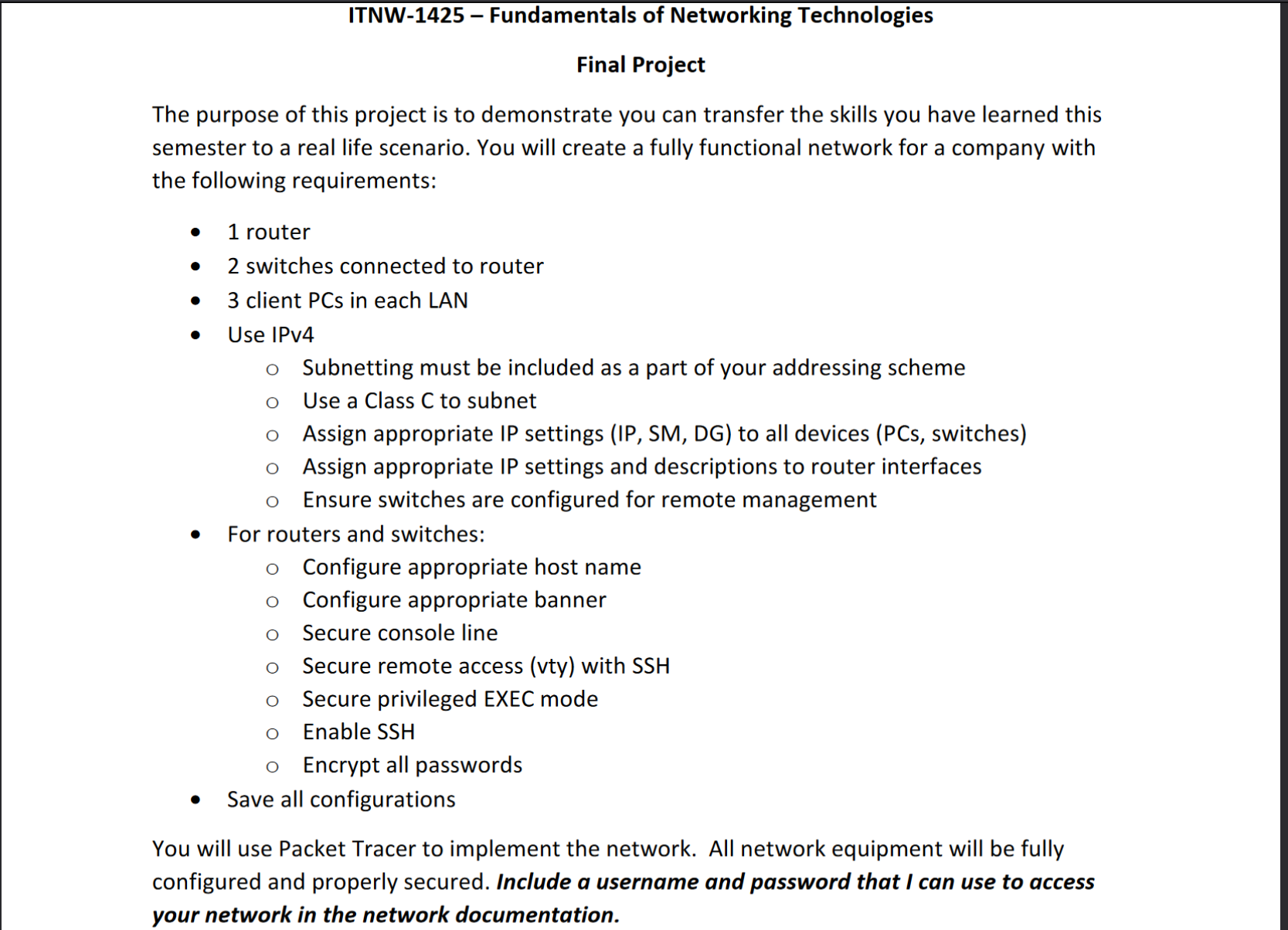
The purpose of this project is to demonstrate you can transfer the skills you have learned this semester to a real life scenario. You will create a fully functional network for a company with the following requirements:
router
switches connected to router
client PCs in each LAN
Use IPv
o Subnetting must be included as a part of your addressing scheme
Use a Class C to subnet
Assign appropriate IP settings IP SM DG to all devices PCs switches
Assign appropriate IP settings and descriptions to router interfaces
o Ensure switches are configured for remote management
For routers and switches:
Configure appropriate host name
Configure appropriate banner
Secure console line
Secure remote access vty with SSH
Secure privileged EXEC mode
Enable SSH
Encrypt all passwords
Save all configurations
You will use Packet Tracer to implement the network. All network equipment will be fully configured and properly secured. Include a username and password that I can use to access your network in the network documentation.
Rubric
Network configuration points:
Networking devices router and switches:
Appropriate host names pts
All modes console vty privileged properly secured pts
Passwords encrypted pts
Require SSH for remote access pts
quad SSH setup is complete refer to pts
Display warnings pts
Interfaces fully configured IP settings, descriptions pts
Switches can be managed remotely pts
Configuration is saved pts
Client PCs:
Complete IP settings on all PCs pts
Network documentation points:
Use Excel to document the IP addressing scheme
Use Subnetting pts
Document IP Assignment IP SM DG for network devices, hosts, and available for
future use pts
Deliverables:
Packet Tracer file
Network Documentation in Excel INCLUDE ALL USER NAMES AND PASSWORDS USED
Step by Step Solution
There are 3 Steps involved in it
1 Expert Approved Answer
Step: 1 Unlock

Question Has Been Solved by an Expert!
Get step-by-step solutions from verified subject matter experts
Step: 2 Unlock
Step: 3 Unlock
 Study Help