







Question: I need to solve this with explanation. D H > Absolute Addressing 1. Enter a formula (Ctrl) hat adds its column heading (20) to its
I need to solve this with explanation. 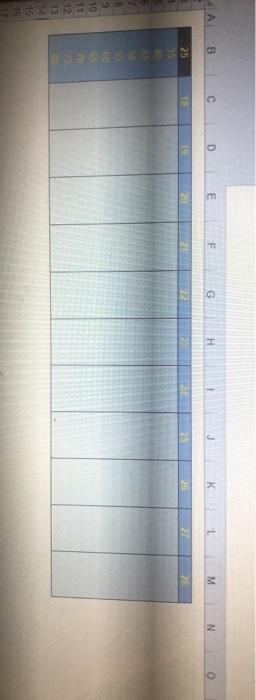
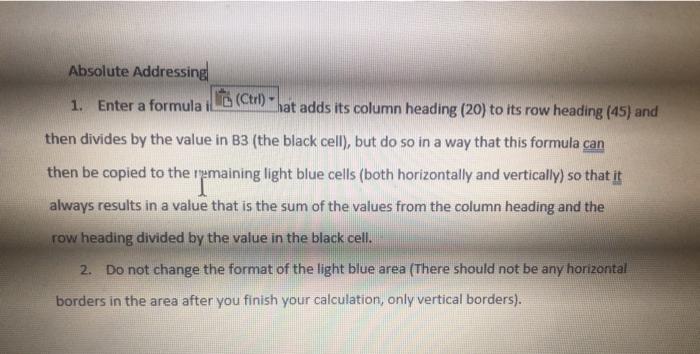
D H > Absolute Addressing 1. Enter a formula (Ctrl) hat adds its column heading (20) to its row heading (45) and then divides by the value in B3 (the black cell), but do so in a way that this formula can then be copied to the remaining light blue cells (both horizontally and vertically) so that it always results in a value that is the sum of the values from the column heading and the row heading divided by the value in the black cell. 2. Do not change the format of the light blue area (There should not be any horizontal borders in the area after you finish your calculation, only vertical borders)
Step by Step Solution
There are 3 Steps involved in it
1 Expert Approved Answer
Step: 1 Unlock

Question Has Been Solved by an Expert!
Get step-by-step solutions from verified subject matter experts
Step: 2 Unlock
Step: 3 Unlock
 Study Help