







Question: i. Open the PheT Wave Interference lab by typing the following link into your web browser: bit.1y/2U2tQVw or https://phet.colorado.edu/sims/html/wave-interference/latest/wave-interference_en.htmlil. Select the Interference option.iii. Select the
i. Open the PheT Wave Interference" lab by typing the following link into your web browser: bit.1y/2U2tQVw or https://phet.colorado.edu/sims/html/wave-interference/latest/wave-interference_en.htmlil. Select the "Interference" option.iii. Select the "Slow" option.iv. Select the Sound wave option by clicking the speaker.v. Drag the pressure sensor above the grey window.vi. Don't adjust the variables (mid-level frequency, max amplitude, and separation 200 cm.)vii. Turn on each speaker by hitting the green buttons.viii. Play with the pressure sensor by moving a sensor around the window and observing the screen on the sensor.
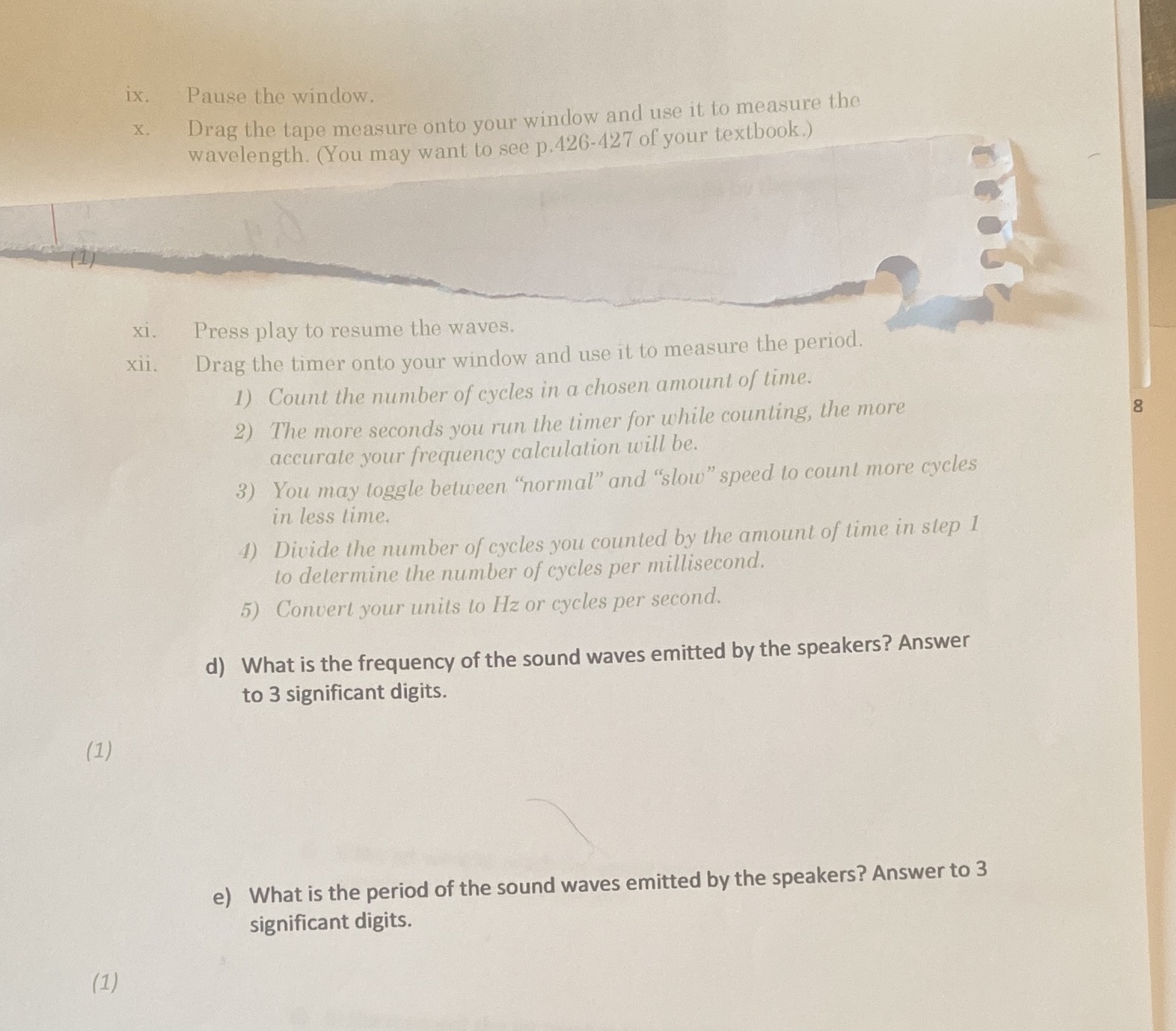
ix. Pause the window. X . Drag the tape measure onto your window and use it to measure the wavelength. (You may want to see p.426-427 of your textbook.) xi. Press play to resume the waves. xii. Drag the timer onto your window and use it to measure the period. 1) Count the number of cycles in a chosen amount of time. 2) The more seconds you run the timer for while counting, the more 8 accurate your frequency calculation will be. 3) You may toggle between "normal" and "slow" speed to count more cycles in less time. 4) Divide the number of cycles you counted by the amount of time in step 1 to determine the number of cycles per millisecond. 5) Convert your units to Hz or cycles per second. d) What is the frequency of the sound waves emitted by the speakers? Answer to 3 significant digits. (1) e) What is the period of the sound waves emitted by the speakers? Answer to 3 significant digits. (1)
Step by Step Solution
There are 3 Steps involved in it

Get step-by-step solutions from verified subject matter experts
 Study Help