







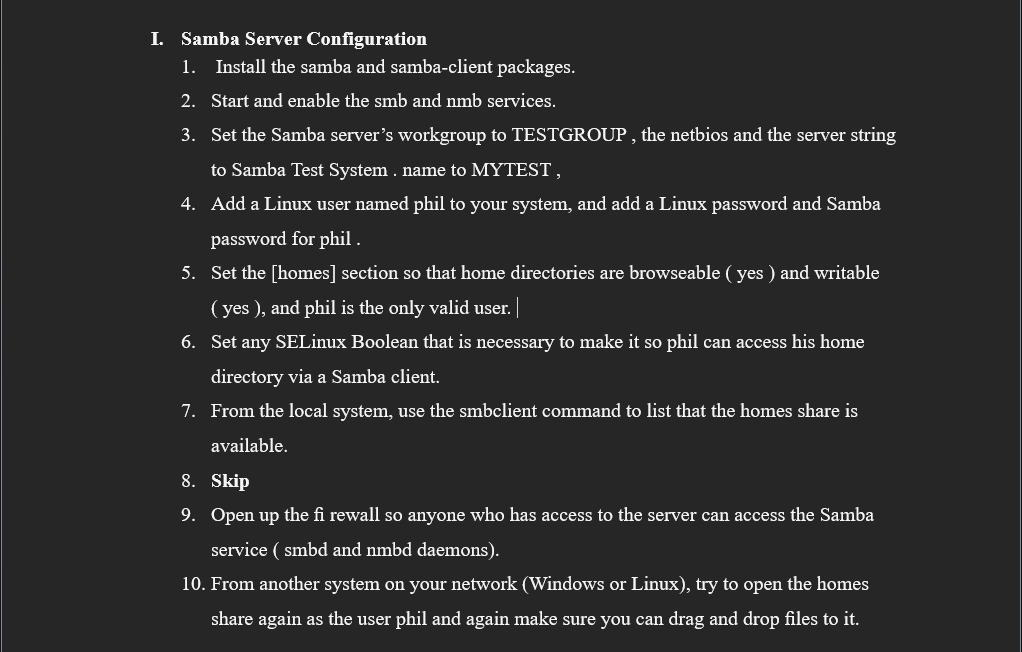
Question: I. Samba Server Configuration 1 . Install the samba and samba - client packages. 2 . Start and enable the smb and nmb services. 3
I. Samba Server Configuration
Install the samba and sambaclient packages.
Start and enable the smb and nmb services.
Set the Samba server's workgroup to TESTGROUP the netbios and the server string to Samba Test System name to MYTEST
Add a Linux user named phil to your system, and add a Linux password and Samba password for phil
Set the homes section so that home directories are browseable yes and writable yes and phil is the only valid user.
Set any SELinux Boolean that is necessary to make it so phil can access his home directory via a Samba client.
From the local system, use the smbclient command to list that the homes share is available.
Skip
Open up the fi rewall so anyone who has access to the server can access the Samba service smbd and nmbd daemons
From another system on your network Windows or Linux try to open the homes share again as the user phil and again make sure you can drag and drop files to it
Step by Step Solution
There are 3 Steps involved in it
1 Expert Approved Answer
Step: 1 Unlock

Question Has Been Solved by an Expert!
Get step-by-step solutions from verified subject matter experts
Step: 2 Unlock
Step: 3 Unlock
 Study Help