







Question: I. SSH Server Configuration Configurate the SSH Server to allow users to connect using the public keys from a ( 2 ^ {
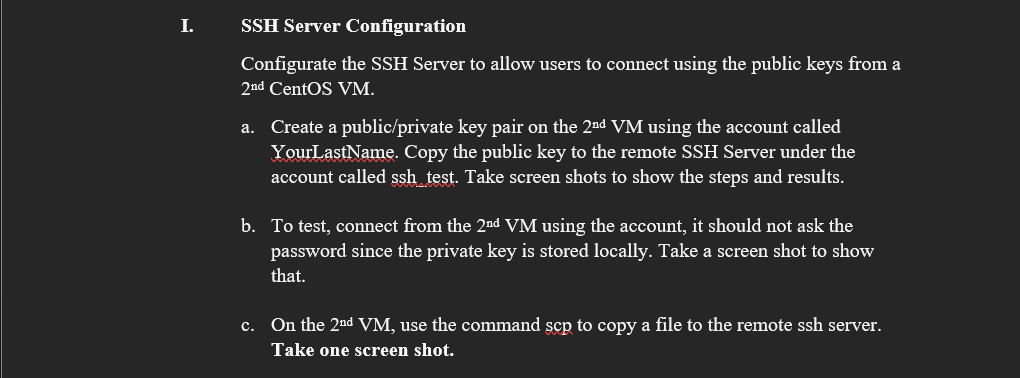
I. SSH Server Configuration
Configurate the SSH Server to allow users to connect using the public keys from a text nd CentOS VM
a Create a publicprivate key pair on the text nd mathrmVM using the account called YourLastName. Copy the public key to the remote SSH Server under the account called ssh test. Take screen shots to show the steps and results.
b To test, connect from the text nd mathrmVM using the account, it should not ask the password since the private key is stored locally. Take a screen shot to show that.
c On the text nd mathrmVM use the command scep to copy a file to the remote ssh server. Take one screen shot.
Step by Step Solution
There are 3 Steps involved in it
1 Expert Approved Answer
Step: 1 Unlock

Question Has Been Solved by an Expert!
Get step-by-step solutions from verified subject matter experts
Step: 2 Unlock
Step: 3 Unlock
 Study Help