







Question: I use Code Composer for this. I am confused on how to start coding for it. Part I - Controlling the DC motor using the
I use Code Composer for this. I am confused on how to start coding for it.
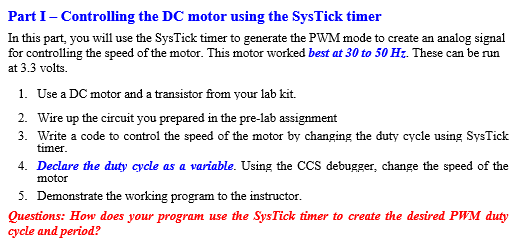
Part I - Controlling the DC motor using the SysTick timer In this part, you will use the SysTick timer to generate the PWM mode to create an analog signal for controlling the speed of the motor. This motor worked best at 30 to 50 Hz. These can be run at 3.3 volts. 1. Use a DC motor and a transistor from your lab kit. 2. Wire up the circuit you prepared in the pre-lab assignment 3. Write a code to control the speed of the motor by changing the duty cycle using SysTick timer 4. Declare the duty cycle as a variable. Using the CCS debugger, change the speed of the motor 5. Demonstrate the working program to the instructor. Questions: How does your program use the SysTick timer to create the desired PWM duty cycle and period? Part I - Controlling the DC motor using the SysTick timer In this part, you will use the SysTick timer to generate the PWM mode to create an analog signal for controlling the speed of the motor. This motor worked best at 30 to 50 Hz. These can be run at 3.3 volts. 1. Use a DC motor and a transistor from your lab kit. 2. Wire up the circuit you prepared in the pre-lab assignment 3. Write a code to control the speed of the motor by changing the duty cycle using SysTick timer 4. Declare the duty cycle as a variable. Using the CCS debugger, change the speed of the motor 5. Demonstrate the working program to the instructor. Questions: How does your program use the SysTick timer to create the desired PWM duty cycle and period
Step by Step Solution
There are 3 Steps involved in it

Get step-by-step solutions from verified subject matter experts
 Study Help