







Question: IAR embeded workbench MSP430 Projects not submitted with a complete functioning project directory will receive a ZERO! Write an assembly program to create a decimal
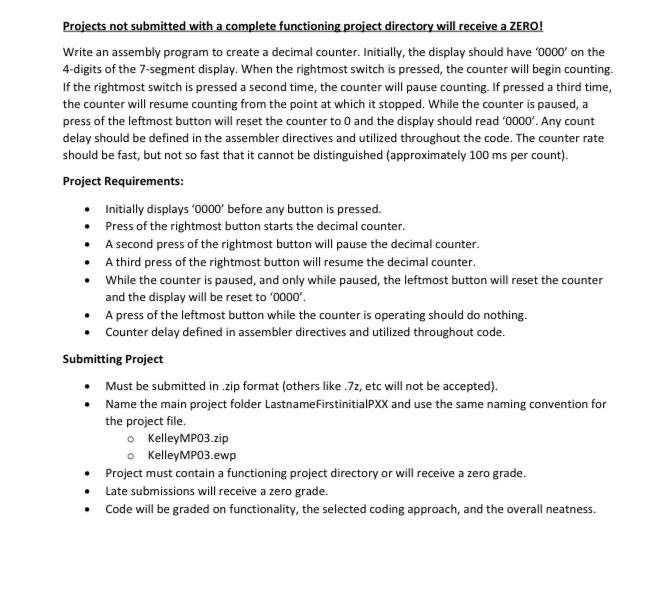
Projects not submitted with a complete functioning project directory will receive a ZERO! Write an assembly program to create a decimal counter. Initially, the display should have '0000' on the 4-digits of the 7-segment display. When the rightmost switch is pressed, the counter will begin counting. If the rightmost switch is pressed a second time, the counter will pause counting. If pressed a third time, the counter will resume counting from the point at which it stopped. While the counter is paused, a press of the leftmost button will reset the counter to 0 and the display should read '0000'. Any count delay should be defined in the assembler directives and utilized throughout the code. The counter rate should be fast, but not so fast that it cannot be distinguished (approximately 100 ms per count). Project Requirements: Initially displays '0000 before any button is pressed. Press of the rightmost button starts the decimal counter. A second press of the rightmost button will pause the decimal counter. A third press of the rightmost button will resume the decimal counter. While the counter is paused, and only while paused, the leftmost button will reset the counter and the display will be reset to '0000'. A press of the leftmost button while the counter is operating should do nothing. Counter delay defined in assembler directives and utilized throughout code. Submitting Project Must be submitted in zip format (others like 7z, etc will not be accepted). Name the main project folder LastnameFirstinitialPXX and use the same naming convention for the project file. o KelleyMPO3.zip o KelleyMPO3.ewp Project must contain a functioning project directory or will receive a zero grade. Late submissions will receive a zero grade. Code will be graded on functionality, the selected coding approach, and the overall neatness. Projects not submitted with a complete functioning project directory will receive a ZERO! Write an assembly program to create a decimal counter. Initially, the display should have '0000' on the 4-digits of the 7-segment display. When the rightmost switch is pressed, the counter will begin counting. If the rightmost switch is pressed a second time, the counter will pause counting. If pressed a third time, the counter will resume counting from the point at which it stopped. While the counter is paused, a press of the leftmost button will reset the counter to 0 and the display should read '0000'. Any count delay should be defined in the assembler directives and utilized throughout the code. The counter rate should be fast, but not so fast that it cannot be distinguished (approximately 100 ms per count). Project Requirements: Initially displays '0000 before any button is pressed. Press of the rightmost button starts the decimal counter. A second press of the rightmost button will pause the decimal counter. A third press of the rightmost button will resume the decimal counter. While the counter is paused, and only while paused, the leftmost button will reset the counter and the display will be reset to '0000'. A press of the leftmost button while the counter is operating should do nothing. Counter delay defined in assembler directives and utilized throughout code. Submitting Project Must be submitted in zip format (others like 7z, etc will not be accepted). Name the main project folder LastnameFirstinitialPXX and use the same naming convention for the project file. o KelleyMPO3.zip o KelleyMPO3.ewp Project must contain a functioning project directory or will receive a zero grade. Late submissions will receive a zero grade. Code will be graded on functionality, the selected coding approach, and the overall neatness
Step by Step Solution
There are 3 Steps involved in it

Get step-by-step solutions from verified subject matter experts
 Study Help