







Question: ICS 141 - 01: Programming with Objects Fall 2019 Assignment 1: Problem solving using variables and I/O Due: January, 30th, 2020 Total points: 40 Objective
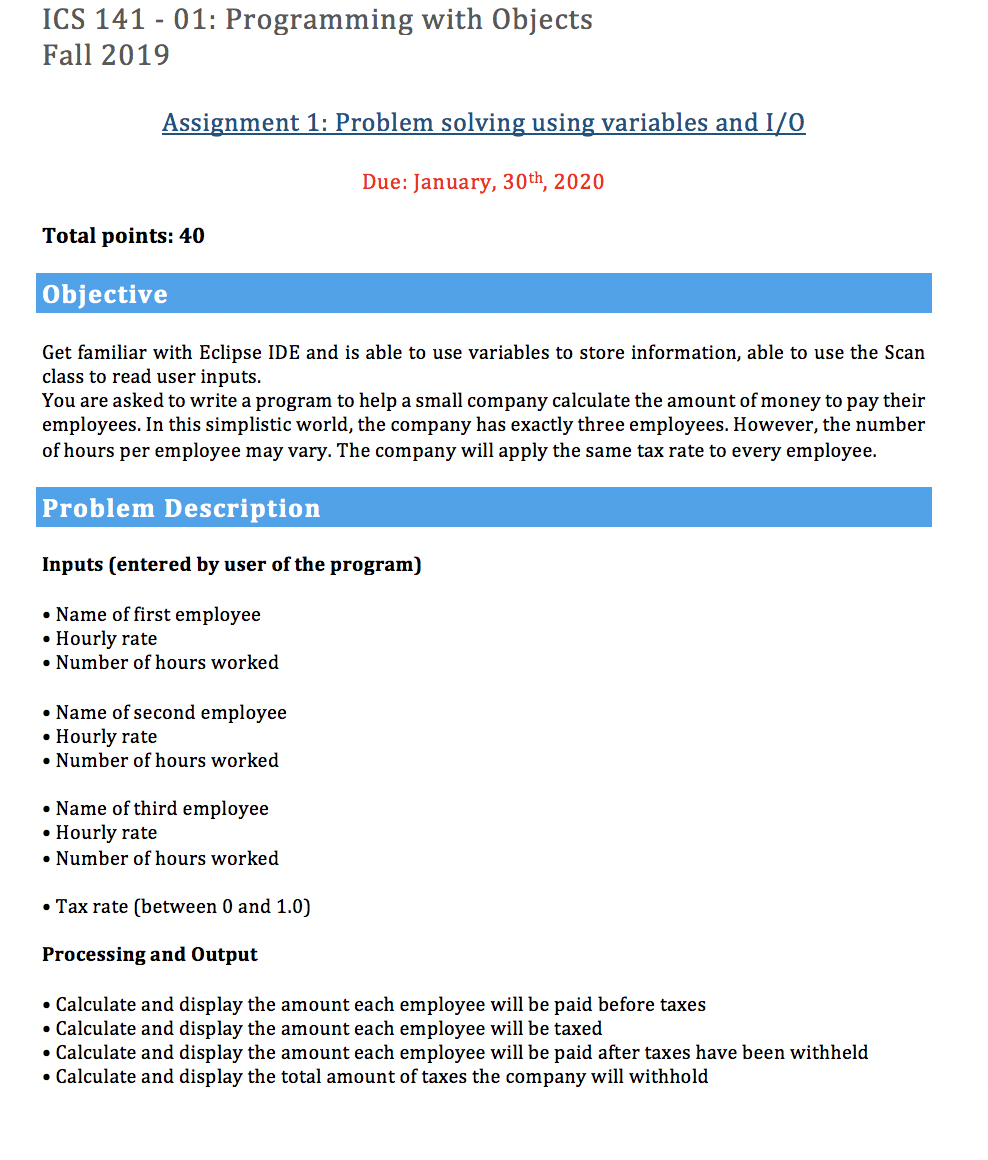
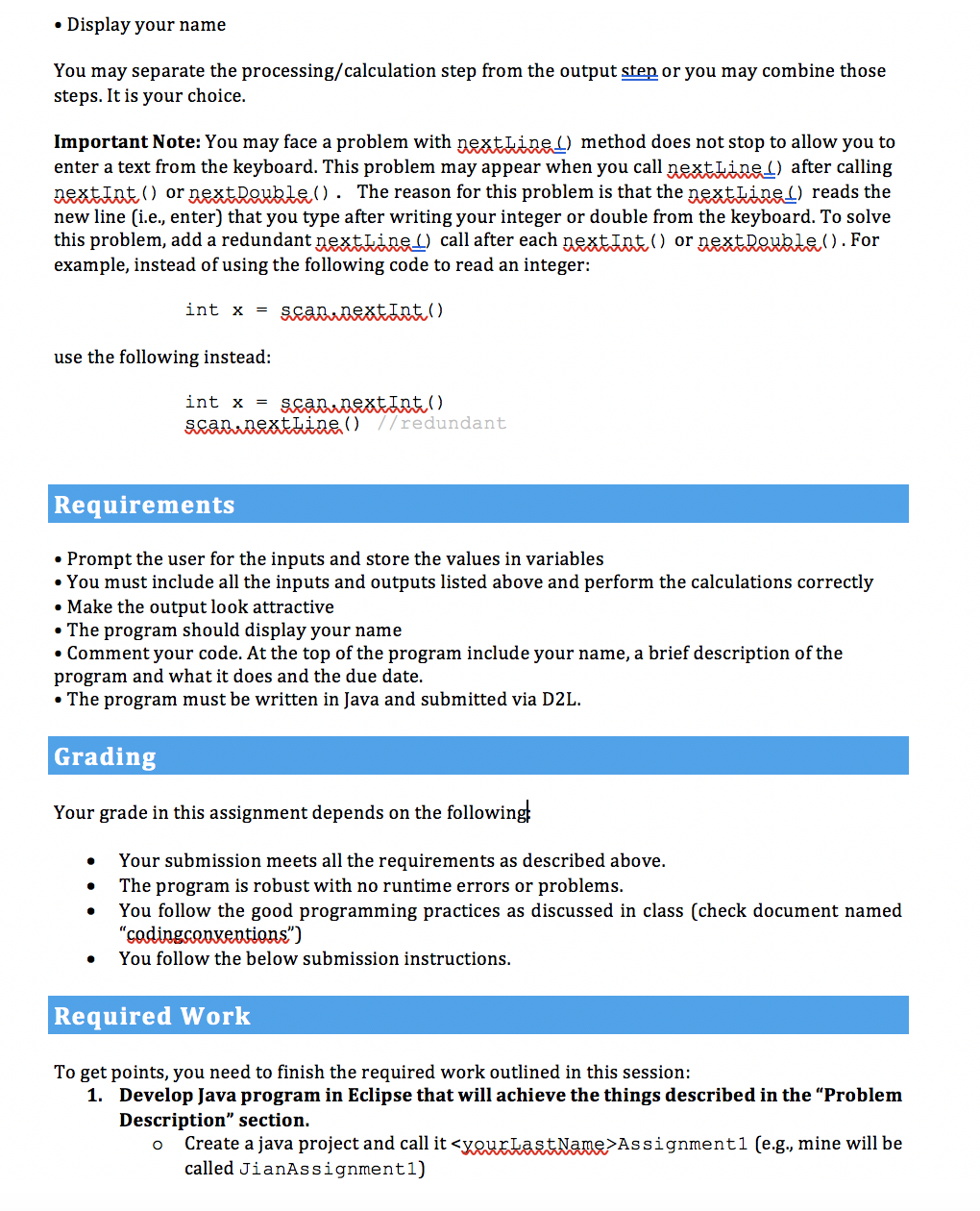
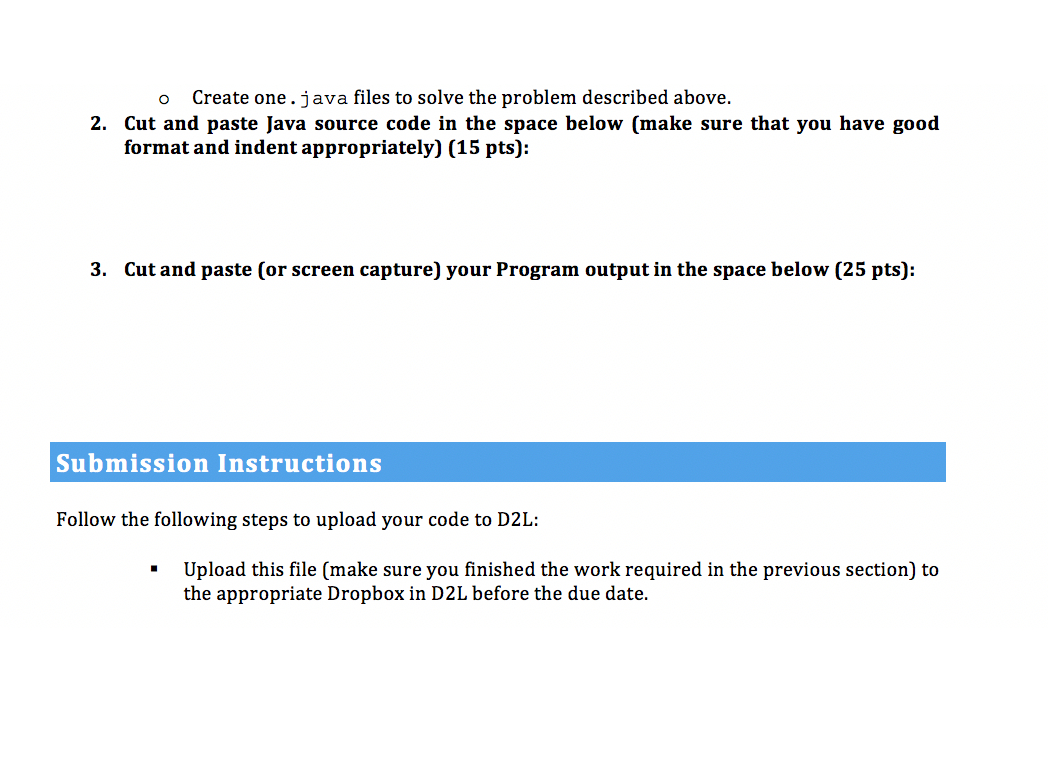
ICS 141 - 01: Programming with Objects Fall 2019 Assignment 1: Problem solving using variables and I/O Due: January, 30th, 2020 Total points: 40 Objective Get familiar with Eclipse IDE and is able to use variables to store information, able to use the Scan class to read user inputs. You are asked to write a program to help a small company calculate the amount of money to pay their employees. In this simplistic world, the company has exactly three employees. However, the number of hours per employee may vary. The company will apply the same tax rate to every employee. Problem Description Inputs (entered by user of the program) Name of first employee Hourly rate Number of hours worked Name of second employee Hourly rate Number of hours worked Name of third employee Hourly rate Number of hours worked Tax rate (between 0 and 1.0) Processing and Output Calculate and display the amount each employee will be paid before taxes Calculate and display the amount each employee will be taxed Calculate and display the amount each employee will be paid after taxes have been withheld Calculate and display the total amount of taxes the company will withhold Display your name You may separate the processing/calculation step from the output step or you may combine those steps. It is your choice. Important Note: You may face a problem with nextLineI) method does not stop to allow you to enter a text from the keyboard. This problem may appear when you call nextLine1) after calling nextInt () or next Double(). The reason for this problem is that the nextLine 1) reads the new line (i.e., enter) that you type after writing your integer or double from the keyboard. To solve this problem, add a redundant nextLine1) call after each nextInt () or nextDoubte (). For example, instead of using the following code to read an integer: int x = scantextInt () use the following instead: int x = scan.nextInt(). scarinextLine() //redundant Requirements Prompt the user for the inputs and store the values in variables You must include all the inputs and outputs listed above and perform the calculations correctly Make the output look attractive The program should display your name Comment your code. At the top of the program include your name, a brief description of the program and what it does and the due date. The program must be written in Java and submitted via D2L. Grading Your grade in this assignment depends on the following Your submission meets all the requirements as described above. The program is robust with no runtime errors or problems. You follow the good programming practices as discussed in class (check document named "codingconventions") You follow the below submission instructions. Required Work To get points, you need to finish the required work outlined in this session: 1. Develop Java program in Eclipse that will achieve the things described in the "Problem Description" section. o Create a java project and call it
Step by Step Solution
There are 3 Steps involved in it

Get step-by-step solutions from verified subject matter experts
 Study Help