





Question: id: 1070332 using kali linux 1. Create user with password 2. Log in to the user that you created 3. Create a directory called 4.

id: 1070332
using kali linux  id: 1070332 using kali linux 1. Create user with password 2.
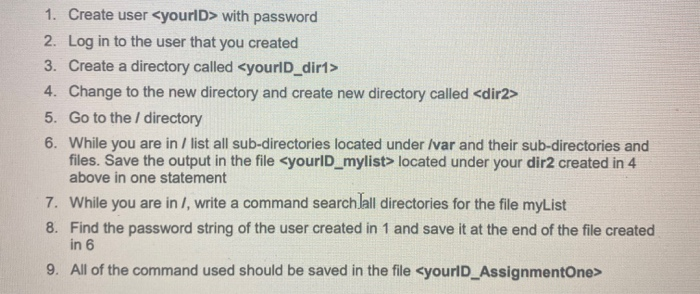
1. Create user with password 2. Log in to the user that you created 3. Create a directory called 4. Change to the new directory and create new directory called 5. Go to the / directory 6. While you are in / list all sub-directories located under Ivar and their sub-directories and files. Save the output in the file located under your dir2 created in 4 above in one statement 7. While you are in /, write a command search Jall directories for the file myList 8. Find the password string of the user created in 1 and save it at the end of the file created in 6 9. All of the command used should be saved in the file

Step by Step Solution

There are 3 Steps involved in it

1 Expert Approved Answer
Step: 1 Unlock blur-text-image

Question Has Been Solved by an Expert!

Get step-by-step solutions from verified subject matter experts

Step: 2 Unlock
Step: 3 Unlock

Students Have Also Explored These Related Databases Questions!