







Question: IDEA is able to generate a random sample. With the Accounts Receivable file open, select Random in the Sample grouping of the Analysis tab.
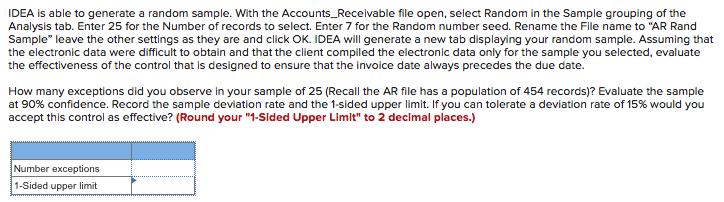
IDEA is able to generate a random sample. With the Accounts Receivable file open, select Random in the Sample grouping of the Analysis tab. Enter 25 for the Number of records to select. Enter 7 for the Random number seed. Rename the File name to "AR Rand Sample" leave the other settings as they are and click OK. IDEA will generate a new tab displaying your random sample. Assuming that the electronic data were difficult to obtain and that the client compiled the electronic data only for the sample you selected, evaluate the effectiveness of the control that is designed to ensure that the invoice date always precedes the due date. How many exceptions did you observe in your sample of 25 (Recall the AR file has a population of 454 records)? Evaluate the sample at 90% confidence. Record the sample deviation rate and the 1-sided upper limit. If you can tolerate a deviation rate of 15% would you accept this control as effective? (Round your "1-Sided Upper Limit" to 2 decimal places.) Number exceptions 1-Sided upper limit
Step by Step Solution
3.50 Rating (170 Votes )
There are 3 Steps involved in it
Assuming that the electronic data were difficult to obtain and that the client compiled the electron... View full answer

Get step-by-step solutions from verified subject matter experts
 Study Help