







Question: if this were an iframe , how do you make it open in the parent window when you click on an image in the slider?
if this were an iframe , how do you make it open in the parent window when you click on an image in the slider? Nothing i am doing seems to be working and i am going crazy please help
Zest Coffee

English Toffee, Apricot, Caramelised Orange, Malt Chocolate
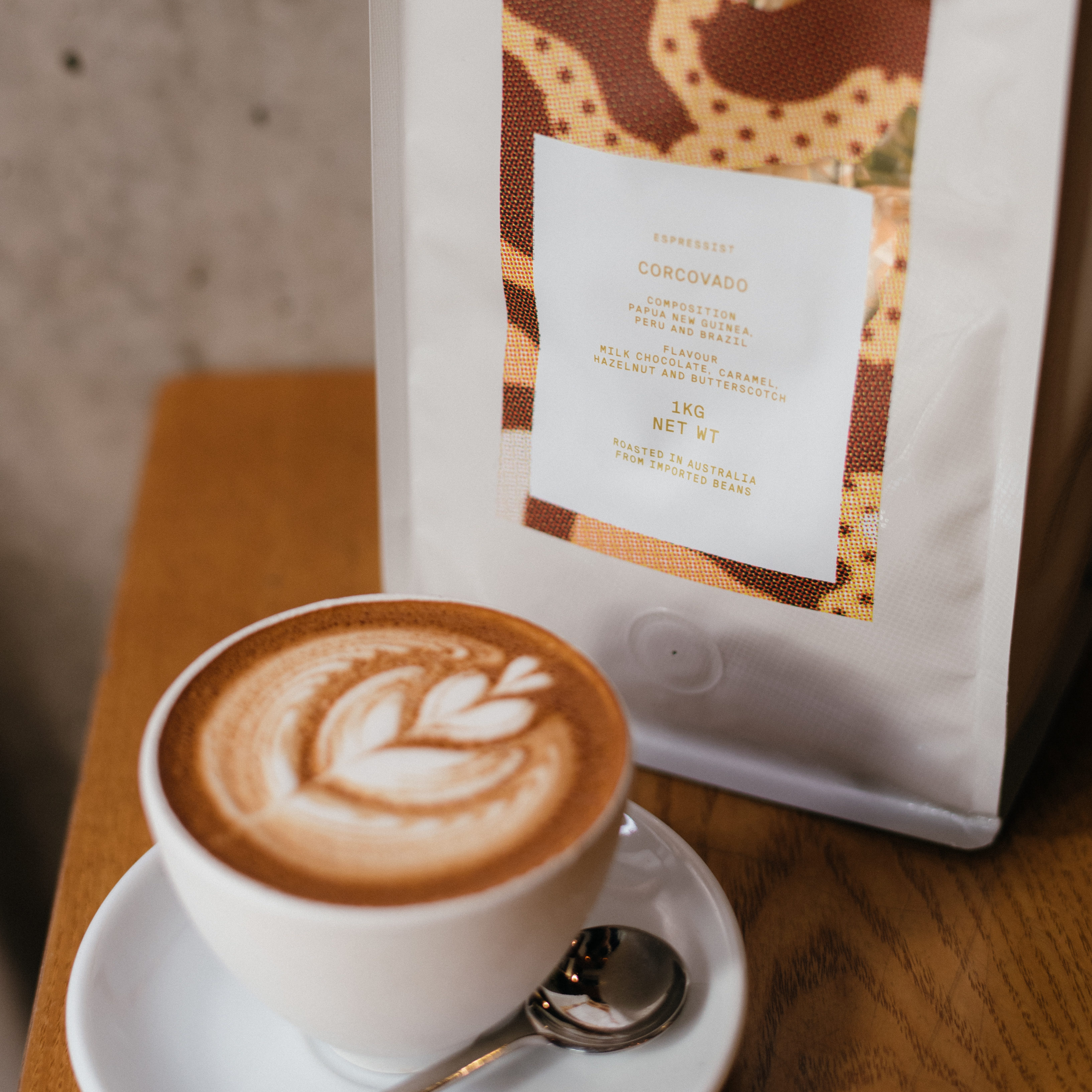
Milk Chocolate, Caramel, Hazelnut, Butterscotch

English Toffee, Apricot, Caramelised Orange and Malt Chocolate

Caramel Fudge, Cashew, Red Nectarine, and Apricot Jam
Blackbird

Corcovado
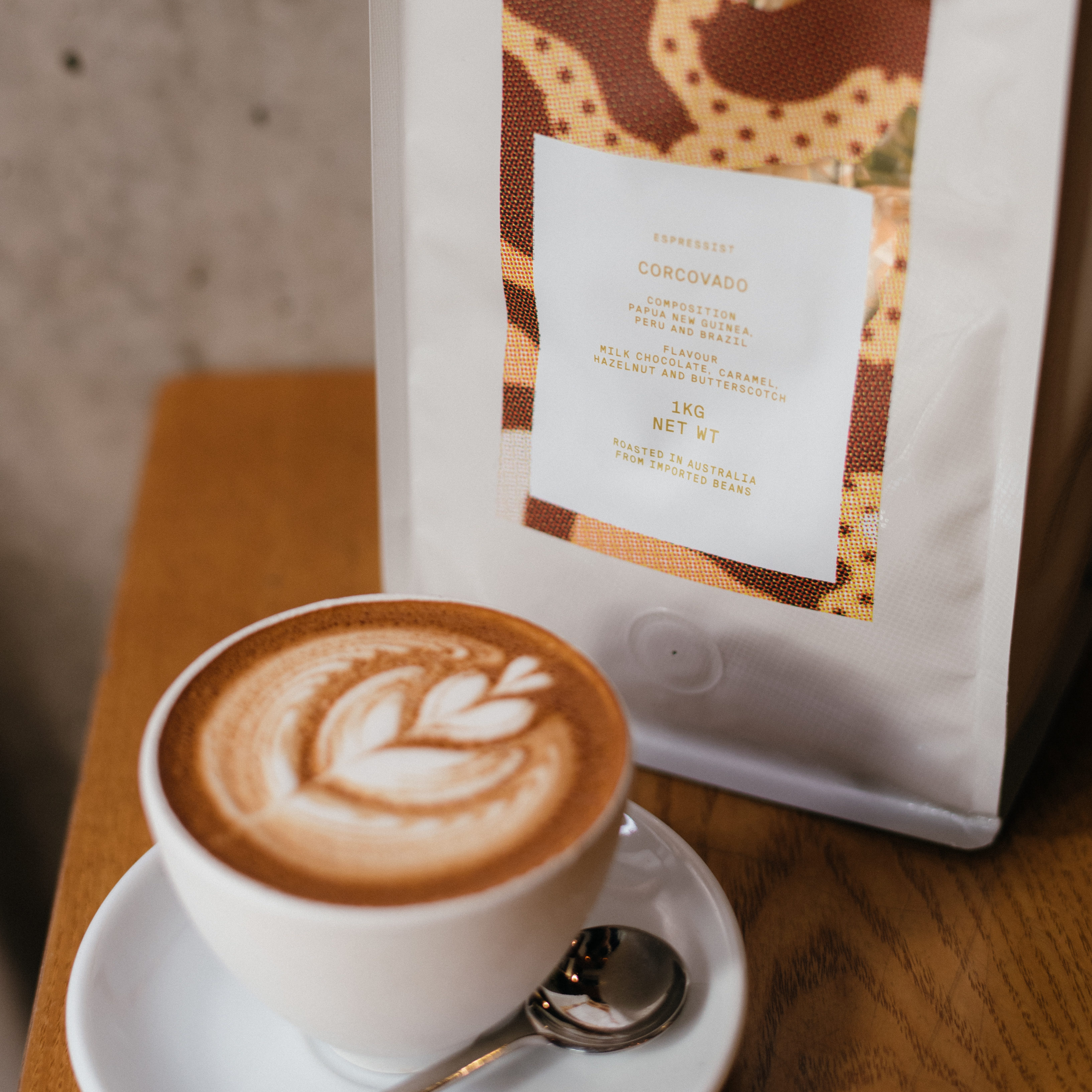
African Mailman

Libertango

// nxt/preious controls function theFirstMoveRenderFunction(n) { theFirstShowSlide(theFirstSlideRenderVariable += n); }
function theFirstCurrentRender(n) { theFirstShowSlide(theFirstSlideRenderVariable = n); } function theFirstShowSlide(n) { var i; var theFirstSliderVariable = document.getElementsByClassName("theFirstSlideRender"); if (n > theFirstSliderVariable.length) { theFirstSlideRenderVariable = 1 } if (n
Step by Step Solution
There are 3 Steps involved in it

Get step-by-step solutions from verified subject matter experts
 Study Help