







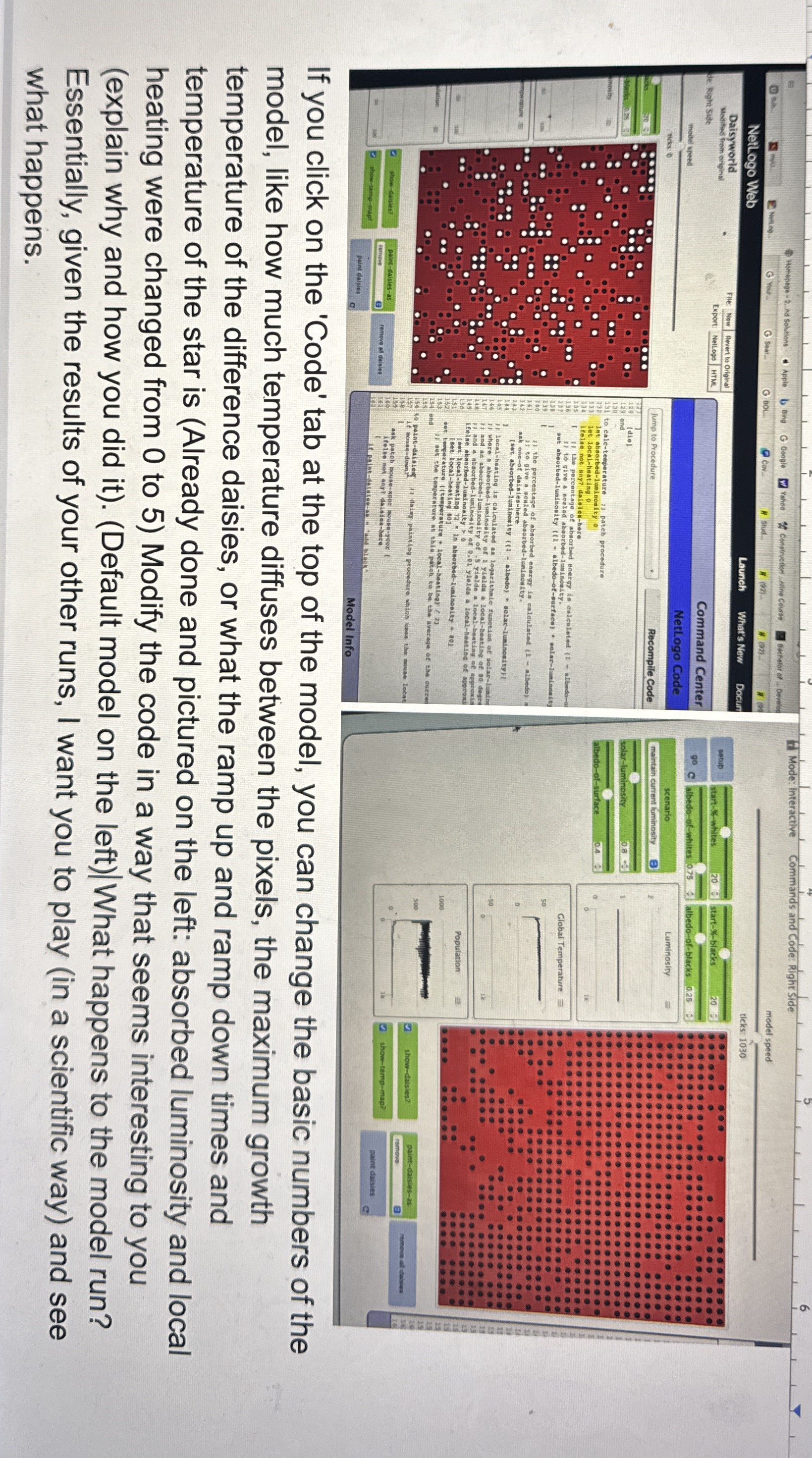
Question: If you click on the 'Code' tab at the top of the model, you can change the basic numbers of the model, like how much
If you click on the 'Code' tab at the top of the model, you can change the basic numbers of the
model, like how much temperature diffuses between the pixels, the maximum growth
temperature of the difference daisies, or what the ramp up and ramp down times and
temperature of the star is Already done and pictured on the left: absorbed luminosity and local
heating were changed from to Modify the code in a way that seems interesting to you
explain why and how you did itDefault model on the leftWhat happens to the model run?
Essentially, given the results of your other runs, I want you to play in a scientific way and see
what happens.
Step by Step Solution
There are 3 Steps involved in it
1 Expert Approved Answer
Step: 1 Unlock

Question Has Been Solved by an Expert!
Get step-by-step solutions from verified subject matter experts
Step: 2 Unlock
Step: 3 Unlock
 Study Help