







Question: If you intend to insert an existing hatch pattern from a tool palette but want to specify a particular Scale and Angle for all insertions
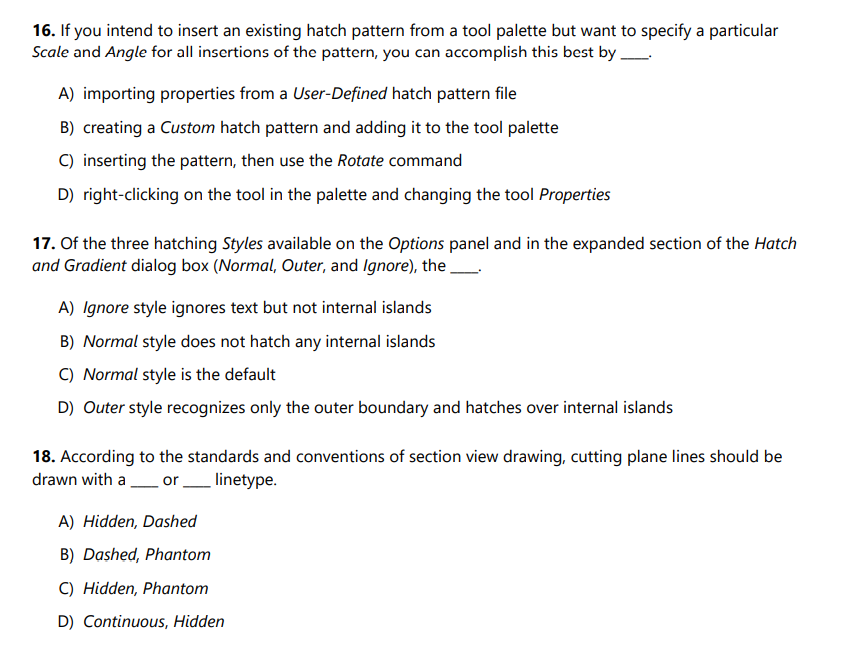
If you intend to insert an existing hatch pattern from a tool palette but want to specify a particular
Scale and Angle for all insertions of the pattern, you can accomplish this best by
A importing properties from a UserDefined hatch pattern file
B creating a Custom hatch pattern and adding it to the tool palette
C inserting the pattern, then use the Rotate command
D rightclicking on the tool in the palette and changing the tool Properties
Of the three hatching Styles available on the Options panel and in the expanded section of the Hatch
and Gradient dialog box Normal Outer, and Ignore the
A Ignore style ignores text but not internal islands
B Normal style does not hatch any internal islands
C Normal style is the default
D Outer style recognizes only the outer boundary and hatches over internal islands
According to the standards and conventions of section view drawing, cutting plane lines should be
drawn with a or linetype.
A Hidden, Dashed
B Dashed, Phantom
C Hidden, Phantom
D Continuous, Hidden
Step by Step Solution
There are 3 Steps involved in it
1 Expert Approved Answer
Step: 1 Unlock

Question Has Been Solved by an Expert!
Get step-by-step solutions from verified subject matter experts
Step: 2 Unlock
Step: 3 Unlock
 Study Help