







Question: I'm trying to modify a configuration file. How do I modify the file and uncomment a specific line, if I am unable to edit this
I'm trying to modify a configuration file. How do I modify the file and uncomment a specific line, if I am unable to edit this file? I have posted a screenshot. Thank you.
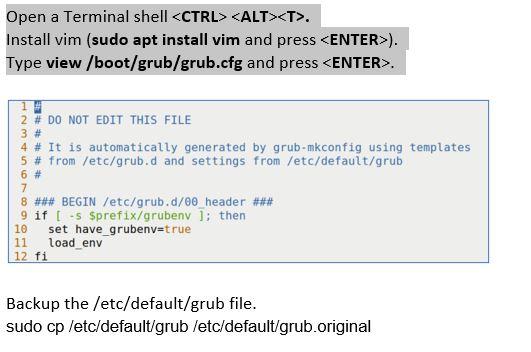
Open a Terminal shell
Step by Step Solution
There are 3 Steps involved in it
1 Expert Approved Answer
Step: 1 Unlock

Question Has Been Solved by an Expert!
Get step-by-step solutions from verified subject matter experts
Step: 2 Unlock
Step: 3 Unlock
 Study Help