







Question: Image Type Conversion Exercise in MATLAB Please review the lecture materials and follow the examples provided to complete the assignment. 1 . Load the 'cameraman.tif'
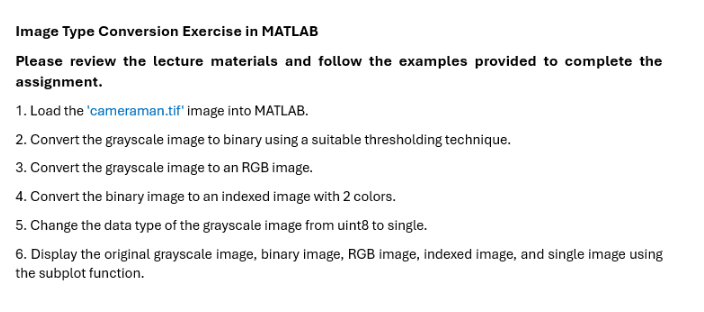
Image Type Conversion Exercise in MATLAB
Please review the lecture materials and follow the examples provided to complete the assignment.
Load the 'cameraman.tif' image into MATLAB.
Convert the grayscale image to binary using a suitable thresholding technique.
Convert the grayscale image to an RGB image.
Convert the binary image to an indexed image with colors.
Change the data type of the grayscale image from uint to single.
Display the original grayscale image, binary image, RGB image, indexed image, and single image using the subplot function.
Step by Step Solution
There are 3 Steps involved in it
1 Expert Approved Answer
Step: 1 Unlock

Question Has Been Solved by an Expert!
Get step-by-step solutions from verified subject matter experts
Step: 2 Unlock
Step: 3 Unlock
 Study Help