Question: Image1 Image 2 Image 3 Image 4 Image 5 In this assignment, you will write a C program that involves processing 2-dimensional arrays. A two-dimensional
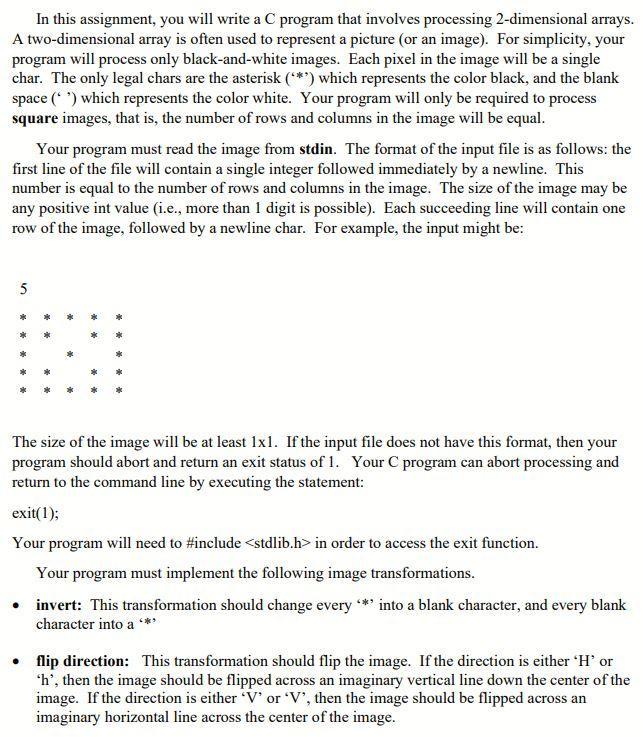
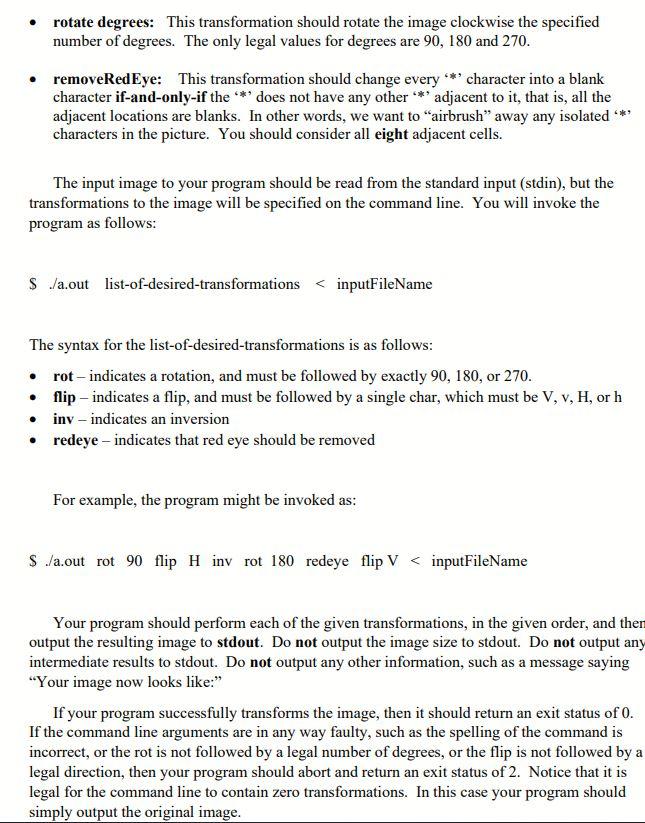
Image1
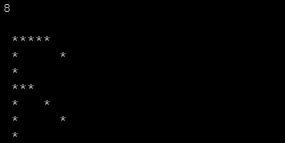
Image 2
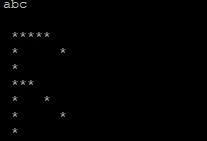
Image 3
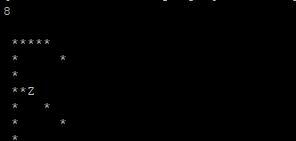
Image 4
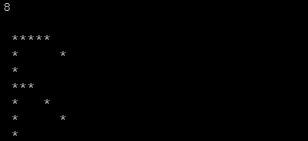
Image 5
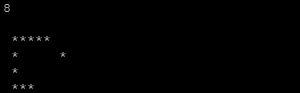
In this assignment, you will write a C program that involves processing 2-dimensional arrays. A two-dimensional array is often used to represent a picture (or an image). For simplicity, your program will process only black-and-white images. Each pixel in the image will be a single char. The only legal chars are the asterisk (***) which represents the color black, and the blank space (*) which represents the color white. Your program will only be required to process square images, that is, the number of rows and columns in the image will be equal. Your program must read the image from stdin. The format of the input file is as follows: the first line of the file will contain a single integer followed immediately by a newline. This number is equal to the number of rows and columns in the image. The size of the image may be any positive int value (i.e., more than 1 digit is possible). Each succeeding line will contain one row of the image, followed by a newline char. For example, the input might be: 5 The size of the image will be at least lxl. If the input file does not have this format, then your program should abort and return an exit status of 1. Your C program can abort processing and return to the command line by executing the statement: exit(1); Your program will need to #include in order to access the exit function. Your program must implement the following image transformations. invert: This transformation should change every **' into a blank character, and every blank character into a *** . flip direction: This transformation should flip the image. If the direction is either 'H' or 'h', then the image should be flipped across an imaginary vertical line down the center of the image. If the direction is either V' or 'V', then the image should be flipped across an imaginary horizontal line across the center of the image. rotate degrees: This transformation should rotate the image clockwise the specified number of degrees. The only legal values for degrees are 90, 180 and 270. removeRedEye: This transformation should change every ** character into a blank character if-and-only-if the *' does not have any other **** adjacent to it, that is, all the adjacent locations are blanks. In other words, we want to "airbrush" away any isolated *** characters in the picture. You should consider all eight adjacent cells. The input image to your program should be read from the standard input (stdin), but the transformations to the image will be specified on the command line. You will invoke the program as follows: $ /a.outlist-of-desired-transformations in order to access the exit function. Your program must implement the following image transformations. invert: This transformation should change every **' into a blank character, and every blank character into a *** . flip direction: This transformation should flip the image. If the direction is either 'H' or 'h', then the image should be flipped across an imaginary vertical line down the center of the image. If the direction is either V' or 'V', then the image should be flipped across an imaginary horizontal line across the center of the image. rotate degrees: This transformation should rotate the image clockwise the specified number of degrees. The only legal values for degrees are 90, 180 and 270. removeRedEye: This transformation should change every ** character into a blank character if-and-only-if the *' does not have any other **** adjacent to it, that is, all the adjacent locations are blanks. In other words, we want to "airbrush" away any isolated *** characters in the picture. You should consider all eight adjacent cells. The input image to your program should be read from the standard input (stdin), but the transformations to the image will be specified on the command line. You will invoke the program as follows: $ /a.outlist-of-desired-transformations









 Study Help