







Question: Implement a graphical application that simulates a cash register. Provide a text field for the item price and two buttons for adding the item to
Implement a graphical application that simulates a cash register. Provide a text field for the item price and two buttons for adding the item to the sale, one for textable items and one for non textable items. In a text area display the register type that list all items Labeling the texable items with a followed by the amount due. Provide the another button for starting a new sale.
The project must meet the following criteria:
incorporates an interesting GUI
incorporates a IO interface can have different functionality than the GUI like Scanner
includes graceful error handling
has a reasonable OO design implement ClassesObjects
implements at least one of Interface, AbstractClass, Inheritance features
Implements constructors which are not default.
Implements overriding methods.
is well documented header inline comments
is interesting and creative
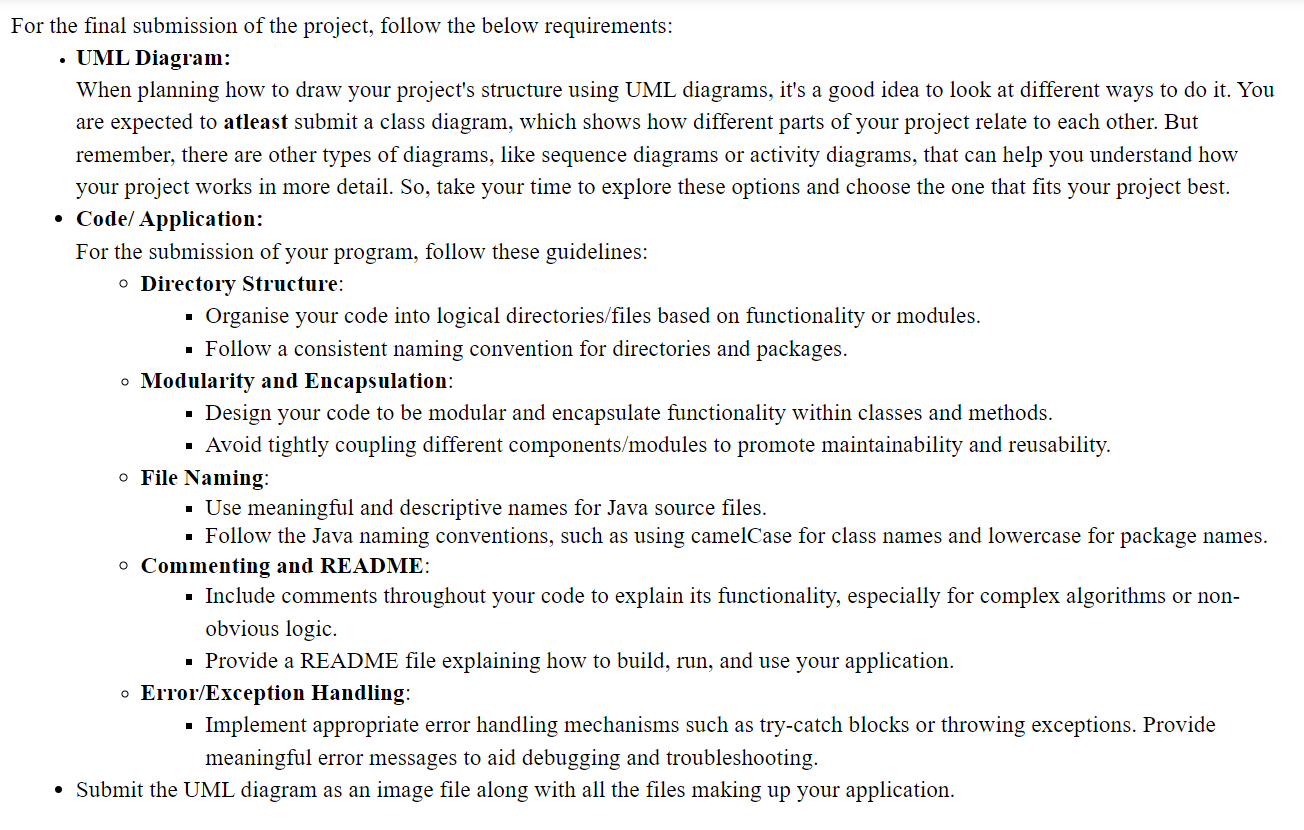
For the final submission of the project, follow the below requirements:
UML Diagram:
When planning how to draw your project's structure using UML diagrams, it's a good idea to look at different ways to do it You
are expected to atleast submit a class diagram, which shows how different parts of your project relate to each other. But
remember, there are other types of diagrams, like sequence diagrams or activity diagrams, that can help you understand how
your project works in more detail. So take your time to explore these options and choose the one that fits your project best.
Code Application:
For the submission of your program, follow these guidelines:
Directory Structure:
Organise your code into logical directoriesfiles based on functionality or modules.
Follow a consistent naming convention for directories and packages.
Modularity and Encapsulation:
Design your code to be modular and encapsulate functionality within classes and methods.
Avoid tightly coupling different componentsmodules to promote maintainability and reusability.
File Naming:
Use meaningful and descriptive names for Java source files.
Follow the Java naming conventions, such as using camelCase for class names and lowercase for package names.
@ Commenting and README:
Include comments throughout your code to explain its functionality, especially for complex algorithms or non
obvious logic.
Provide a README file explaining how to build, run, and use your application.
ErrorException Handling:
Implement appropriate error handling mechanisms such as trycatch blocks or throwing exceptions. Provide
meaningful error messages to aid debugging and troubleshooting.
Submit the UML diagram as an image file along with all the files making up your application.
Step by Step Solution
There are 3 Steps involved in it
1 Expert Approved Answer
Step: 1 Unlock

Question Has Been Solved by an Expert!
Get step-by-step solutions from verified subject matter experts
Step: 2 Unlock
Step: 3 Unlock
 Study Help