







Question: Implement a java program for online purchasing in agriculture shop for the following scenario. Create a class called Agriculture with data member name of String
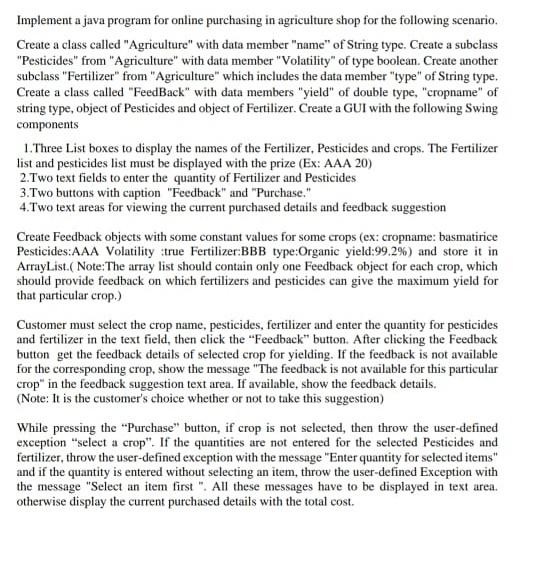
Implement a java program for online purchasing in agriculture shop for the following scenario. Create a class called "Agriculture" with data member "name" of String type. Create a subclass "Pesticides" from "Agriculture" with data member "Volatility of type boolean. Create another subclass "Fertilizer" from "Agriculture" which includes the data member "type" of String type. Create a class called "FeedBack" with data members "yield" of double type, "cropname of string type, object of Pesticides and object of Fertilizer. Create a GUI with the following Swing components 1. Three List boxes to display the names of the Fertilizer, Pesticides and crops. The Fertilizer list and pesticides list must be displayed with the prize (Ex: AAA 20) 2. Two text fields to enter the quantity of Fertilizer and Pesticides 3.Two buttons with caption "Feedback" and "Purchase." 4. Two text areas for viewing the current purchased details and feedback suggestion Create Feedback objects with some constant values for some crops (ex: cropname: basmatirice Pesticides:AAA Volatility true Fertilizer:BBB type:Organic yield:99.2%) and store it in ArrayList.(Note:The array list should contain only one Feedback object for each crop, which should provide feedback on which fertilizers and pesticides can give the maximum yield for that particular crop.) Customer must select the crop name, pesticides, fertilizer and enter the quantity for pesticides and fertilizer in the text field, then click the "Feedback" button. After clicking the Feedback button get the feedback details of selected crop for yielding. If the feedback is not available for the corresponding crop, show the message "The feedback is not available for this particular crop" in the feedback suggestion text area. If available, show the feedback details. (Note: It is the customer's choice whether or not to take this suggestion) While pressing the "Purchase" button, if crop is not selected, then throw the user-defined exception "select a crop". If the quantities are not entered for the selected Pesticides and fertilizer, throw the user-defined exception with the message "Enter quantity for selected items" and if the quantity is entered without selecting an item, throw the user-defined Exception with the message "Select an item first". All these messages have to be displayed in text area. otherwise display the current purchased details with the total cost. Implement a java program for online purchasing in agriculture shop for the following scenario. Create a class called "Agriculture" with data member "name" of String type. Create a subclass "Pesticides" from "Agriculture" with data member "Volatility of type boolean. Create another subclass "Fertilizer" from "Agriculture" which includes the data member "type" of String type. Create a class called "FeedBack" with data members "yield" of double type, "cropname of string type, object of Pesticides and object of Fertilizer. Create a GUI with the following Swing components 1. Three List boxes to display the names of the Fertilizer, Pesticides and crops. The Fertilizer list and pesticides list must be displayed with the prize (Ex: AAA 20) 2. Two text fields to enter the quantity of Fertilizer and Pesticides 3.Two buttons with caption "Feedback" and "Purchase." 4. Two text areas for viewing the current purchased details and feedback suggestion Create Feedback objects with some constant values for some crops (ex: cropname: basmatirice Pesticides:AAA Volatility true Fertilizer:BBB type:Organic yield:99.2%) and store it in ArrayList.(Note:The array list should contain only one Feedback object for each crop, which should provide feedback on which fertilizers and pesticides can give the maximum yield for that particular crop.) Customer must select the crop name, pesticides, fertilizer and enter the quantity for pesticides and fertilizer in the text field, then click the "Feedback" button. After clicking the Feedback button get the feedback details of selected crop for yielding. If the feedback is not available for the corresponding crop, show the message "The feedback is not available for this particular crop" in the feedback suggestion text area. If available, show the feedback details. (Note: It is the customer's choice whether or not to take this suggestion) While pressing the "Purchase" button, if crop is not selected, then throw the user-defined exception "select a crop". If the quantities are not entered for the selected Pesticides and fertilizer, throw the user-defined exception with the message "Enter quantity for selected items" and if the quantity is entered without selecting an item, throw the user-defined Exception with the message "Select an item first". All these messages have to be displayed in text area. otherwise display the current purchased details with the total cost
Step by Step Solution
There are 3 Steps involved in it

Get step-by-step solutions from verified subject matter experts
 Study Help