







Question: Implement the one-bit adder as a sub-circuit in Logisim. You can create a sub-circuit by going Project Add Circuit to create a circuit. Give it
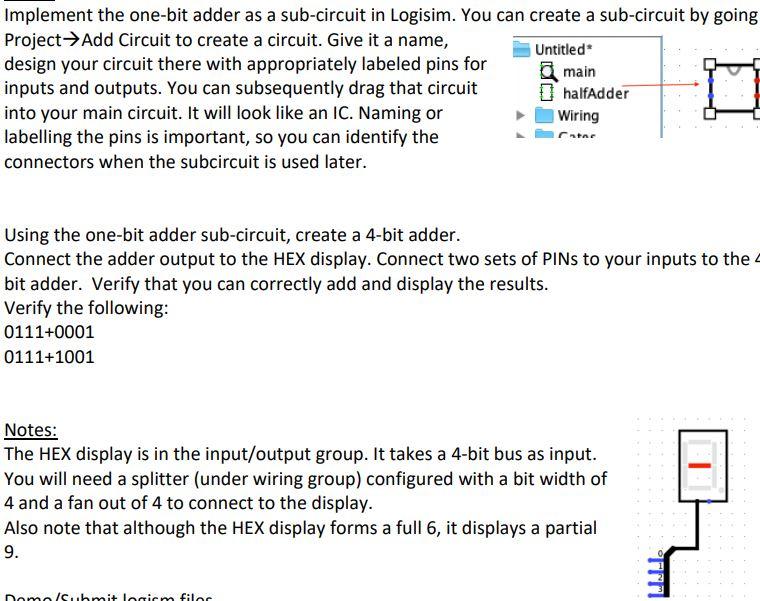
Implement the one-bit adder as a sub-circuit in Logisim. You can create a sub-circuit by going Project Add Circuit to create a circuit. Give it a name, Untitled design your circuit there with appropriately labeled pins for main inputs and outputs. You can subsequently drag that circuit halfAdder into your main circuit. It will look like an IC. Naming or Wiring labelling the pins is important, so you can identify the Catar connectors when the subcircuit is used later. 0 Using the one-bit adder sub-circuit, create a 4-bit adder. Connect the adder output to the HEX display. Connect two sets of PINs to your inputs to the bit adder. Verify that you can correctly add and display the results. Verify the following: 0111+0001 0111+1001 Notes: The HEX display is in the input/output group. It takes a 4-bit bus as input. You will need a splitter (under wiring group) configured with a bit width of 4 and a fan out of 4 to connect to the display. Also note that although the HEX display forms a full 6, it displays a partial 9. Domo/submit logiem filoc
Step by Step Solution
There are 3 Steps involved in it

Get step-by-step solutions from verified subject matter experts
 Study Help