







Question: Implement the Quick Sort algorithm in an object named QSort. The user should be able to do the following to sort a list of numbers
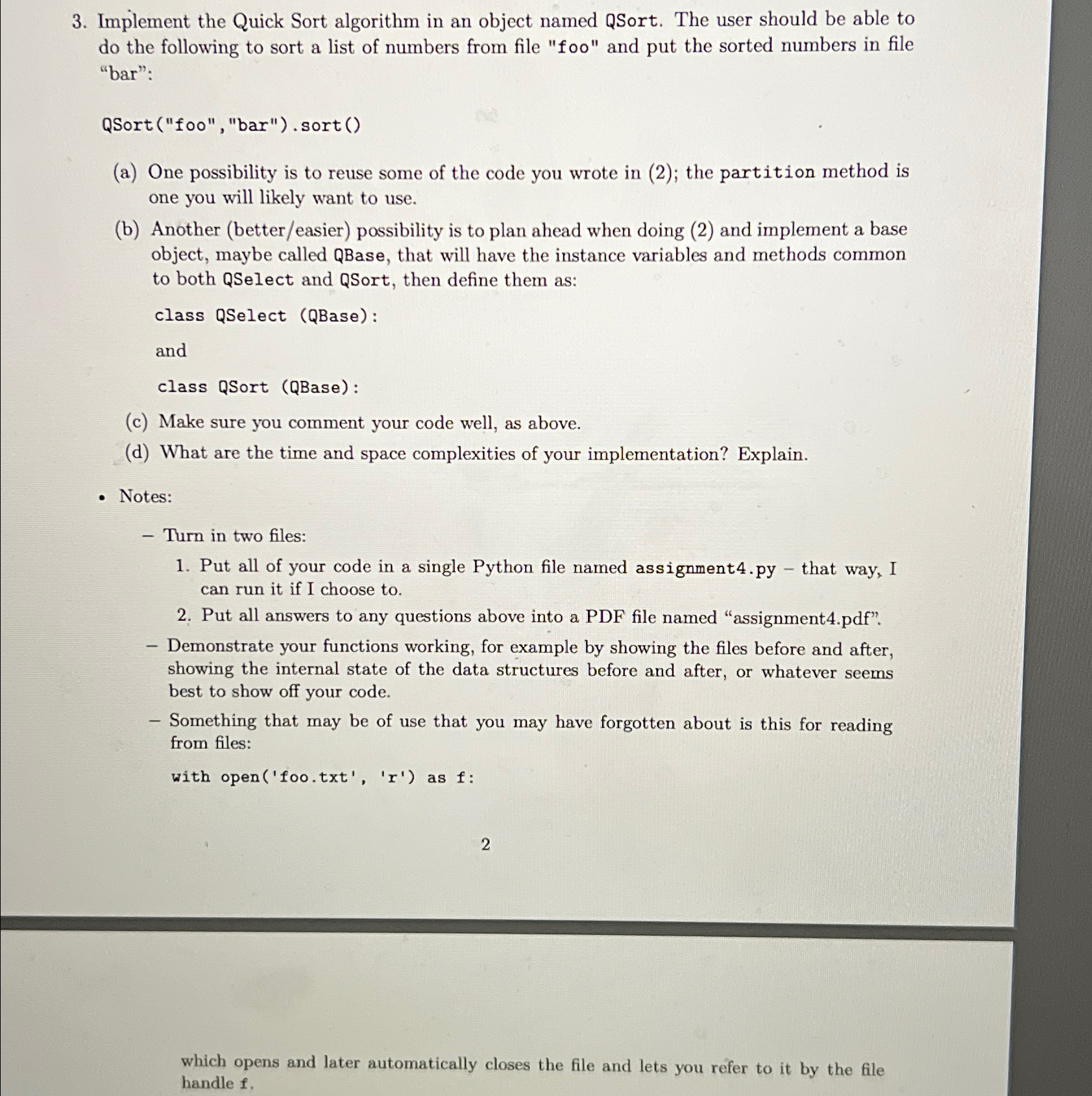
Implement the Quick Sort algorithm in an object named QSort. The user should be able to do the following to sort a list of numbers from file "foo" and put the sorted numbers in file "bar":
QSortfoo "bar"sort
a One possibility is to reuse some of the code you wrote in ; the partition method is one you will likely want to use.
b Another bettereasier possibility is to plan ahead when doing and implement a base object, maybe called QBase, that will have the instance variables and methods common to both QSelect and QSort, then define them as:
class QSelect QBase:
and
class QSort QBase:
c Make sure you comment your code well, as above.
d What are the time and space complexities of your implementation? Explain.
Notes:
Turn in two files:
Put all of your code in a single Python file named
assignmentpy that way, I can run it if I choose to
Put all answers to any questions above into a PDF file named "assignmentpdf
Demonstrate your functions working, for example by showing the files before and after, showing the internal state of the data structures before and after, or whatever seems best to show off your code.
Something that may be of use that you may have forgotten about is this for reading from files:
with openfootxtr as :
which opens and later automatically closes the file and lets you refer to it by the file handle
Step by Step Solution
There are 3 Steps involved in it
1 Expert Approved Answer
Step: 1 Unlock

Question Has Been Solved by an Expert!
Get step-by-step solutions from verified subject matter experts
Step: 2 Unlock
Step: 3 Unlock
 Study Help