







Question: Implement the Searcher class's ( binary _ search ( ) method in the Searcher.py file. The method performs a binary search on the sorted list
Implement the Searcher class's binarysearch method in the
Searcher.py file. The method performs a binary search on the sorted list second parameter for the key third parameter binarysearch returns the key's index if found, if not found.
Compare a list element to the key using the compare method of the constructor retums an integer: object passed as a parameter of the Searcher's
greater than if
less than if
equal
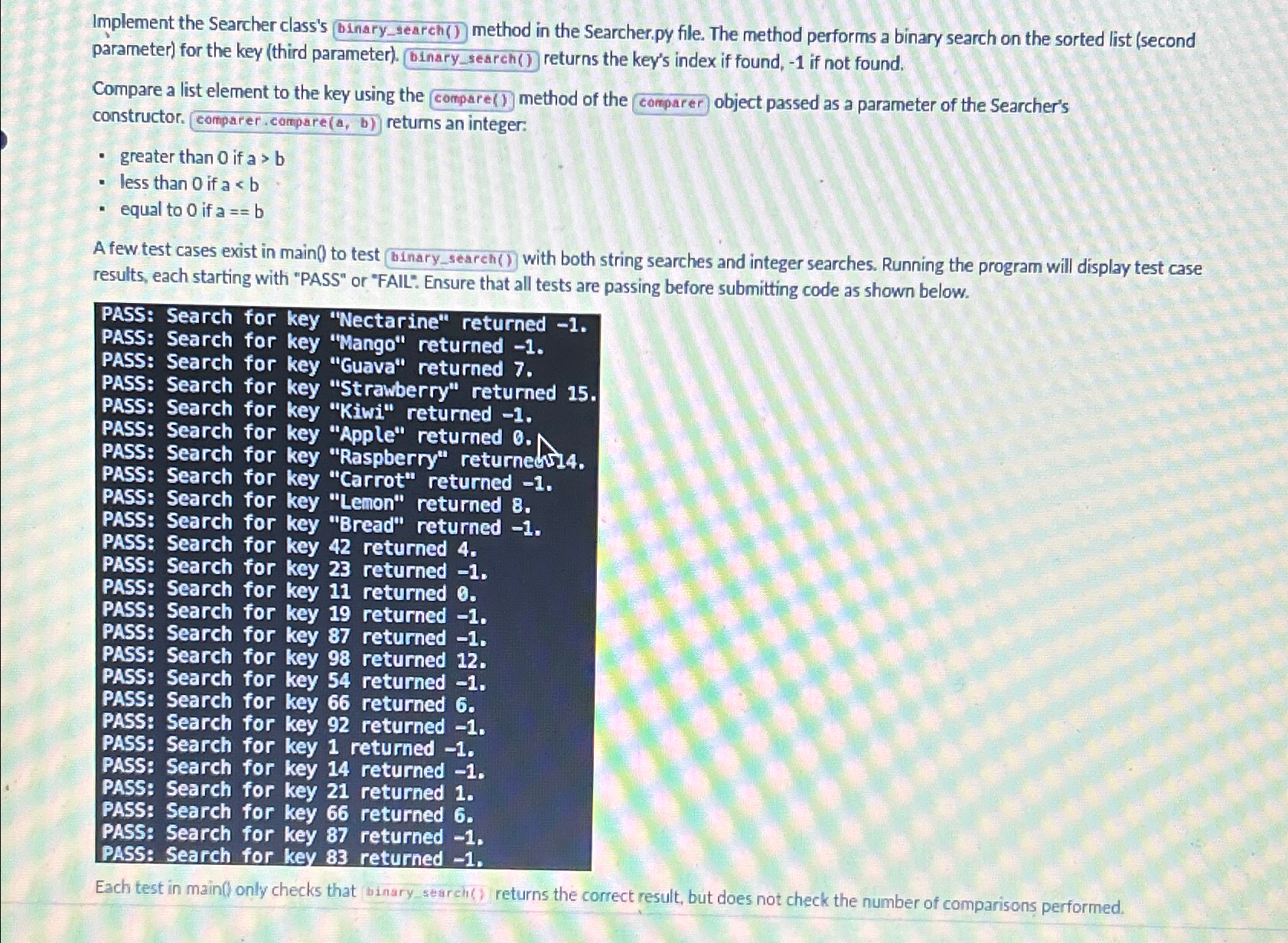
A few test cases exist main test with both string searches and integer searches. Running the program will display test case results, each starting with "PASS" "FAIL": Ensure that all tests are passing before submitting code shown below.
PASS: Search for key "Nectarine" returned
PASS: Search for key "Mango" returned
PASS: Search for key "Guava" returned
PASS: Search for key "Strawberry" returned
PASS: Search for key "Kiwi" returned
PASS: Search for key "Apple" returned
PASS: Search for key "Raspberry" returned
PASS: Search for key "Carrot" returned
PASS: Search for key "Lemon" returned
PASS: Search for key "Bread" returned
PASS: Search for key returned
PASS: Search for key returned
PASS: Search for key returned
PASS: Search for key returned
PASS: Search for key returned
PASS: Search for key returned
PASS: Search for key returned
PASS: Search for key returned
PASS: Search for key returned
PASS: Search for key returned
PASS: Search for key returned
PASS: Search for key returned
PASS: Search for key returned
PASS: Search for key returned
Each test main only checks that binary seareh returns the correct result, but does not check the number comparisons performed.
Step by Step Solution
There are 3 Steps involved in it
1 Expert Approved Answer
Step: 1 Unlock

Question Has Been Solved by an Expert!
Get step-by-step solutions from verified subject matter experts
Step: 2 Unlock
Step: 3 Unlock
 Study Help