







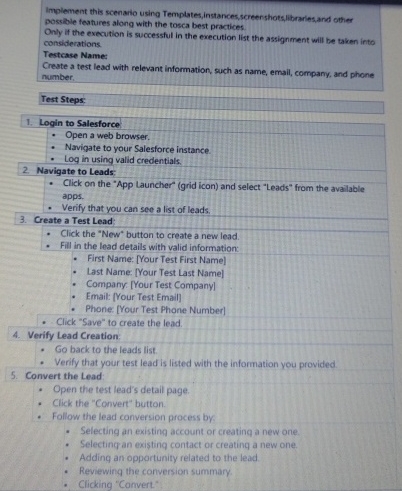
Question: Implement this scenario using Templates, instances,screenshots,libraries, and other possible features along with the tosca best practices. Only if the execution is successful in the execution
Implement this scenario using Templates, instances,screenshots,libraries, and other possible features along with the tosca best practices.
Only if the execution is successful in the execution list the assignment will be taken into considerations.
Testcare Name:
Create a test lead with relevant information, such as name, email, company, and phone namber:
Test Steps:
Login to Salesforce:
Open a web browser.
Navigate to your Salesforce instance.
Log in using valid credentials.
Navigate to Leads:
Click on the "App Launcher" grid icon and select "Leads" from the avallable apps.
Verify that you can see a list of leads.
Create a Test Lead:
Click the "New" button to create a new lead.
Fill in the lead details with valid information:
First Name: Your Test First Name
Last Name Your Test Last Name
Company. Your Test Company
Email: Your Test Email
Phone: Your Test Phone Number
Click "Save" to create the lead.
Verify Lead Creation:
Go back to the leacls list.
Verify that your test lead is Isted with the information you provided.
Convert the Lead:
Open the test tead's detail page
Click the "Convert" button.
Follow the lead conversion process by
Selecting an existing account or creating a new one.
Selecting an existing contact or creatinq a new one.
Adding an opportunity related to the lead.
Revewing the conversion summary.
Clicking "Convert"
Step by Step Solution
There are 3 Steps involved in it
1 Expert Approved Answer
Step: 1 Unlock

Question Has Been Solved by an Expert!
Get step-by-step solutions from verified subject matter experts
Step: 2 Unlock
Step: 3 Unlock
 Study Help