







Question: import java.util.Scanner; public class Question03 { public static void halveString(String str) { // to complete } public static double getMin() { // to complete }
import java.util.Scanner;
public class Question03 {
public static void halveString(String str) {
// to complete
}
public static double getMin() {
// to complete
}
public static double getMax() {
// to complete
}
public static boolean guessNumber(int min, int max) {
// to complete
}
public static void main(String[] args) {
// to complete
}
}
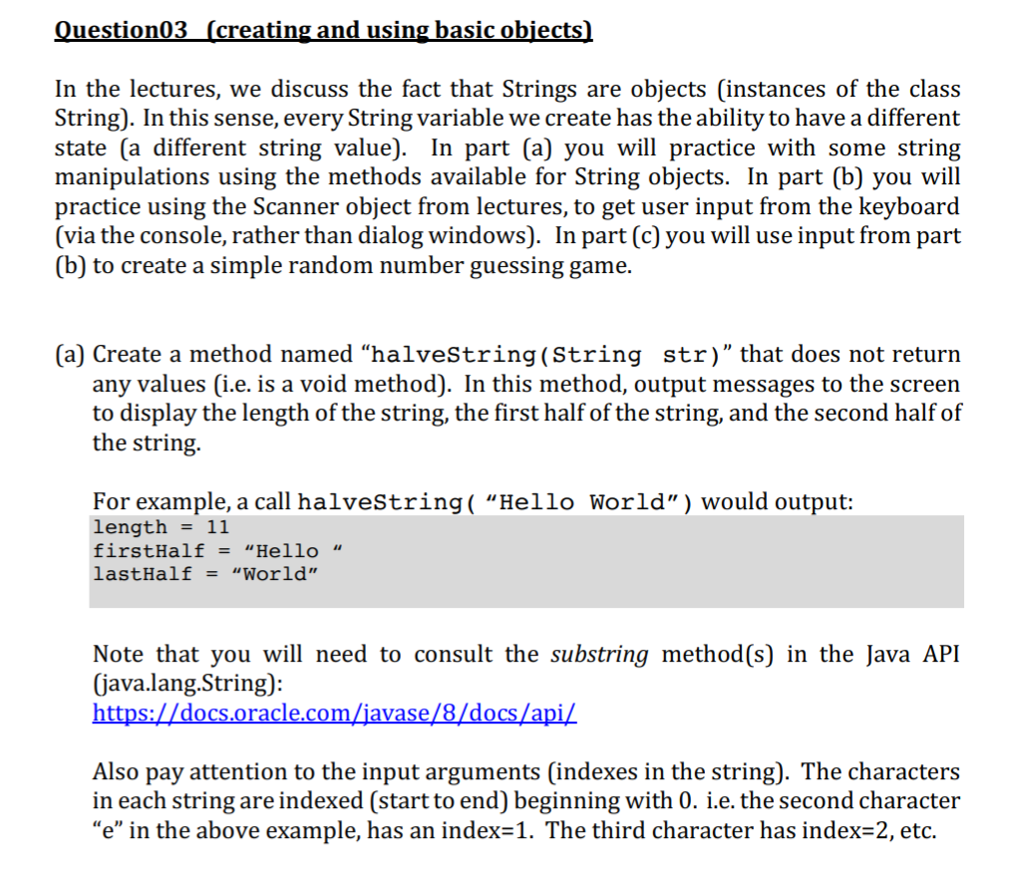
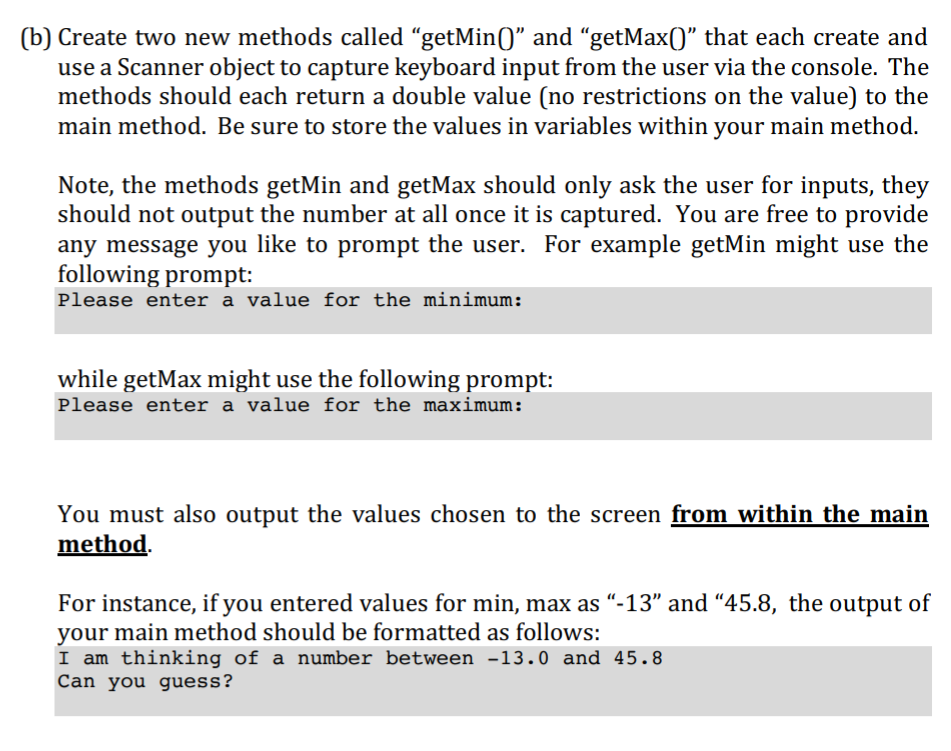
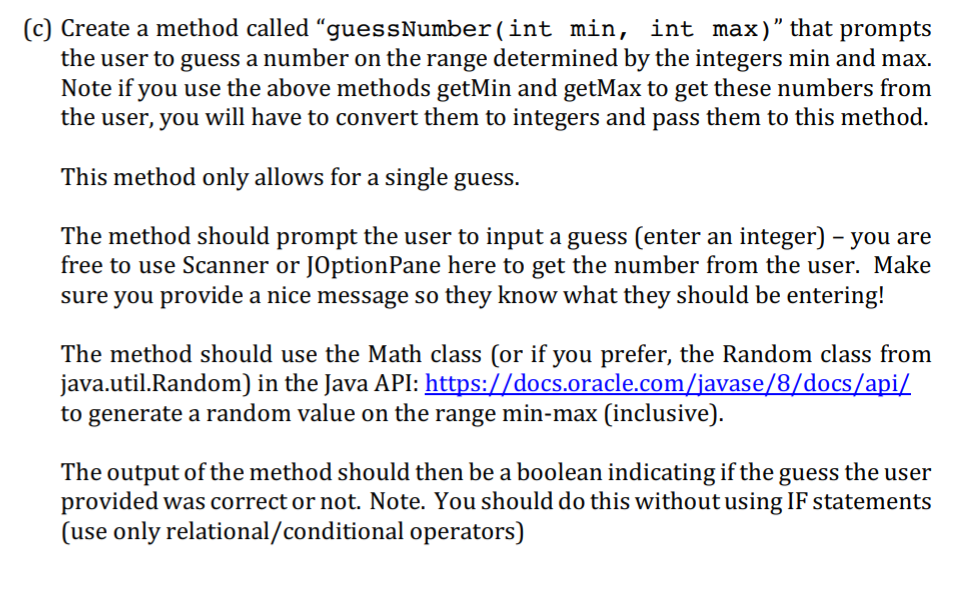
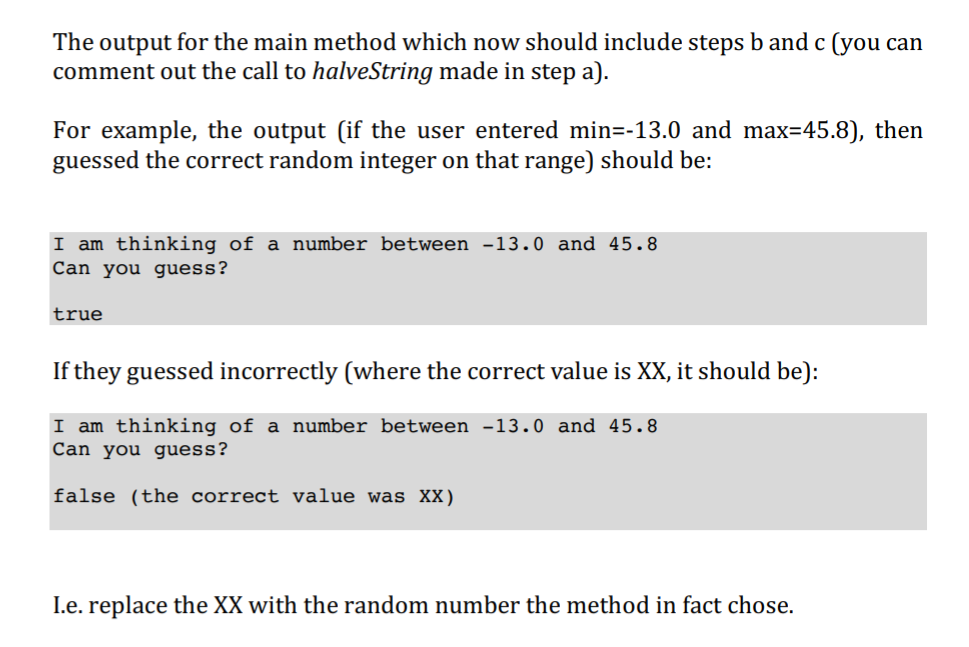
uestion03 (creating and using basic obiects In the lectures, we discuss the fact that Strings are objects (instances of the class String). In this sense, every String variable we create has the ability to have a different state (a different string value). In part (a) you will practice with some string manipulations using the methods available for String objects. In part (b) you will practice using the Scanner object from lectures, to get user input from the keyboard (via the console, rather than dialog windows). In part (c) you will use input from part (b) to create a simple random number guessing game. (a) Create a method named "halveString(String str)" that does not return any values (i.e. is a void method). In this method, output messages to the screen to display the length of the string, the first half of the string, and the second half of the string. For example, a call halveString( "Hello World") would output: length-11 firstHalf- Hello lastHalf-"World" Note that you will need to consult the substring method(s) in the Java AFI (java.lang.String): Also pay attention to the input arguments (indexes in the string). The characters in each string are indexed (start to end) beginning with 0. i.e. the second character e" in the above example, has an index-1. The third character has index-2, etc
Step by Step Solution
There are 3 Steps involved in it

Get step-by-step solutions from verified subject matter experts
 Study Help